
Manage Credential Risk
The Impact of Workforce Turnover on Access Control Operations
Workforce turnover strains multi-site security. During restructuring, slow updates cause critical security gaps. Late onboarding forces employees to share credentials, while delayed offboarding leaves facilities vulnerable.
The Brivo Security Suite syncs your employee access control and video surveillance systems. It captures door events in real time and uses AI-driven features, like Face Match, to flag unauthorized entry, securing your property instantly.
Manage Employee Access Control and Video in One Place
With employee access control systems, the goal is simple: issue access quickly, reduce exposure when roles change, revoke access efficiently if an employee departs or is terminated, and keep clear evidence when something needs review.
Pre-start provisioning
Provision access before day one and set start dates so new hires are ready on arrival. Employees enter with the correct credentials, and the video provides visual context when questions arise or when biometric access is used. Logs capture issuance, activation time, and door activity by user.
Badge pickup and first-day verification
Define where pickup happens and which doors work on day one and provide biometric facial access with Brivo Door Station. Employees get predictable entry, while video can help confirm activity. The system generates a tamper-proof audit history showing the first use, access events, and any exceptions within that window.
Mobile issuance for distributed teams
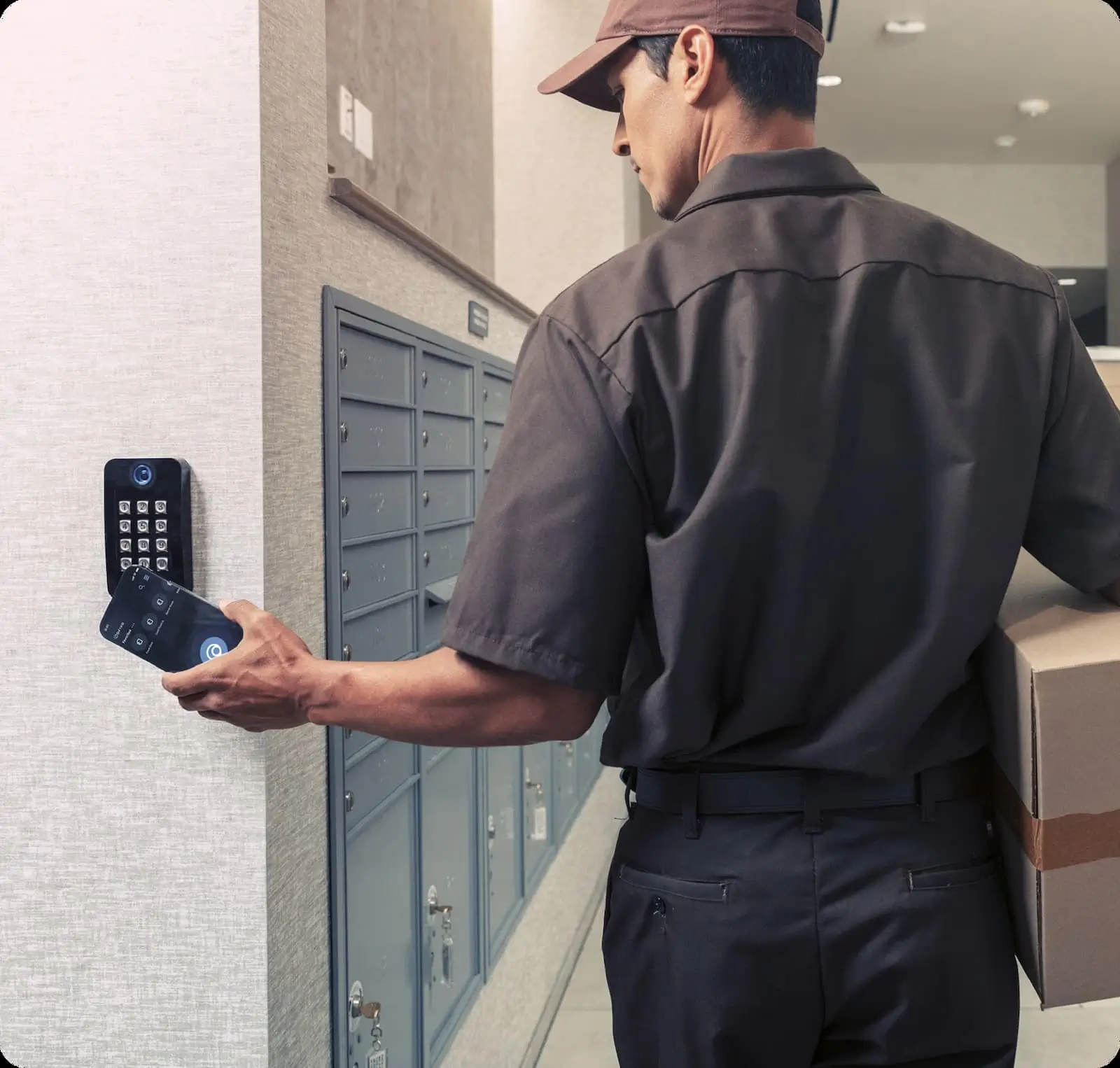
Zero-touch provisioning removes the logistical bottleneck of printing and mailing physical badges. Employees can then use their phones to enter, and the linked video helps speed up incident review when access needs to be verified. Reports track credential changes and related door events.
Shift-based access and temporary projects
Apply schedules by role, shift, and location, and grant short-term access for project windows. Employees get access that matches their assignment, while integrated video helps security teams audit movement through high-risk zones.
Contractors, vendors, and visitors with defined start and end times
By integrating workforce access management, admins can keep guest and contractor access strictly time-bound, reducing the risk of “stale” permissions lingering after a project ends. Visitors enter only approved areas, and video supports clearer timelines if an incident or dispute is reported later.
Access Lifecycle Control
Management Across Joiners, Role Changes, and Leavers
Turnover is manageable when you treat access as a lifecycle. The goal is to issue the right credentials quickly, adjust them as roles change, and remove access when employment ends. By syncing with your HR or identity system as the source of truth, updates no longer require manual catch-up.

Provision access ahead of start dates so new hires can enter on day one.
Apply role- and location-based rules so people can access only what their jobs require.
Update permissions as roles change to reduce permission creep and exceptions.
Set temporary project access with start and end times for short-term needs.
Offboard quickly to reflect employment status and reduce risk.
Identify disgruntled terminated employees' faces
Review access and export event history with linked video to document exceptions and corrective actions.
Centralized Operations
Workplace Safety, Access Control, and Video Surveillance
Brivo Security Suite supports employee access control for doors and credentials, as well as reporting, across multi-location operations.
- Use event-based alerts for propped doors, tailgating, and more to flag issues early.
- Add integrated gun detection to support a faster emergency response.
- Issue mobile credentials, cards, and fobs so you can match them to the workflow, and revoke access fast when status changes.
- Provide contractors and visitors with temporary access with set start and end times.
- Sync identities from Microsoft Entra ID, Okta, and Google Workspace, so directory updates drive physical access permissions in real time.
- Link access events to video and export reports, so investigations start with the door event and include visual evidence.
Why Brivo for Workforce Turnover
Workforce turnover creates avoidable risk when access changes lag behind hiring, role changes, and terminations. By unifying access events, video, and intrusion alarms into a single workflow, teams can instantly validate activity from a single dashboard without cross-referencing multiple tools.
Common Questions About Security and Workforce Turnover
How do employee access control systems support automatic offboarding?
If your access system can sync with an authoritative directory, HR-driven status changes can flow into physical access policies. When a user is disabled or removed upstream, access can be revoked quickly across doors and locations. That shrinks the window between an HR change and a door-access change, where most offboarding risk shows up.
This is helpful when an organizational restructuring involves many individuals or when organizations with high turnover rates require frequent offboarding.
What reports should security teams export for audits and investigations?
Security teams can export:
- Access event history by user, groups, sites, door, and time window.
- Employee attendance in certain sites.
- Door schedules.
- Administrative changes such as credential issuance, revocations, and role or group updates.
If the video is tied to door events, include the linked clips or event references for the incident timeline.
How do you provide access for temporary staff across multiple sites?
Use group-based access tied to roles, locations, and shifts. Then set the start and end dates so access expires automatically. Keep oversight centralized, so changes don’t depend on local handoffs. Review exceptions weekly to ensure temporary access doesn’t linger.
How long should you keep access control logs?
Keep logs in accordance with internal policy and any regulatory, contractual, or insurance requirements. Many teams use longer retention for higher-risk doors or sites and shorter retention for low-risk areas, as long as it still supports investigations and audit reviews.
Retention depends on your subscription tier and any additional retention options you may have purchased:
- Standard Edition: 1 year
- Professional Edition: 2 years
- Enterprise Edition: 3 years
You can also purchase additional retention years (up to 7 years total) through your Brivo Reseller. Additionally, administrators with the appropriate permissions can set a custom retention period (for example, a specific number of days) to align with your organization’s policies. The minimum retention period you can set is 4 days.
After the retention period expires, logs are permanently deleted and cannot be recovered, so it is recommended to export any data you wish to keep before reducing your retention period.
How do I ensure disgruntled employees do not steal company equipment?
Start with immediate offboarding so credentials stop working as soon as employment ends. Then, use the video linked to the door activity to review exits around loading areas, storage rooms, and other high-risk doors. Clear records make it easier to confirm what happened and respond quickly. You can also create custom watchlists with Face Match to set up alerts if cameras spot anyone who matches images/video you’ve added to that list.
How do I ensure that a previous employee does not tailgate?
Use entry controls that reduce propped doors and monitor high-traffic entrances. Video at primary entries helps teams spot tailgating patterns and confirm who entered.
How do I ensure that an authorized employee is entering, and not someone using their credentials?
Pair door access events with the doorway video to confirm that the person entering matches the credential used. For higher-risk areas, add stronger policies such as second-factor entry where configured. Consistent monitoring and periodic reviews help reinforce accountability.