

Video Surveillance Networking and Storage for Business Security
Bridges, CMVRs, and Switches
Security Camera Cloud Storage for Retention and Investigations
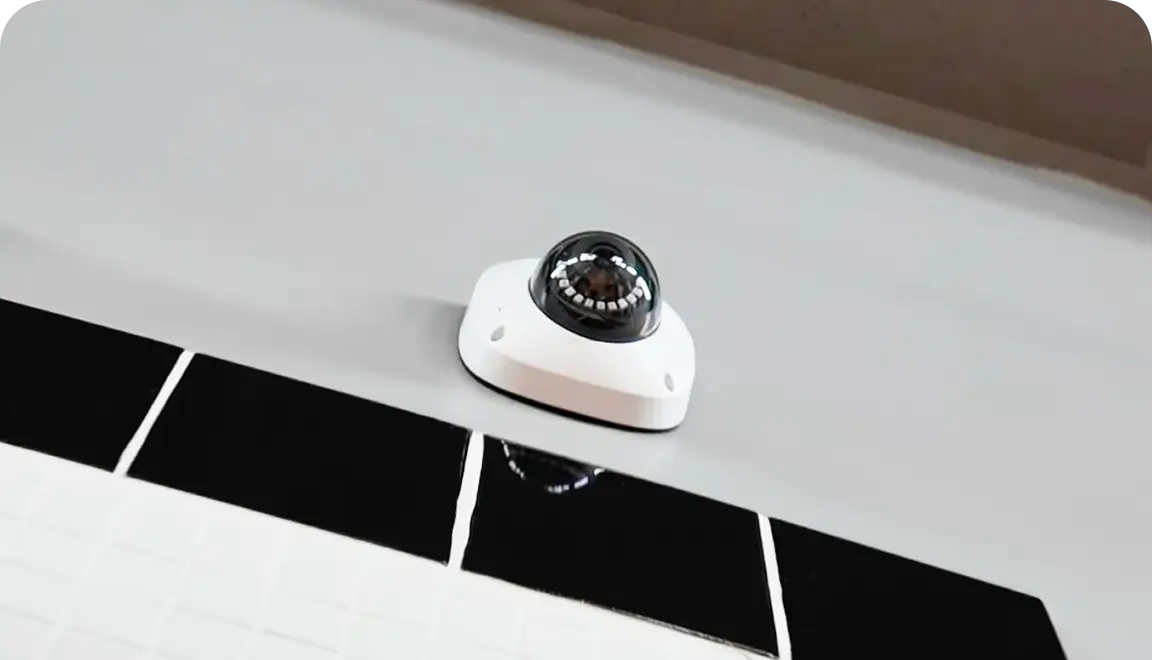
Security camera cloud storage is the off-site layer that keeps video available when your team needs it most. In a Brivo deployment, either a bridge or a cloud-managed video recorder (CMVR) connects cameras to the cloud and manages encrypted video flow. A CMVR also adds on-site recording. Switches keep cameras and network devices powered and connected.
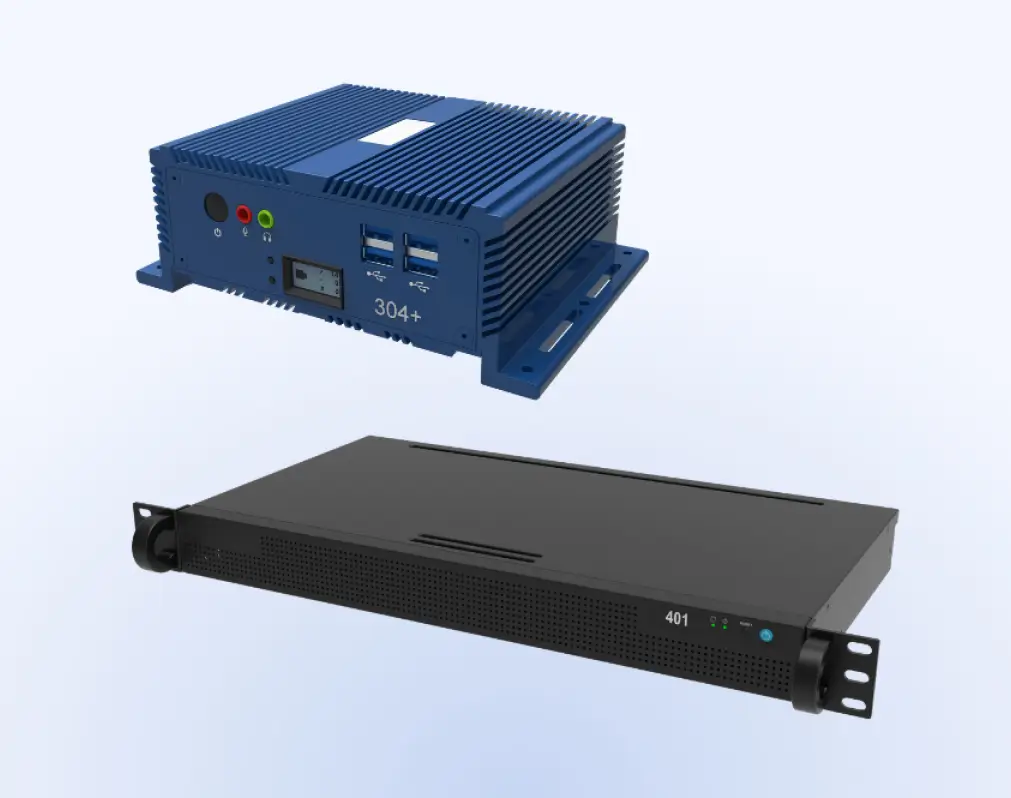
Bridges serve as the intelligent gateway, buffering and encrypting video for 100% cloud storage. CMVRs provide the best of both worlds, offering on-site storage for high-bandwidth environments while mirroring critical footage to the cloud for redundancy. High-performance PoE switches provide the backbone, ensuring both power and data flow remain uninterrupted.
Cloud-Managed Video
Benefits of Cloud-Managed Security and Video Surveillance Systems
Brivo Security Suite connects cloud-managed video, access, and alarms into one operating environment. So teams can manage storage, investigations, and visibility without stitching together disconnected tools.
Remote access without local dependency
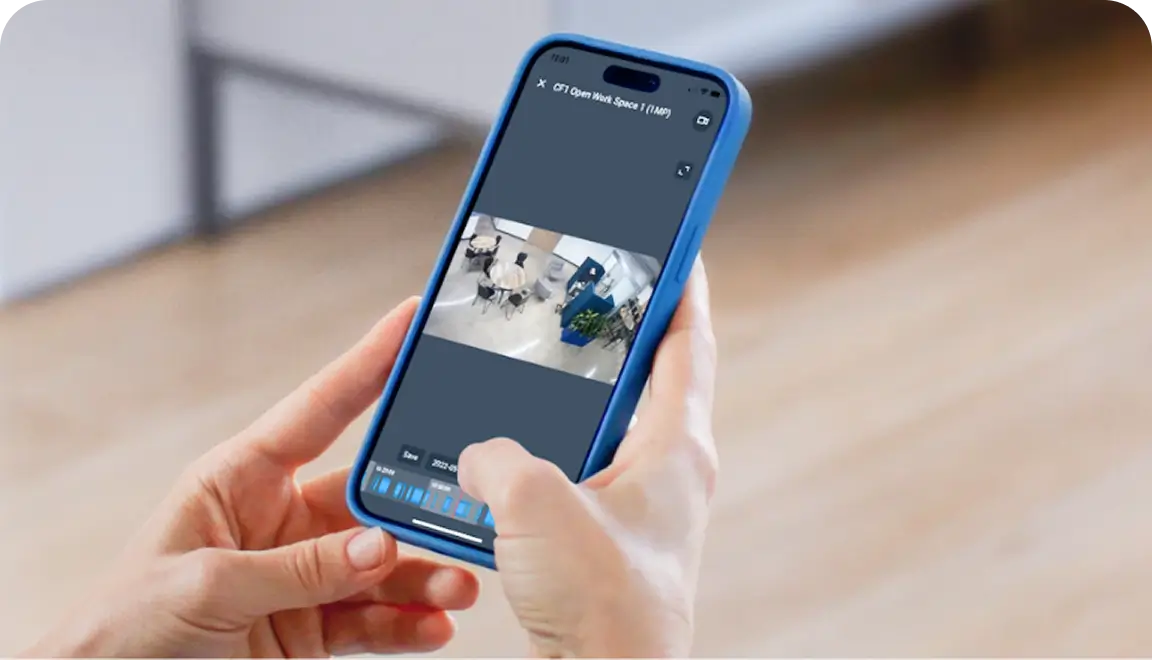
Cloud video surveillance storage allows authorized users to review footage, investigate events, and support locations without being tied to an on-site recorder.
Simpler retention management
Storage policies can be applied across cameras and locations within a single system, and you can set storage/retention policies per camera. This helps teams keep footage aligned with business and compliance needs.
Faster evidence sharing
Cloud storage makes it easier to search, export, and share clips when security teams need to respond quickly.
Better multi-location control
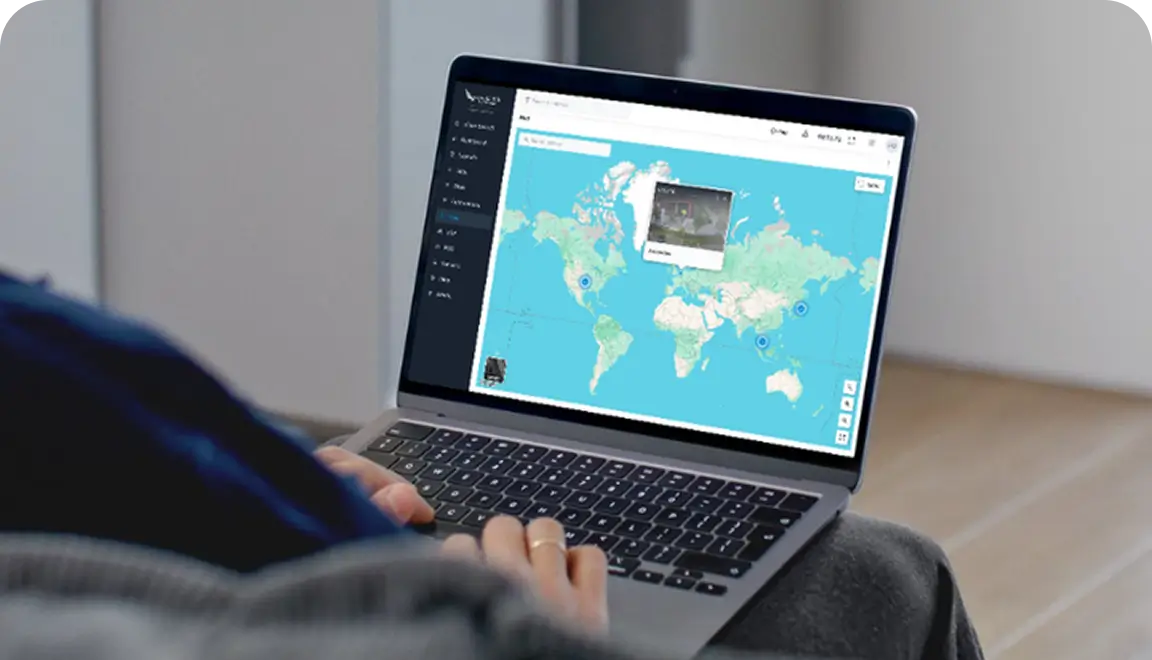
Teams can oversee cameras, policies, and users across many locations without rebuilding the system for each one.
Stronger visibility and role-based access
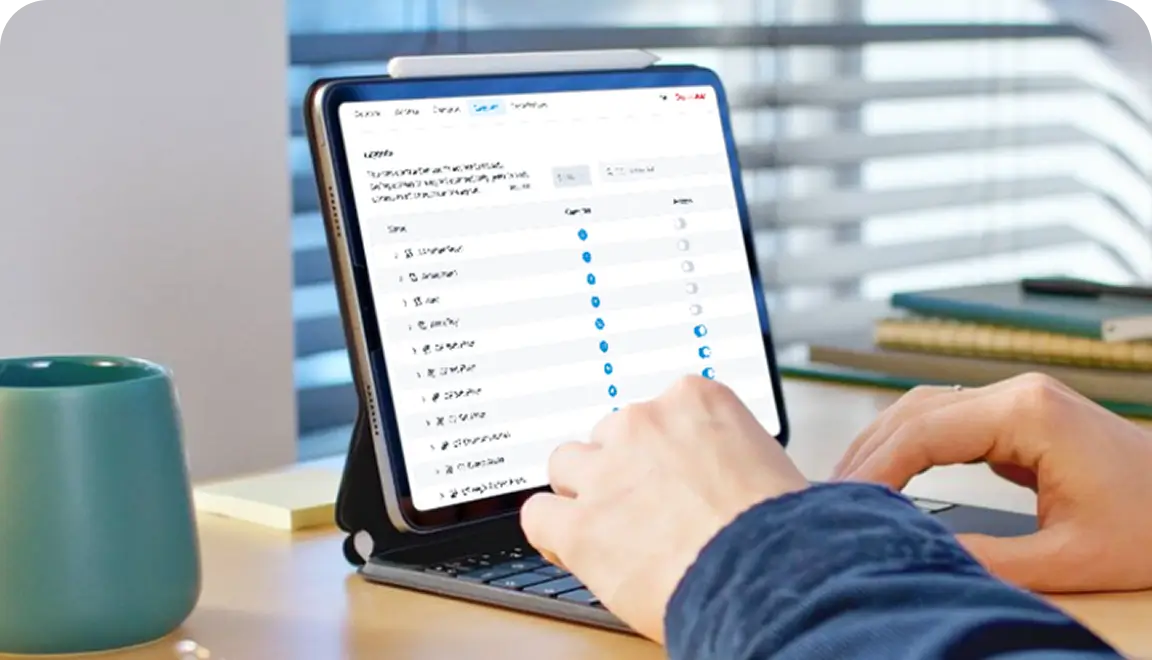
Admins can see system health, control who can view footage, and protect stored video with secure permissions.
More resiliency during outages
Buffering, caching, edge recording, and hybrid continuity options help keep video available when internet connections drop or conditions change.
Adaptable and Scalable
Choosing a Security System Storage Model
The right storage model depends on how your teams access video, how your network performs, and what level of resiliency each location needs. For most buyers, the core decision comes down to bridge vs. CMVR, with some environments benefiting from a hybrid approach.
How long do you need to retain video?
Start with your incident patterns, policy requirements, and the actual time teams need video available for review.
How often do teams investigate remotely?
If security or IT needs fast off-site access, prioritize cloud-based retrieval and evidence sharing across locations.
What does your bandwidth look like at each site?
Stable connections usually support a bridge well, while lower-bandwidth locations may point to a CMVR for local-first recording.
Bridge or CMVR?
Choose a bridge for a “pure cloud” experience where all video is stored off-site. Choose a CMVR when you need large amounts of local storage for high-resolution cameras or have limited upstream bandwidth.
Do you need hybrid resiliency?
Evaluate whether local backup, edge recording, or a cloud-plus-local model is the right fit to maintain remote access and continuity during outages.
How many locations will this system need to support next year?
Storage decisions should hold up as the number of cameras, users, and sites increases over time.
Hardware
Brivo Eagle Eye Bridges, CMVRs, and Switches
Brivo connects its cloud platform to supported commercial door locks and readers from other manufacturers, so you can manage who gets in without worrying about the hardware.
Bridges
On-premises devices used by Brivo Eagle Eye Video to connect cameras to our cloud data centers. They enable you to receive and analyze video, provide on-premises buffering for bandwidth management, and encrypt transmission to the cloud.
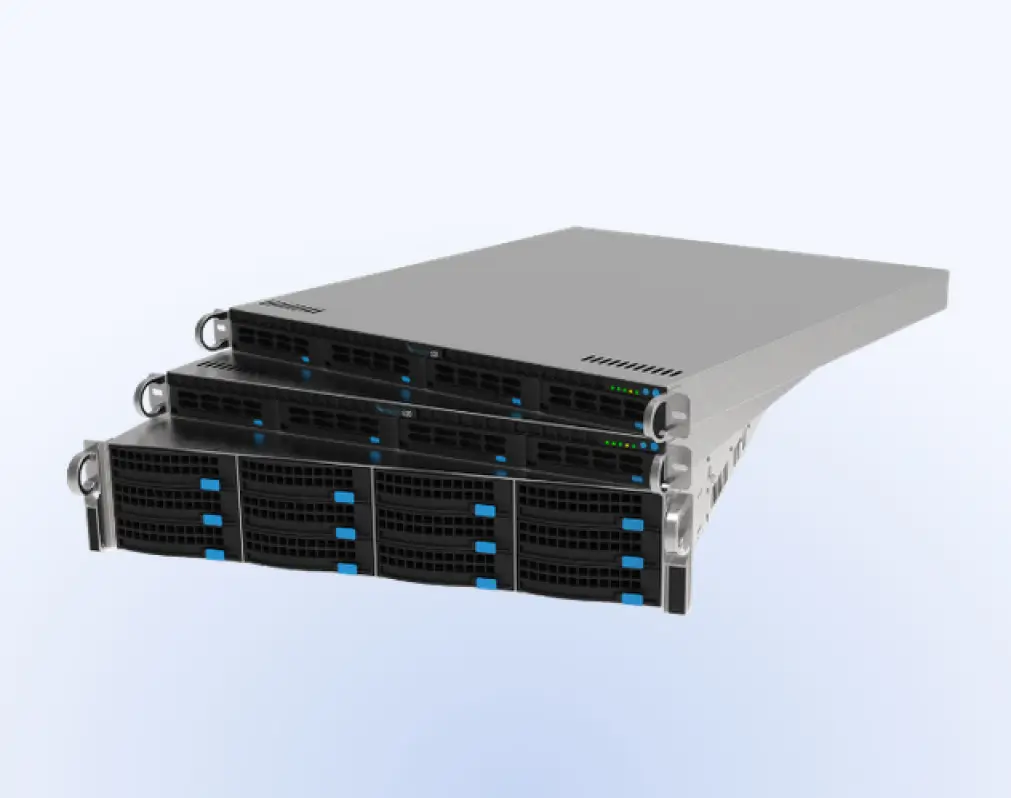
CMVRs
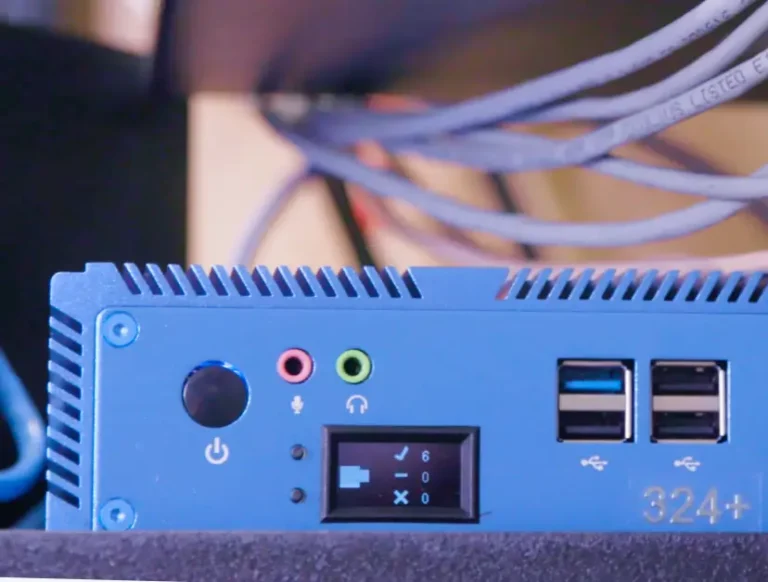
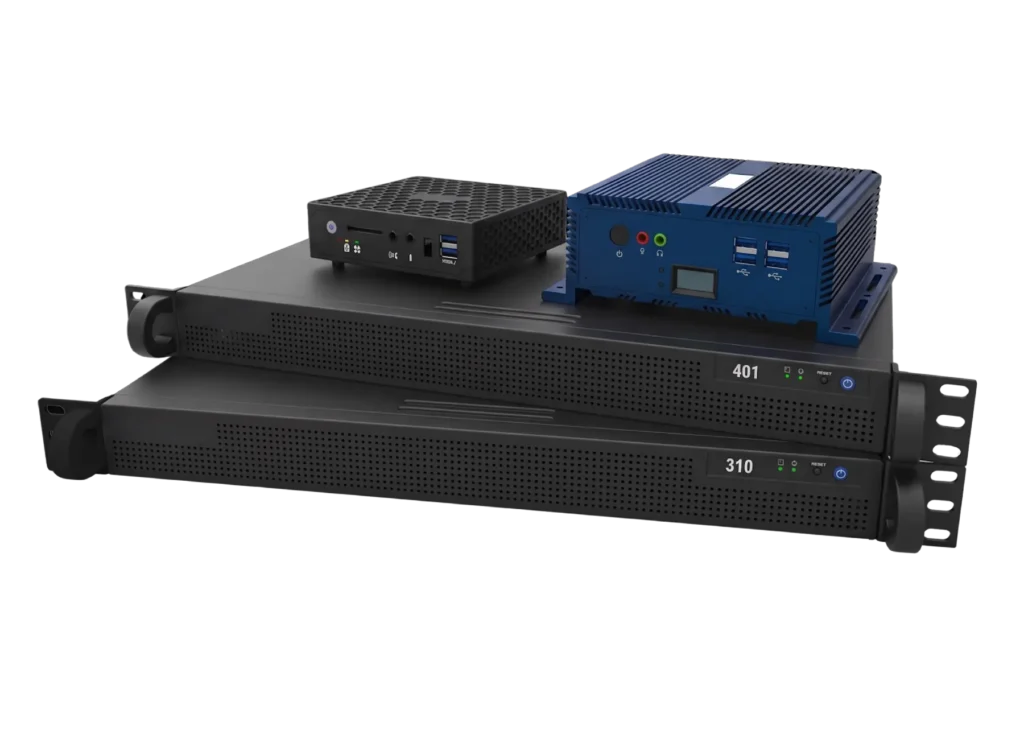
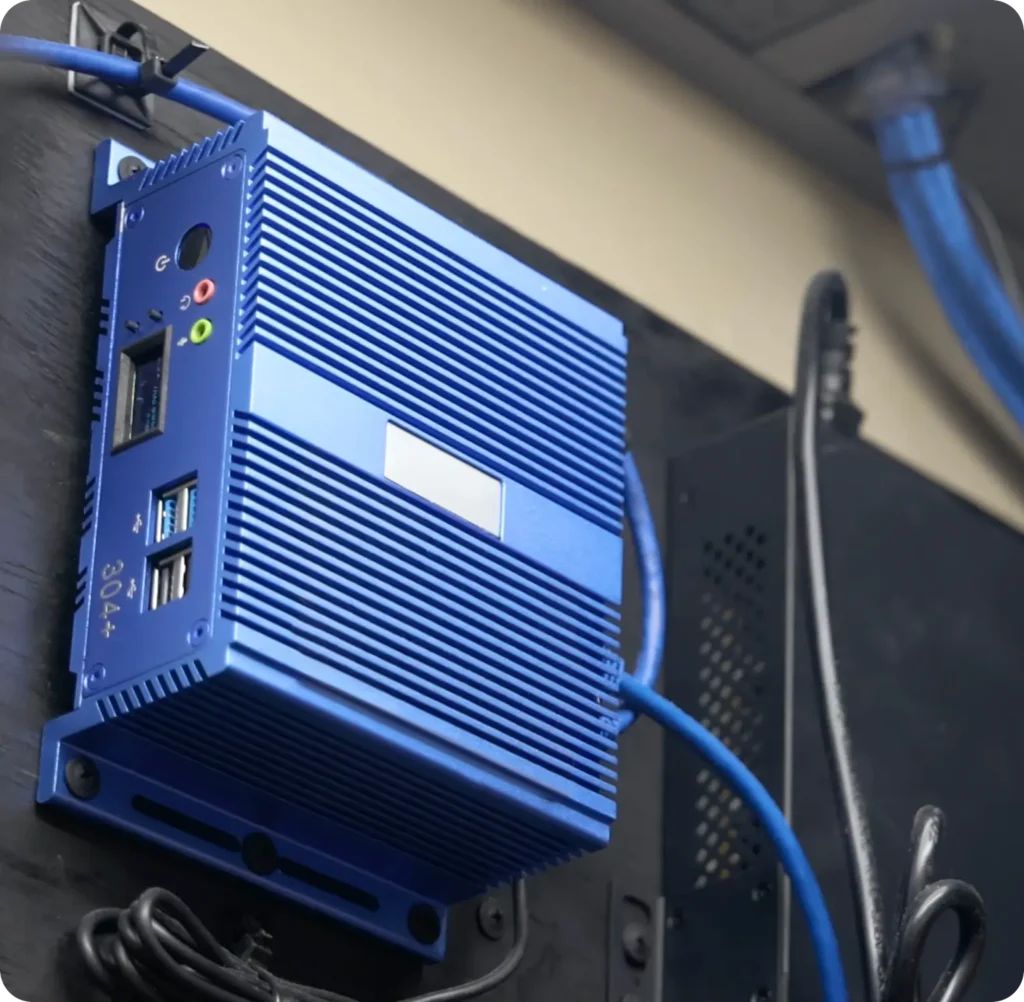
Cloud-Managed Video Recorders address bandwidth challenges and redundant storage needs. Like a bridge, it’s a local device that connects cameras to the cloud while also storing video locally. We offer a full range of CMVRs from compact to enterprise.
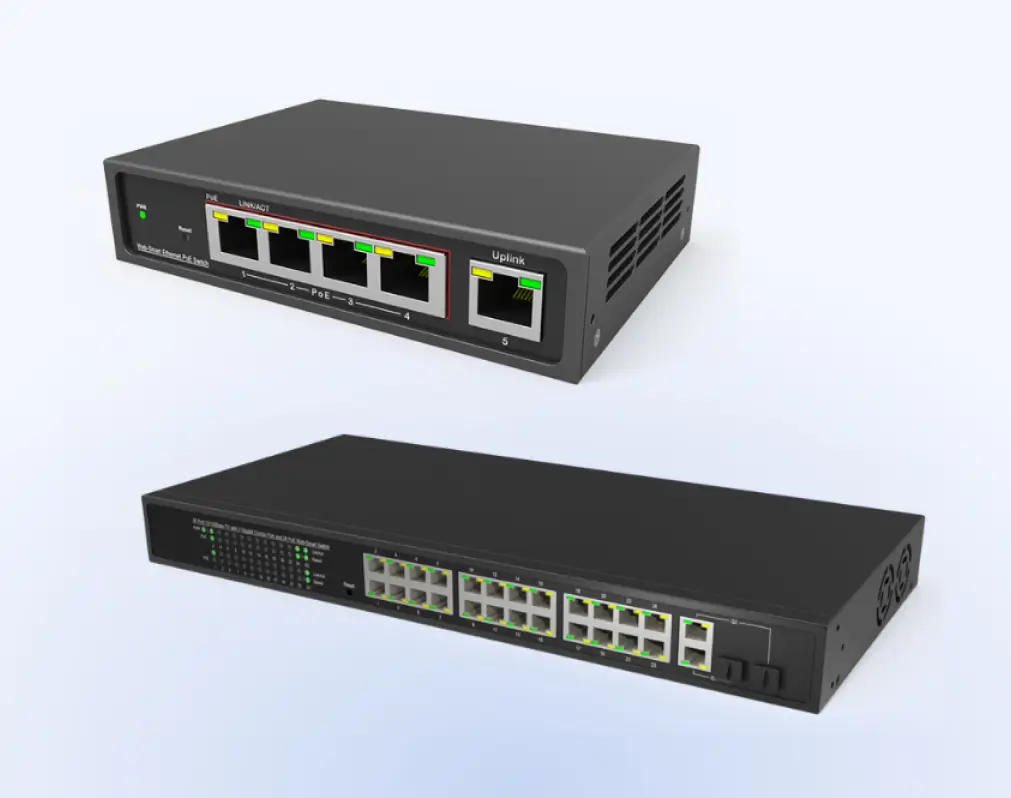
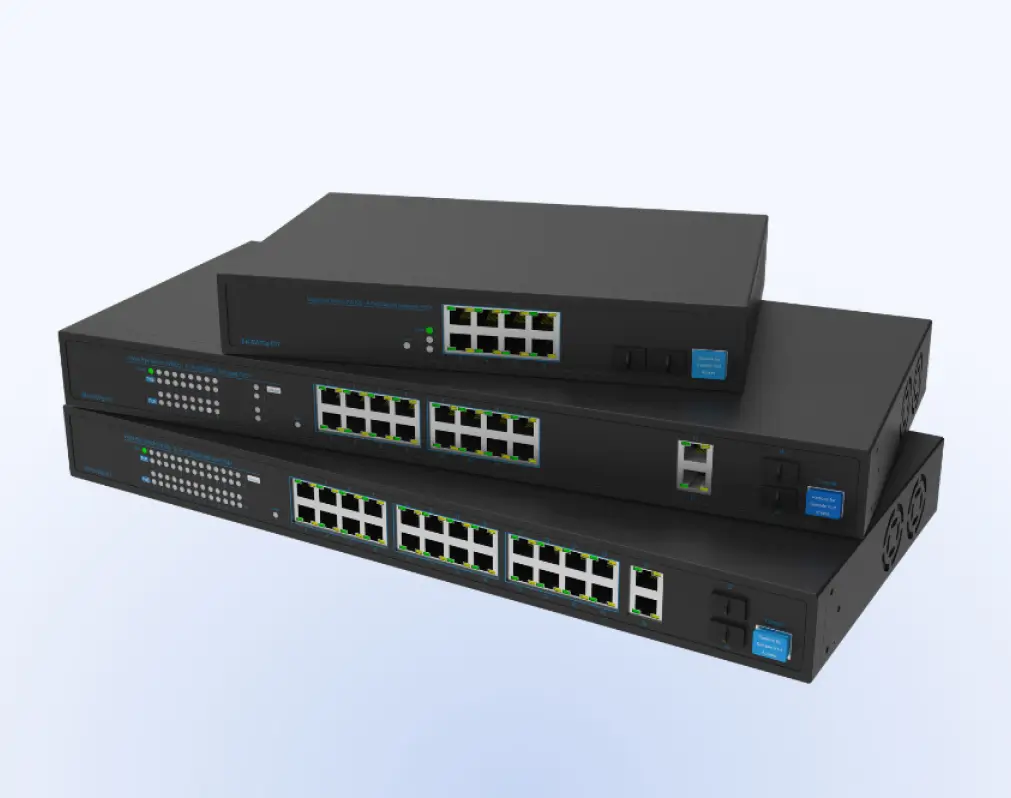
Gigabit PoE Switches
Our highly reliable PoE switches are designed to seamlessly integrate with Brivo Eagle Eye Video. Gigabit switches are great for display stations that require higher bandwidth, for network topologies that cascade multiple switches, for locations where multiple bridges are deployed, or for flexible mounting options.
100 Mbps PoE Switches
“Power over Ethernet” switches function like regular network switches and also provide power to the system’s cameras. They allow authorized users to power cycle cameras on a port-by-port basis in the system. They also provide faster installations, easier maintenance, fewer service calls, and better visibility into your camera operations.
Platform
Security Camera Cloud Storage in a VMS and the Larger Brivo Security Suite
Cloud video storage is part of a larger operating model. In Brivo, the video management system handles video retention, search, and playback, while Brivo Security Suite connects that video to the security workflows teams use every day.
View access and video together
Stored video helps teams verify door activity faster by linking video clips to access events during investigations.
Make investigations more efficient
Retained clips support cleaner incident timelines by keeping video, alarms, and event history connected during review.
Control permission levels
Role-based permissions let teams control who can view, manage, export, or share video based on their responsibilities.
More than just passive surveillance
AI-driven video analytics, health visibility, and reporting features help operators monitor activity, spot issues, and manage multiple locations with less manual effort.
Consistent logs and export records improve audit-readiness reporting by making it easier to respond to reviews, evidence requests, and internal follow-ups.
Central control and credential administration
Revoke access, pull real-time logs, and bulk suspend or reinstate users to keep the right people in the right spaces.
Industries
Cloud-Based Control of Commercial Door Lock Systems
Enterprise
Multifamily
Commercial Business
Retail chains
After-hours deliveries, vendor access, and instant lockouts.
Healthcare
Medication and lab security, temporary staff access, and full audit trails.
Education
Classrooms and events, or quick replacements for lost badges.
Commercial real estate
Tenant move-ins, amenity doors, and contractor passes.
Manufacturing and logistics
Dock doors and cages or remote unlock for scheduled drops.
Deployment
Security Camera Cloud Storage Setup with Brivo in Five Phases
Editions
Brivo Security Suite Customized for You
Common Questions About Security Camera Cloud Storage
Do security cameras need cloud storage?
No. Cloud-only, local-only, and hybrid models can all work, depending on your risk profile, bandwidth, and how your team investigates incidents. Cloud storage is usually the stronger fit when remote access, faster evidence sharing, and multi-location oversight matter most.
Local-only storage can work when bandwidth is limited or when policy requires on-premises retention, but it can make review and sharing across locations more difficult.
A hybrid model gives you both, keeping video local and in the cloud for reliability and redundancy. Learn more about Brivo Eagle Eye cloud video surveillance features.
How long should businesses retain security camera footage in the cloud?
There is no single right number. Retention should align with your incident patterns, internal policies, industry requirements, and the business's practical needs.
For example, in Brivo Eagle Eye Video subscriptions, retention options range from 7 days to 5 years, and the subscription structure is based in part on resolution and retention period.
With Brivo, applicable accounts can adjust how long system data is stored, making policy updates easier to manage remotely rather than through a site visit.
What happens to cloud video storage during an internet outage?
It depends on the storage architecture. A Brivo Eagle Eye Bridge uses built-in buffering to store data for a limited time during network outages or bandwidth fluctuations, then continues sending video when connectivity returns.
CMVR deployments can also keep video on-premises, in the cloud, or in both locations. This flexibility gives teams a stronger continuity option when local retention or extra redundancy is required.
How much bandwidth does security camera cloud storage require?
Bandwidth depends on resolution, frame rate, compression, audio, and whether cameras record continuously or only when motion is detected.
As a directional example, Safemo’s guide estimates continuous H.264 recording at 15 fps at about 1-2GB per hour for 1080p and 3-6GB per hour for 4K, and says H.265 can reduce usage by 30-50%.
Of course, treat those numbers as planning ranges, not guarantees. Actual load changes with camera settings and scene activity. Brivo Eagle Eye cloud video storage options can be configured for environments with limited or variable bandwidth.
What should IT teams look for in cloud storage camera cybersecurity?
Start with encryption, strong admin controls, and clear user permissions. End-to-end encryption, two-factor authentication, single sign-on (SSO), and triple-redundant video storage are common evaluation criteria.
For future-proofing, look for cloud-managed updates and an architecture that does not leave every location to handle security maintenance on its own. Additionally, role-based access control has become the predominant model for advanced access control because it reduces the complexity of security administration.
How does Brivo's storage architecture affect security response and video management?
Storage architecture dictates how quickly a team can respond to a threat. By centralizing footage in a cloud-connected environment, operators can perform lightning-fast searches across multiple sites simultaneously, reviewing video alongside Brivo access events without the latency associated with traditional NVRs.
Bridges support cloud-first video with buffering, CMVRs support cloud-connected video with local storage, and switches help maintain stable throughput across the system.
That architecture affects who can access footage, how retention is applied, and how quickly operators can pull video into the Brivo Security Suite for reviews, exports, and follow-up.