

Security Cameras For Business
Video Surveillance
Unified Camera Solutions for Every Security Challenge
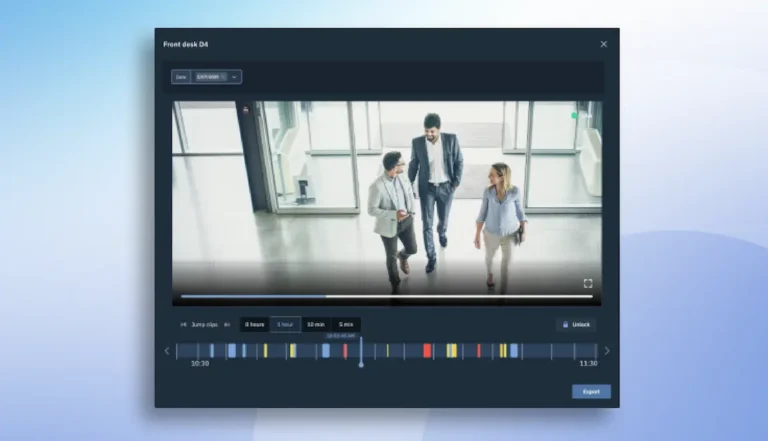
Brivo’s integrated video management system brings cameras into the same workflows as access control, intrusion detection, and event management for an end-to-end security approach, with AI features that enable them to do more than just watch, shifting your security from reactive to proactive.
Brivo supports flexible deployment options, mounting styles, resolution choices, and specialized sensors, so you can match the camera to the space rather than forcing a single form factor everywhere.
Comprehensive Protection
How to Choose the Right Camera for Every Space
The right view helps teams respond faster, resolve incidents efficiently, and reduce the risk of loss or damage. Selecting cameras suited to each environment ensures reliable, appropriate visibility across a wide range of spaces. Cameras and video intelligence in Brivo Security Suite can be linked to access and alarm activity, so key events arrive with the relevant clip, and teams can verify what happened faster.
Entrances and exits
Dome or turret cameras with wide dynamic range (WDR) to handle glare at doors and tie clips to reader events for instant verification. True WDR (120dB) matters here because glare is a common failure point in business security cameras.
Reception and lobbies
Mini dome or turret cameras for clear, close-range faces and visitor flow. In many spaces, 1080p is a strong fit for close-range identification without overburdening bandwidth.
Hallways and choke points
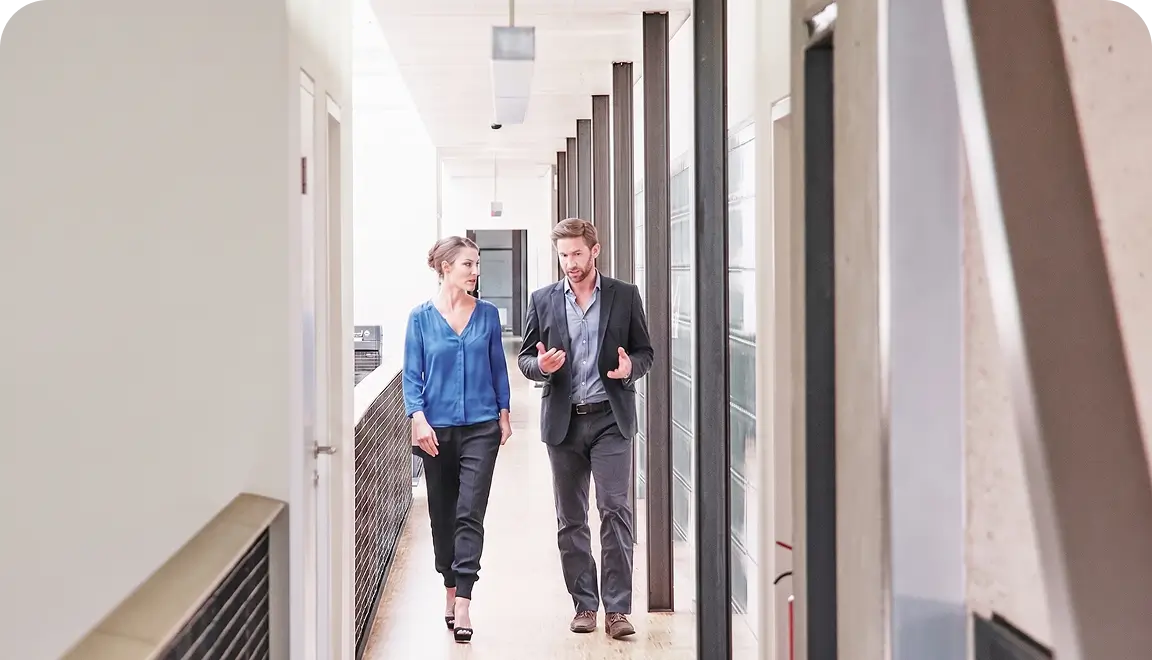
Bullet or turret cameras strategically placed to track anyone passing through and the direction of travel. They can also be used to confirm door-held alarms.
Loading docks and parking
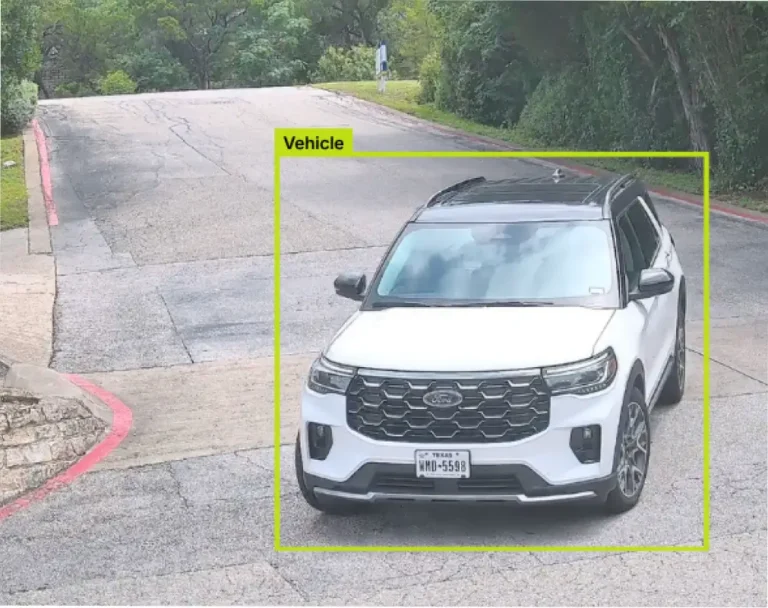
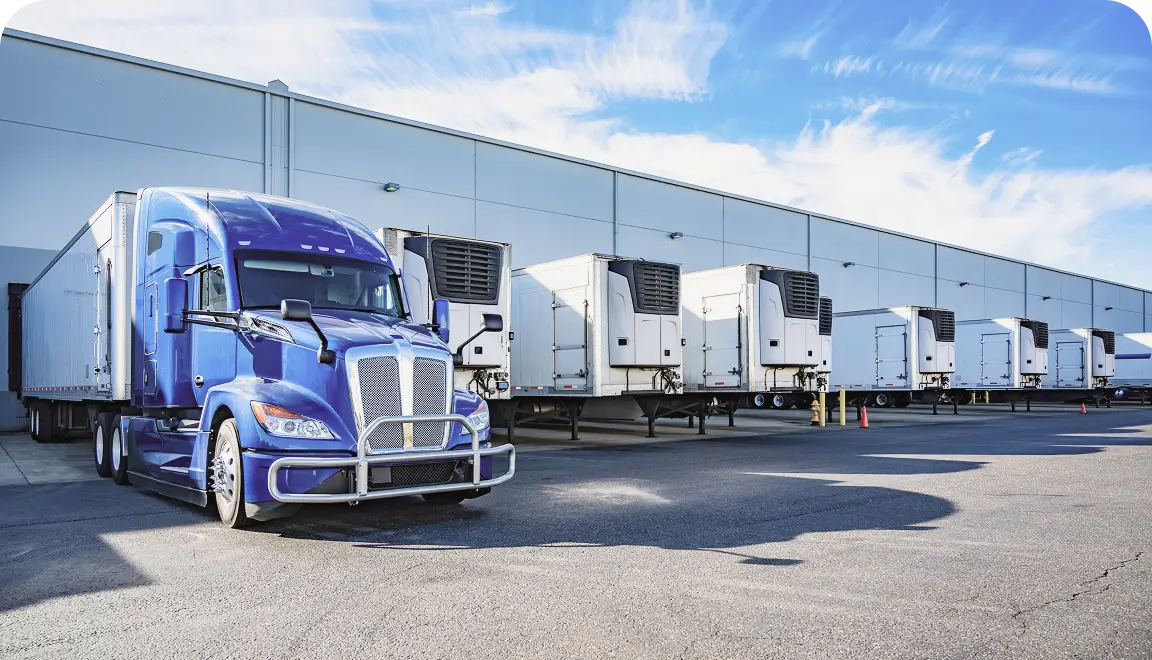
Bullet or PTZ with IR and long range for vehicles and license plates. Specify 4K (8MP) here when you need more detail at a distance.
Warehouses and open floors
PTZ or fisheye/360° for wide coverage and active tracking of incidents. Specify 4K (8MP) here to support broader coverage and better detail on open floors.
Outdoor perimeters.
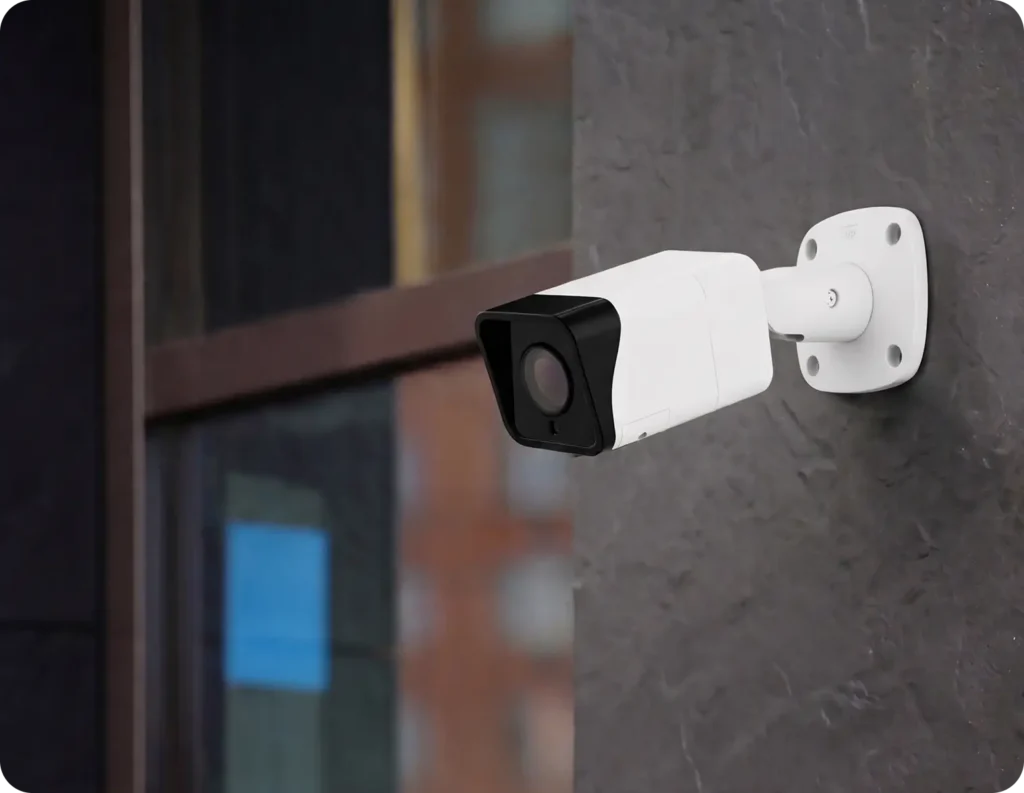
Weather-hardened bullet with analytics to alert on after-hours motion. For longer sightlines, 4K can help, especially where you need to confirm details at the edge of the frame.
Specifications
Brivo Eagle Eye Pro Series Cameras For Most Any Situation
Brivo’s integrated video management system works with any camera, but each model has different specifications and capabilities that make it the right fit for different use cases. Choose confidently when you are ready to upgrade your cameras. Brivo Eagle Eye Pro cameras work for most situations, so you don’t have to think about that when building your system.
No overwhelming spec sheets or decision paralysis — just the right camera for your specific security needs.
Six models, multiple form factors
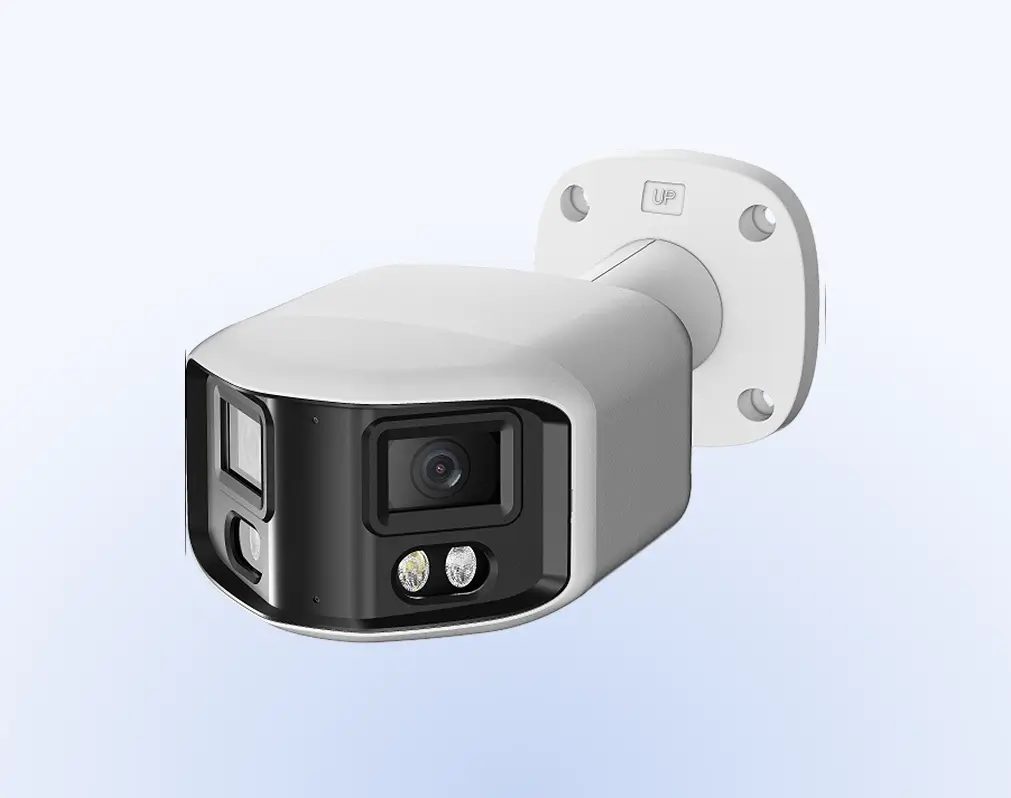
Choose bullet, dome, and turret options that match the mounting constraints and coverage goals for a business security camera system.
5MP sensors across the lineup
Consistent resolution helps deliver predictable image quality and makes it easier to standardize what “good coverage” looks like across locations.
IP66-rated construction
Weatherproof housing supports reliable outdoor operation in harsh conditions, including wind-driven rain, dust, and temperature swings.
Fixed and varifocal options
Select a 2.8 mm fixed lens or a 2.7–13.5 mm motorized varifocal for practical control over framing.
Audio and I/O for integrations
Integrated audio input/output and physical I/O ports support automation scenarios, including door-event and alarm triggers.
30m IR plus a 10-year warranty
Infrared illumination supports night vision up to 30 meters and is backed by a 10-year, no-hassle warranty for long-term confidence.
Hardware
Camera Types For Any Application
Don’t get locked into any one camera brand or model, or get forced into ripping and replacing your existing cameras. Brivo Eagle Eye Video supports more than 8,000 cameras from all the leading manufacturers, but if you’re looking to buy new cameras, Brivo Eagle Eye Cameras offer a secure, plug-and-play installation.
There is more, so explore our
Multi-Sensor Cameras
DX01: 180° Panoramic and DX02: 360° Multi-Directional are the best-selling Brivo Eagle Eye cameras. Both deliver strong value with discreet form factors and competitive pricing, supporting expansive coverage without multiple camera installations.
Ultra Low-Light
The DT03: Full-Color in Darkness delivers full-color imagery in very low-light environments. They provide clearer after-hours visibility that standard cameras may lack.
PTZ Cameras
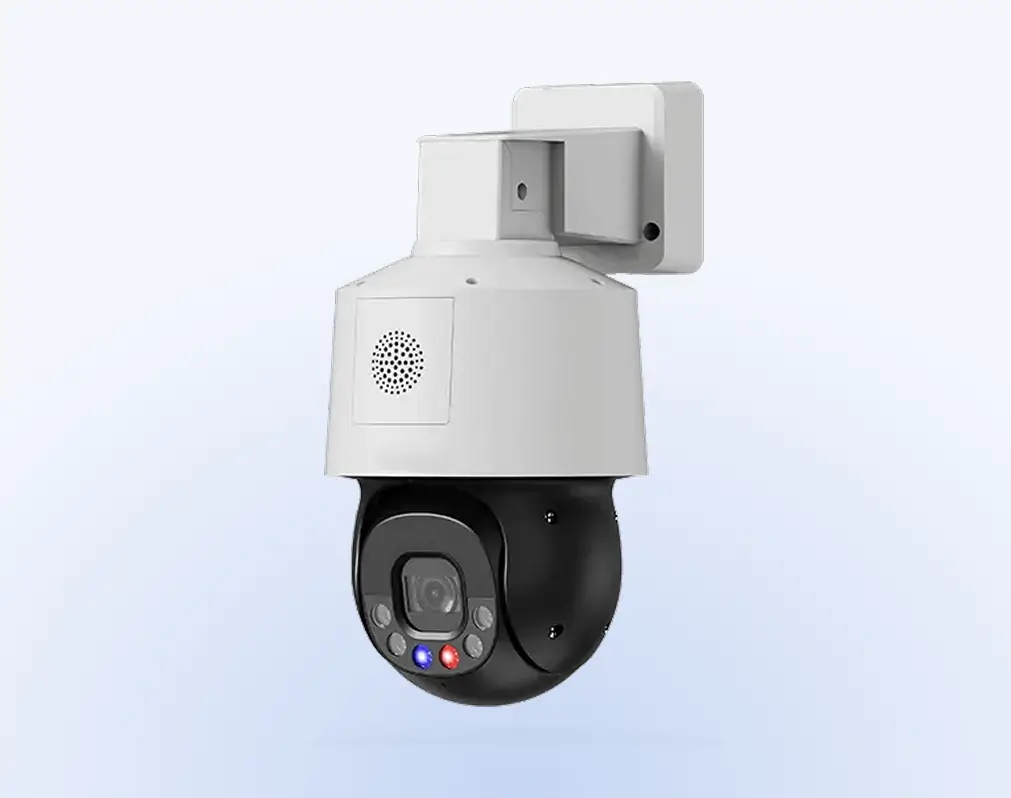
PTZ (Pan-Tilt-Zoom) cameras are remotely operated or automated devices with motorized mechanisms that pan, tilt, and zoom. These capabilities make them well-suited for active monitoring. Models include DZ05: Miniature PTZ and DZ06: Ultra Low-Light PTZ.
Dome Cameras
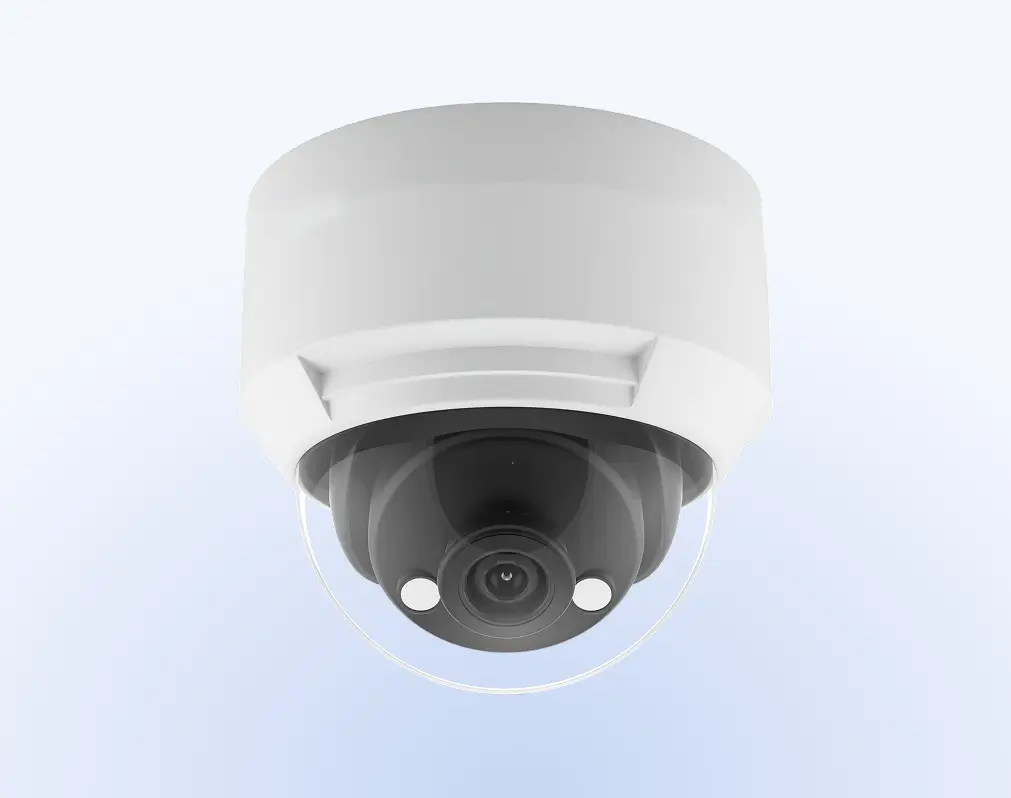
Dome cameras use compact, protective housings for indoor or outdoor mounting. They enable discreet, wide-angle monitoring in public-facing areas and controlled spaces.
Fisheye
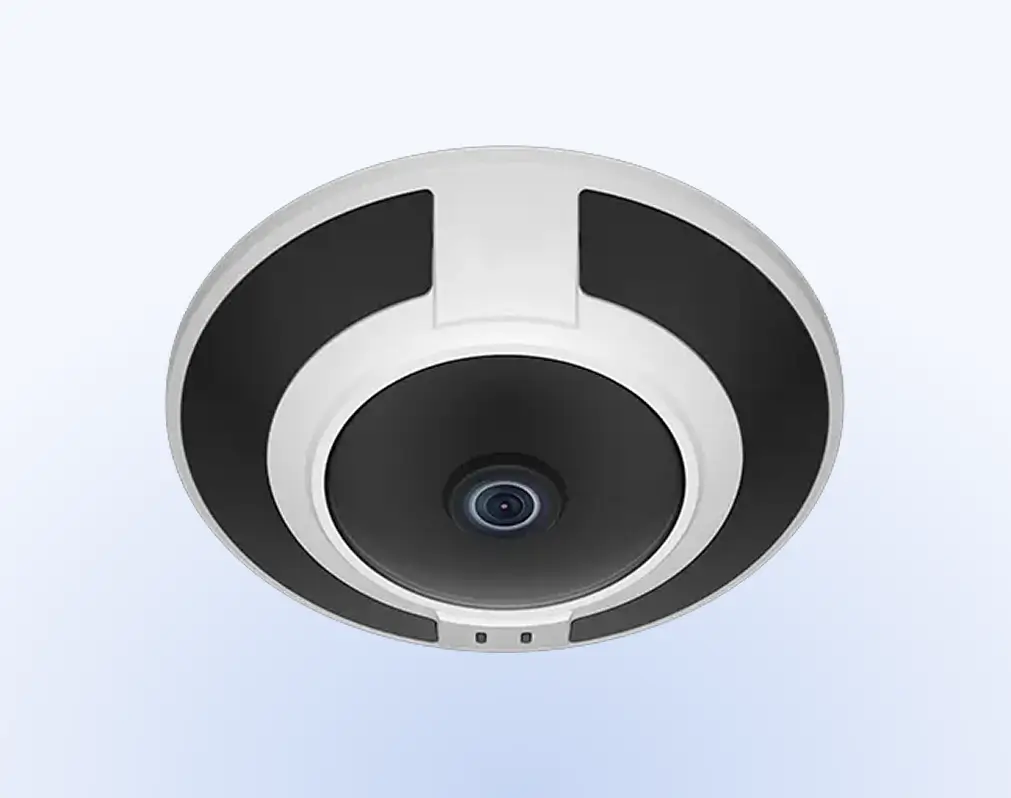
The DF04 is the Brivo Eagle Eye fisheye camera. Fisheye cameras use ultra-wide-angle lenses to capture panoramic views of 180 to 360 degrees. They provide broad coverage from a single mounting point.
Brivo Security Suite
The Benefits of Being on The Cloud
Brivo Security Suite is the cloud-based control and unified oversight layer for every door lock and reader in your system. With cloud-based access control, you configure and monitor doors across locations, enforce policies, and respond to incidents without touching on-site servers or lock hardware.
Cloud architecture
Manage locations from anywhere with no servers to maintain, so your team spends less time on patches and more time on door security.
Encryption
Use TLS in transit and AES-256 at rest to keep credentials, video links, and door logs protected from interception and misuse.
Security program
Triggers alerts when unauthorized entry occurs and monitors virtual boundaries to support perimeter security at delivery doors, roof access points, and fenced zones.
Role-based administration
Identifies extended presence in restricted areas to support faster intervention during off-hours.

Single sign-on (SSO)
Connect to Azure AD, Okta, and other IdPs so users sign in with their existing identities, and enforce MFA and lifecycle policies from a single place.
Central control and credential administration
Revoke access, pull real-time logs, and bulk suspend or reinstate users to keep the right people in the right spaces.
Learn more about managing remote access in
Industries
Cloud-Based Control
You control doors, credentials, and remote unlocking in Brivo Security Suite, while the locks perform the physical work at each location.
Enterprise
Scale global door security with cloud control, single sign-on, and unified policy enforcement across locations, backed by real-time, audit-ready door logs.
Multifamily
Provide residents with mobile, card, or fob entry and manage units, common areas, and amenities from a single console.
Commercial
Keep day-to-day operations moving with cloud-based control of tenant and vendor access, plus monitoring and alerts across buildings.
Whether you manage stores, clinics, campuses, or offices, commercial door locks let you handle off-hours, temporary, or vendor access without a site visit. Set rules once, see logs in real time, and keep people moving.
Retail chains
After-hours deliveries, vendor access, and instant lockouts.
Healthcare
Medication and lab security, temporary staff access, and full audit trails.
Education
Classrooms and events, or quick replacements for lost badges.
Commercial real estate
Tenant move-ins, amenity doors, and contractor passes.
Manufacturing and logistics
Dock doors and cages or remote unlock for scheduled drops.
Alerts and Event Management
Intelligent Video Analytics With Brivo Eagle Eye Pro Series Cameras
With the power of edge AI built into these cameras, you can get additional analytics and functionality.
Editions
Brivo Security Suite Customized for You
Choose the Brivo Security Suite edition that fits your needs today, with room to add more capabilities as your security program and portfolio grow.
Common Questions About Security Cameras
What types of cameras does Brivo support (indoor, outdoor, PTZ, fisheye, etc.)?
Brivo provides a physical security solution that connects IP camera streams to access events and stores footage on a device, in the cloud, or in both. You can use the form factors your locations require, including indoor and outdoor models, PTZ, and panoramic options. The platform links video to doors and events for faster review.
Are Brivo cameras NDAA-compliant and suitable for government use?
Brivo integrates with native and third-party video management systems (VMS) and camera ecosystems.
NDAA compliance depends on the specific camera vendor and model you choose. Confirm compliance in the camera manufacturer’s datasheet or compliance documentation for the exact model you intend to deploy.
Brivo documents the OpenEye integration in its support center, including instructions for administrators to bring OpenEye cameras into Brivo Access for event verification.
How do I determine which camera is right for my environment?
Match the field of view, low-light/WDR needs, and placement to the risk you’re addressing. Then, connect those streams to Brivo Security Suite so door events and clips are linked for investigations. Brivo outlines how video ties to access for faster reviews.
Can Brivo cameras work with non-Brivo video management systems?
Yes. This depends on what the VMS supports, like ONVIF cameras. Brivo Eagle Eye Video integrates with over 8,000 cameras and Brivo Security Suite integrates with third-party VMS providers. This means you can keep existing investments while linking video to access activity in Brivo.
Learn more about the Brivo Security Suite and Brivo Snapshot capabilities.
What are the power and network requirements for installation?
Requirements vary by camera, but most business IP cameras use Ethernet with PoE and standard network uplinks. Brivo provides installation resources and manuals to guide setup, along with partner documentation.
Do Brivo cameras support analytics or AI-based features?
Analytics availability depends on the video solution you connect to. Brivo’s unified platform links video to access events and provides video intelligence within the Security Suite.
Brivo video has a broad suite of advanced, AI-powered video analytics that can be applied to virtually any camera connected to their cloud platform.
This includes precision person & vehicle detection, intrusion detection, line crossing, loitering, object counting, camera tampering, LPR, smart video search, gun detection, and safety monitoring. Advanced analytics can come through supported VMS integrations.
What video storage options are available on Brivo cameras?
Video storage options depend on how you deploy Brivo Eagle Eye Video. With Brivo Eagle Eye Cloud-Premise Flex Storage, organizations can store video in the cloud, on-premises, or in a hybrid model, based on retention goals, bandwidth, and operational needs.
Retention and subscription options vary by resolution and retention period, and on-prem retention depends on local storage capacity when using a Cloud-Managed Video Recorder (CMVR).
What are my options for mounting new cameras?
There are many mounting options, and what you need varies widely depending on the type of camera and where you’re going to place it. Fortunately, there are lots of flexible mounting solutions to ensure a professional installation for every scenario:
- Wall arms: Extend cameras from flat surfaces to improve viewing angles and coverage.
- Pendant caps: Ceiling-mounted installations with clean, professional aesthetics for indoor applications.
- Back boxes: Protect wiring connections and provide flush mounting for more discreet installations.
- Corner mounts: Maximize coverage at building corners by capturing two fields of view simultaneously.
- Pole mounts: Elevated positioning for perimeter monitoring, parking lots, and outdoor areas requiring height.
What backup redundancy options are available for the Brivo cameras?
Redundancy can be addressed at multiple points in the system. We can buffer video if the internet connection drops, helping reduce gaps during short outages. For higher availability requirements, Brivo also documents redundant Bridge and CMVR configurations with active failover. These configurations support continuous operations in environments that require greater resilience.