
Brivo Access Control Panels

Control Panels
Centralized Cloud Management

Modern Control Panels For Automated Security

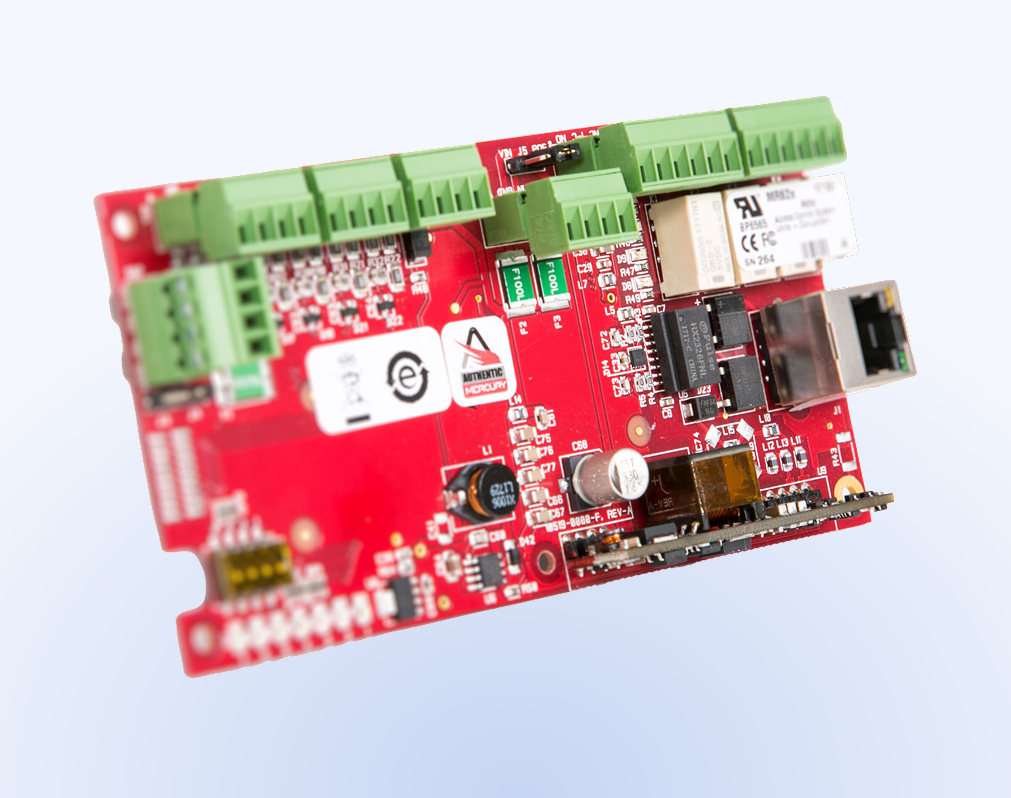
Access control panels are the hub of a door access control system. Panels serve as the primary barrier against unauthorized entry while also providing access to your converged security workflows.

Brivo Security Suite helps you connect to and manage these panels in the cloud, giving teams centralized control of doors, schedules, and credentials across a single location or many.

By moving the management layer to the cloud, Brivo eliminates the need for dedicated on-site servers, providing Universal Command without the maintenance burden of legacy hardware.

modern control panels
Scalable Configuration Options

Types of Access Control Panels

Different facilities need different controller strategies. The right fit depends on door count, wiring layout, uptime expectations, and your scaling plan. For integrators, open-architecture options and standard reader protocols can reduce lock-in and simplify long-term upgrades.

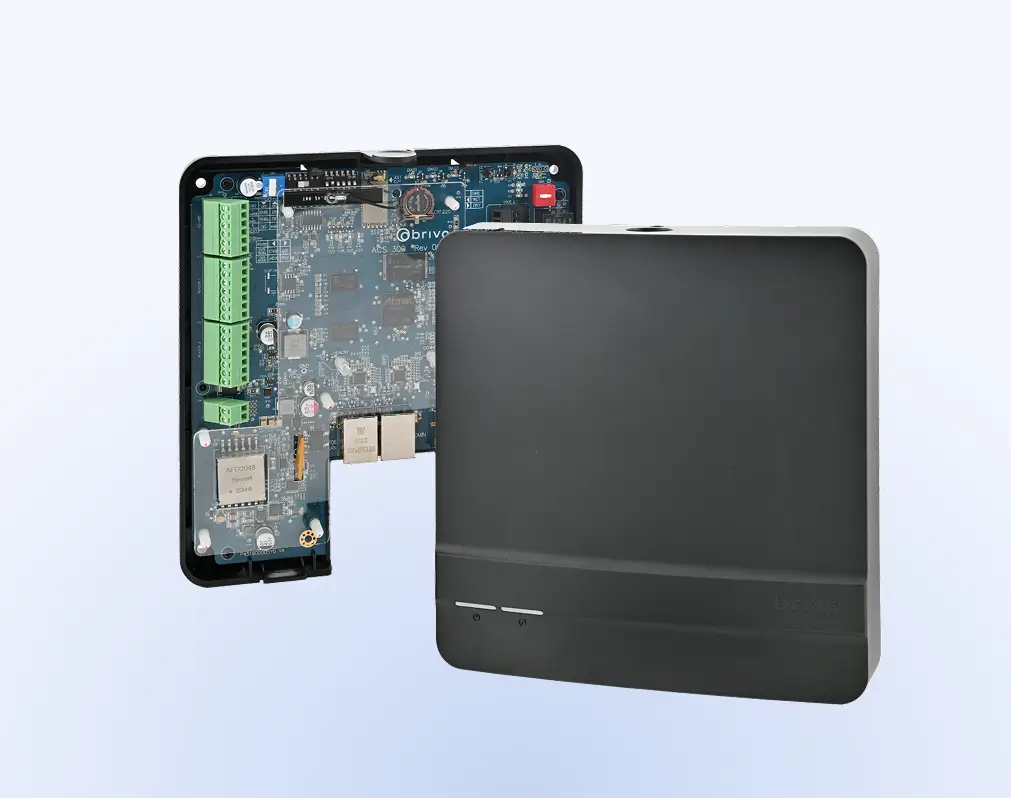
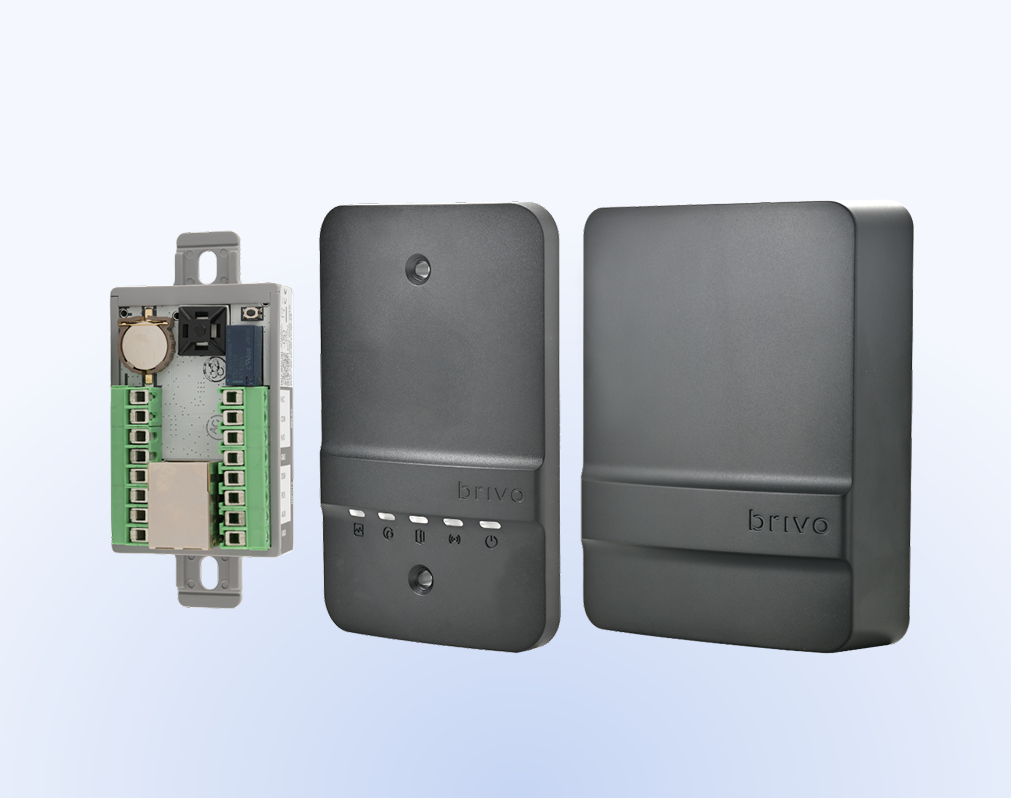
Single-door
Single-door controllers

Single-door controllers are well-suited for smaller deployments, remote buildings, or high-traffic doors that require a dedicated controller. They also make it easier to expand door-to-door as needs change. This model can simplify segmentation by keeping critical doors isolated.

Multi-door and multi-reader
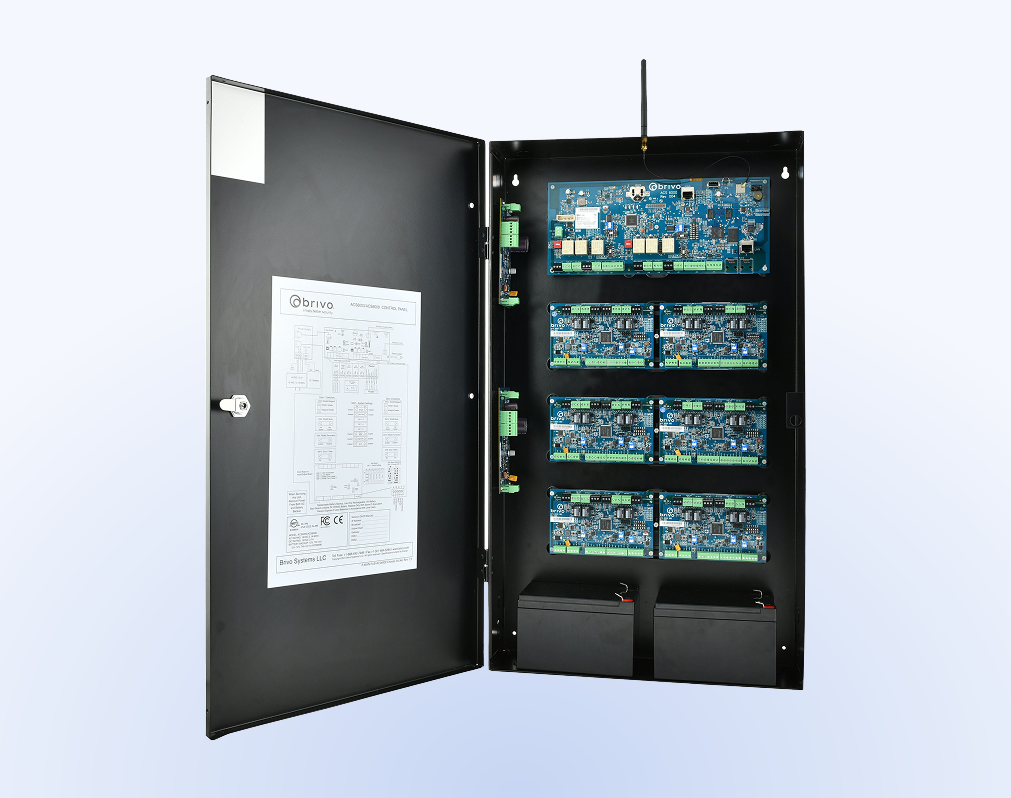
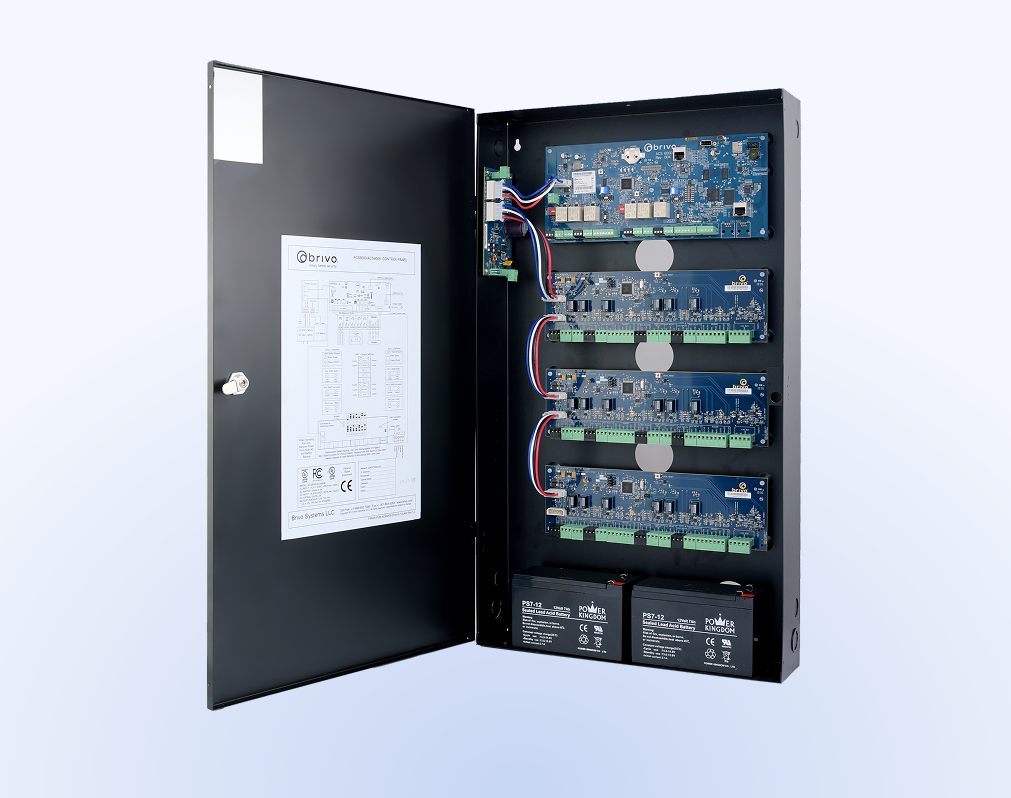
Multi-door and multi-reader panels

Multi-door panels are common in small to mid-sized buildings and locations with higher door density. They centralize wiring and can reduce the footprint of individual controllers. This approach is often a strong fit when doors are clustered, and you need a single enclosure to support multiple readers, inputs, and outputs.

Enterprise and Multi-site
Enterprise and multi-site configurations

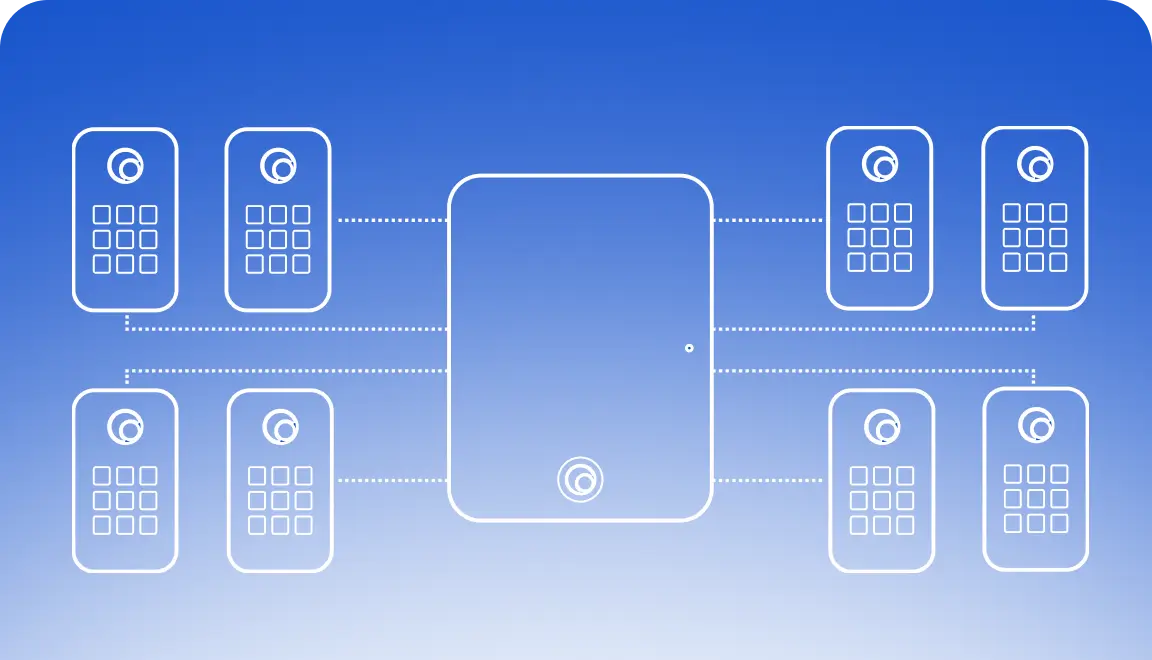
Enterprise access control typically uses distributed panels at each location, managed through the central platform, Brivo Security Suite. This supports growth across multiple buildings while maintaining consistent policies

logs
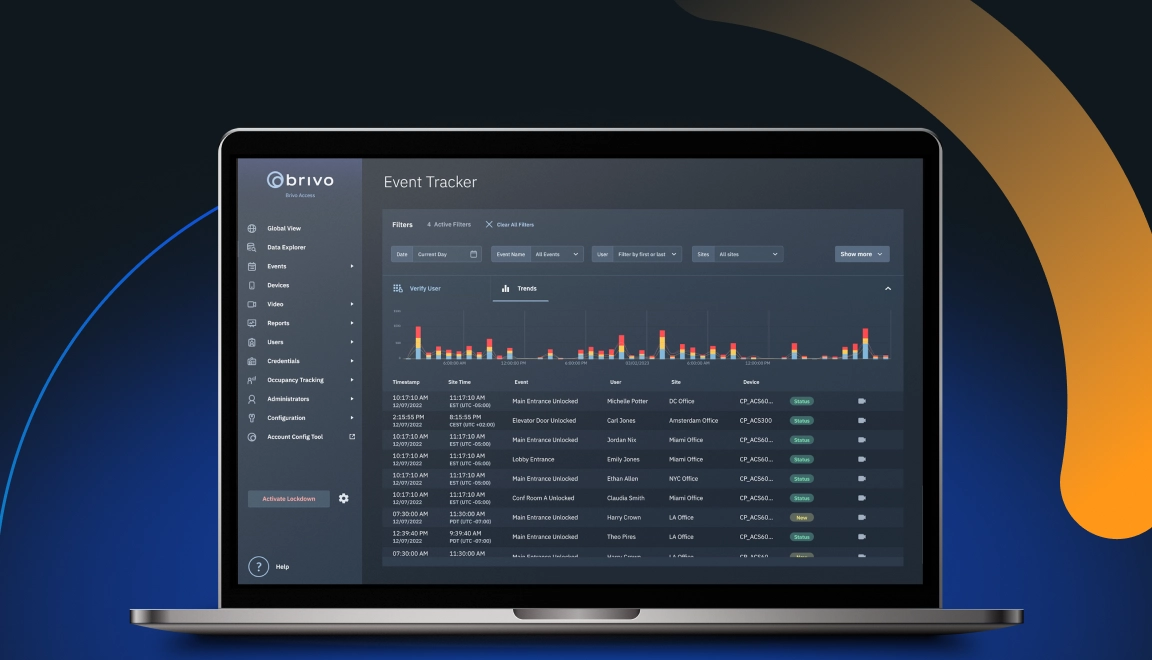
Real-time logs and alerts
See door activity as it happens, investigate incidents quickly, and stay ready for audits.
Video Verification
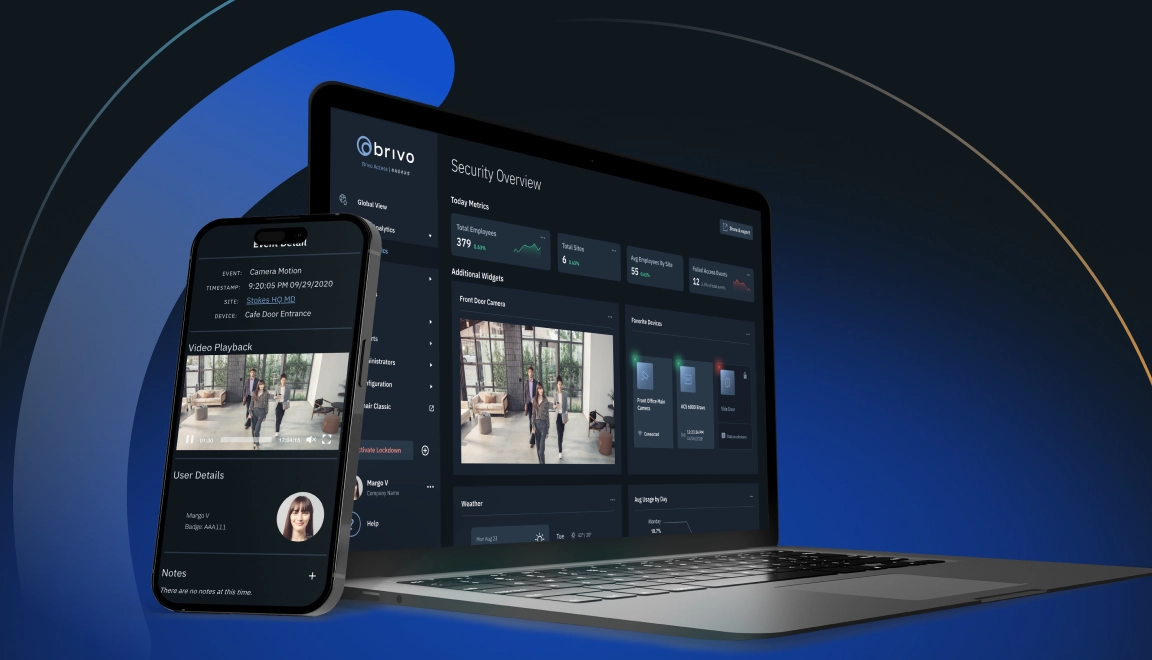
Video verification
Pair access events with video footage to confirm who used the door and what happened around the event.
emergency
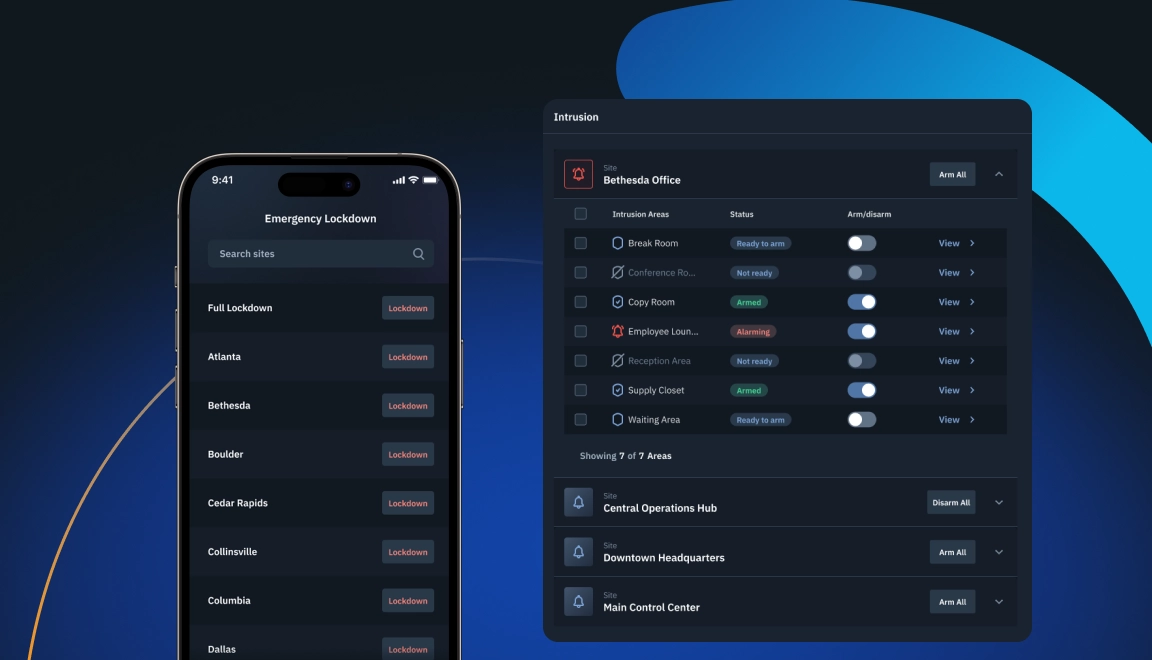
Emergency scenarios
Use a one-touch tool to override schedules and change facility state, enabling emergency lockdown or egress via e-locks.
Capabilities

Why Choose Cloud-Native Panels

Cloud-native managed panels/controllers support modern security management without adding more infrastructure to maintain.

Secure cloud management

Eliminate the physical and digital risk of local servers. Make configuration changes and updates from anywhere.

Centralized multi-site control

Manage doors and credentials across multiple locations in one view.

Rigorous enterprise scalability

Roll out consistent policies faster as you add locations and doors, and scale from one location to hundreds without changing your management model.

Fail-safe offline continuity

Maintain continuity during outages with local decision-making. Panels enforce local rules and synchronize activity once connectivity is restored.

Smart building workflows

Support converged building workflows. Link access events to lighting and climate control through integrations.

End-to-end modern encryption

Protect communications with encryption. Use TLS 1.3+ between the reader, panel, and cloud, offering stronger protection than legacy Wiegand.

Control Panel Hardware

Brivo Control Panel Products And Solutions

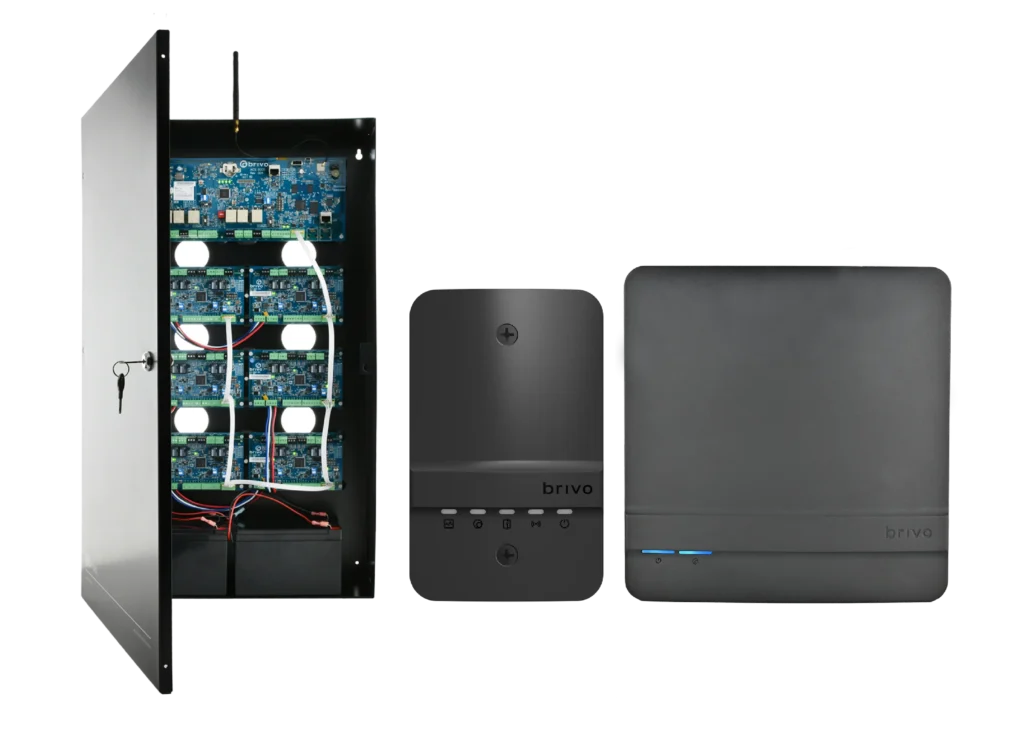
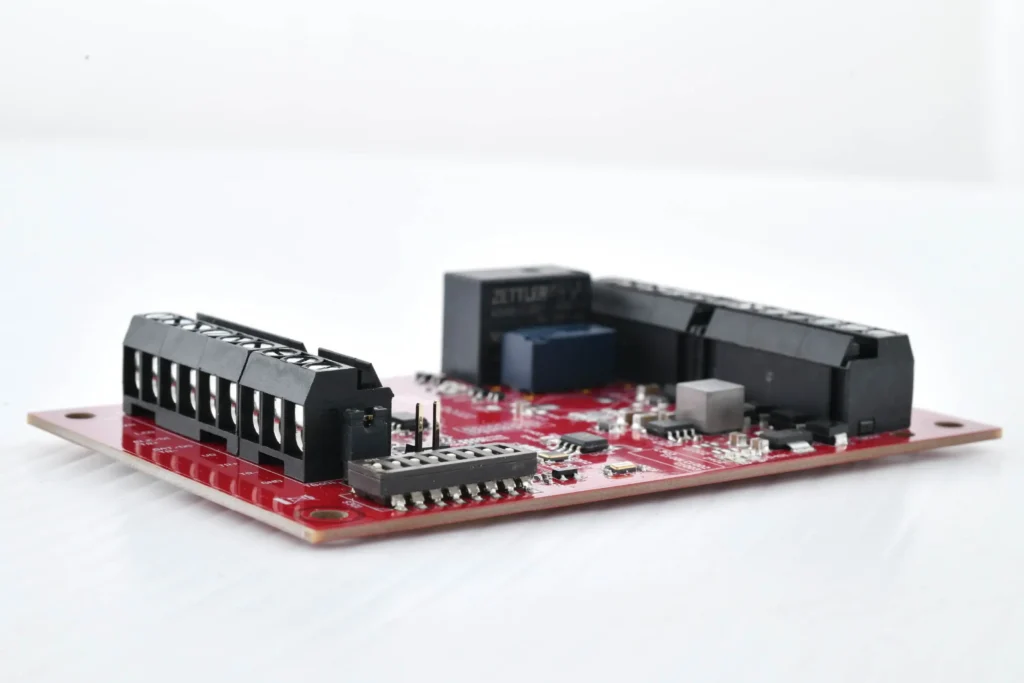
Brivo offers control panel options that fit different door counts, wiring needs, and deployment models. Each option is designed to work with the Brivo Access platform and supports cloud-based access control workflows that help standardize operations across locations.

There is more, so explore our

Brivo Security Suite

The Benefits of Being on The Cloud

Brivo Security Suite is the cloud-based control and unified oversight layer for every door lock and reader in your system. With cloud-based access control, you configure and monitor doors across locations, enforce policies, and respond to incidents without touching on-site servers or lock hardware.
Cloud architecture

Manage locations from anywhere with no servers to maintain, so your team spends less time on patches and more time on door security.

Encryption

Use TLS in transit and AES-256 at rest to keep credentials, video links, and door logs protected from interception and misuse.

Security program

Rely on a platform that is independently audited to SOC 2 Type II and ISO/IEC 27001, so it supports your own security and compliance requirements

Role-based administration

Limit each admin to the locations, doors, and actions they need, which reduces insider risk and configuration errors.

Single sign-on (SSO)

Connect to Azure AD, Okta, and other IdPs so users sign in with their existing identities, and enforce MFA and lifecycle policies from a single place.

Central control and credential administration

Revoke access, pull real-time logs, and bulk suspend or reinstate users to keep the right people in the right spaces.

Learn more about managing remote access in

Industries

Cloud-Based Control

You control doors, credentials, and remote unlocking in Brivo Security Suite, while the locks perform the physical work at each location. You can start here:

Enterprise
Scale global door security with cloud control, single sign-on, and unified policy enforcement across locations, backed by real-time, audit-ready door logs.
Multifamily
Provide residents with mobile, card, or fob entry and manage units, common areas, and amenities from a single console.
Commercial
Keep day-to-day operations moving with cloud-based control of tenant and vendor access, plus monitoring and alerts across buildings.
Whether you manage stores, clinics, campuses, or offices, commercial door locks let you handle off-hours, temporary, or vendor access without a site visit. Set rules once, see logs in real time, and keep people moving.
Retail chains

After-hours deliveries, vendor access, and instant lockouts.

Healthcare

Medication and lab security, temporary staff access, and full audit trails.

Education

Classrooms and events, or quick replacements for lost badges.

Commercial real estate

Tenant move-ins, amenity doors, and contractor passes.

Manufacturing and logistics

Dock doors and cages or remote unlock for scheduled drops.

How it Works

Modern and Intelligent Control Panel Solutions

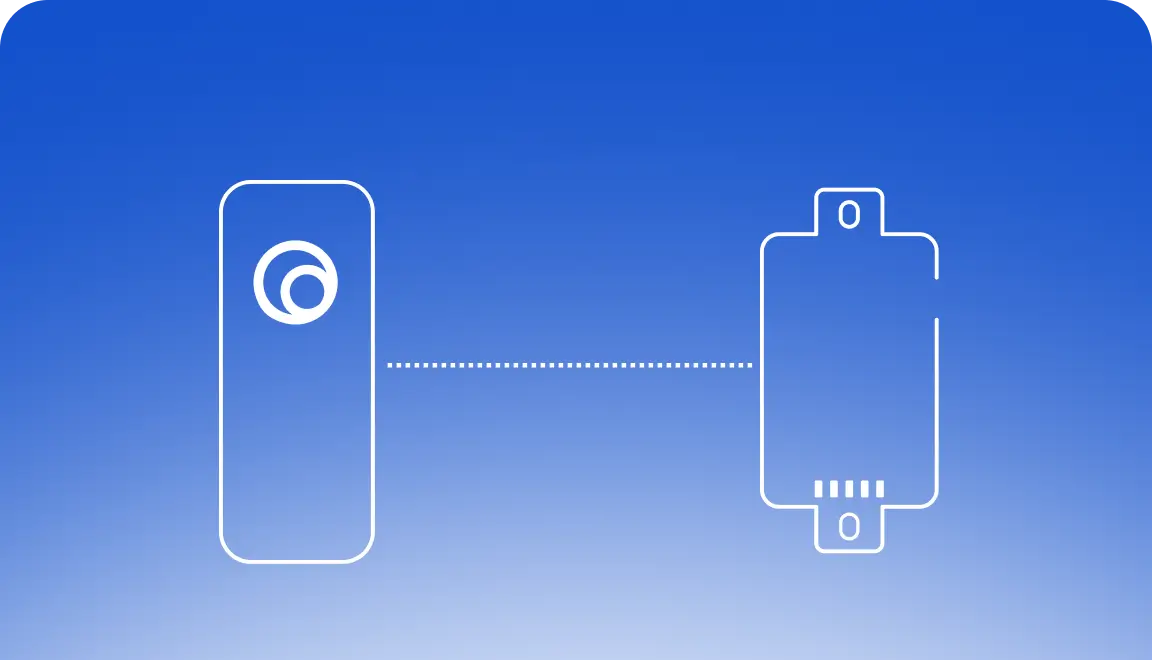
An access control panel validates credentials and triggers openings based on the permissions you set. It connects readers, credentials, locks, and auxiliary devices such as door position sensors and request-to-exit hardware.

For mobile-specific steps, explore the
Streamlined access operations
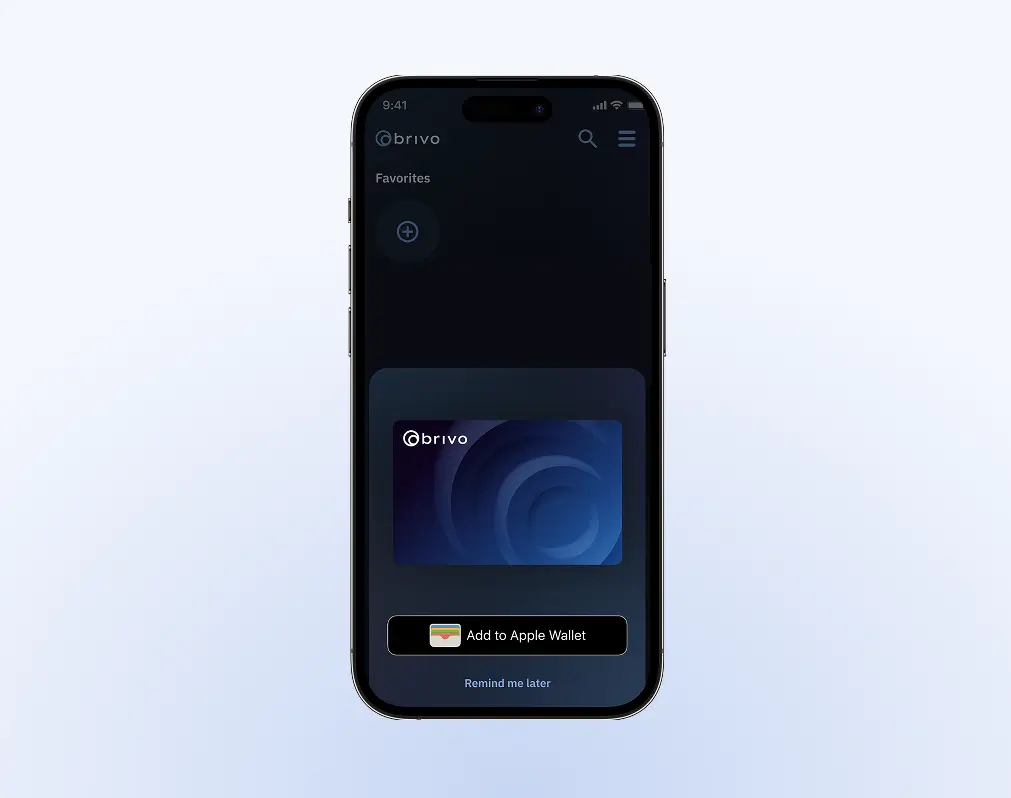
The flow is simple: a credential is presented, the panel checks permissions, then the lock responds, and the event is recorded.
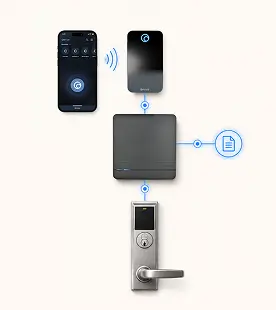
Image description
Proactive threat monitoring
Panels can also monitor alarm inputs and send alerts for forced doors or other abnormal conditions.
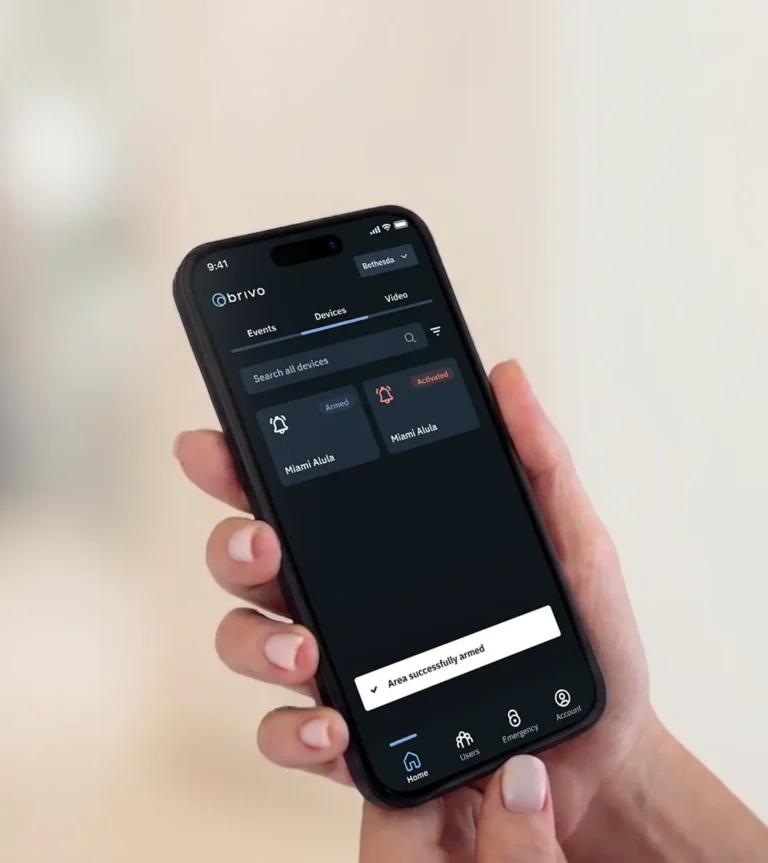
Image description
Ecosystem focus
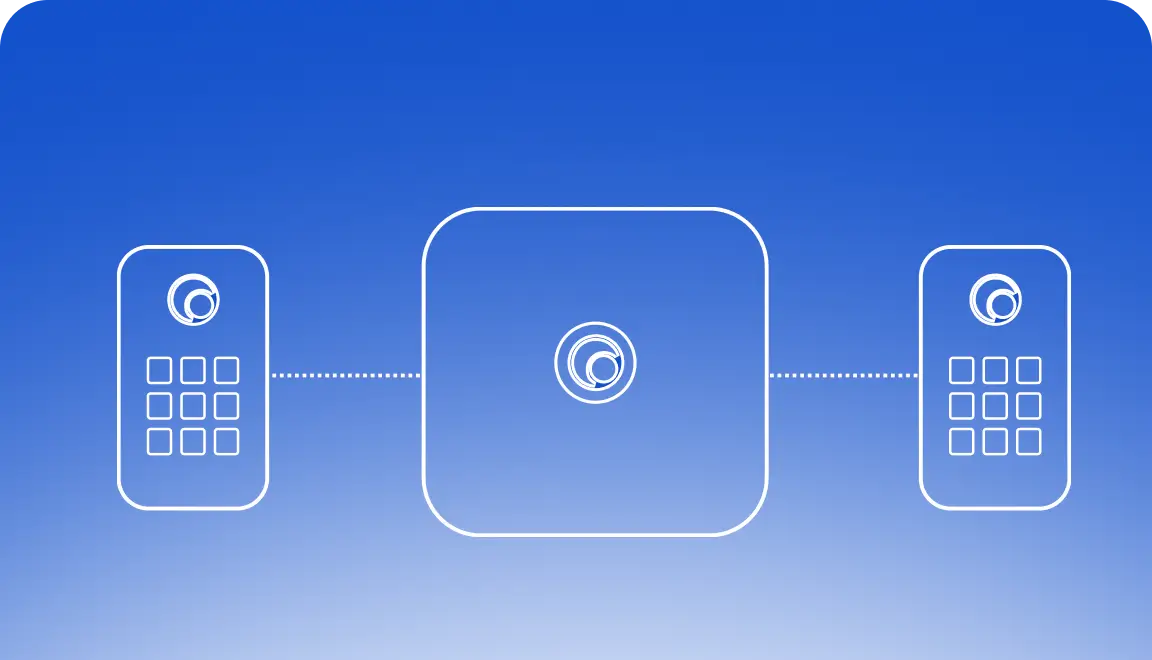
In multifamily deployments, Brivo Gateway can connect compatible devices such as smart locks, thermostats, and sensors via Brivo Smart Home.
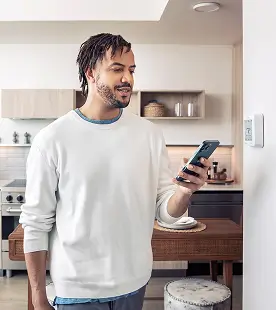
Image description
Editions

Brivo Security Suite Customized for You

Choose the Brivo Security Suite edition that fits your needs today, with room to add more capabilities as your security program and portfolio grow.

See the full breakdown in

Common Questions About Access Control Panels

What types of control panels are best for enterprise organizations?

Enterprise organizations typically need a mix of multi-door panels for higher door density and distributed controllers across sites to ensure consistency and scalability.

Look for support for standard protocols, clear segmentation by building or zone, and a controller strategy that scales without requiring a redesign.

For many enterprise retrofits, Mercury-supported controllers provide an open-architecture path that helps standardize across mixed environments.

Do I need to replace my panels to move to the cloud?

Not always. It depends on what you have today, how it communicates with readers and locks, and whether it can connect to a cloud-managed platform.

Many teams modernize in phases, keeping what’s compatible and upgrading where it reduces risk or improves coverage. A compatibility review is the best next step.

How do panels handle network outages?

Panels use local decision-making to enforce access rules at the door using the permissions they already have. If connectivity drops, doors continue to operate according to those rules. When the network returns, events sync back to the management platform for reporting and review.

Can access control panels integrate with other security systems?

Yes. Panels can be part of a broader security program that includes video, intrusion alarms, visitor workflows, and identity systems. Integrations depend on your devices and software, but a platform approach makes it easier to connect systems and maintain a single operational view for activity and reporting.