



Mobile Access Solutions

Employee Badge in Apple Wallet for Easy Access Control

Make lost keys and forgotten badges a thing of the past. Give employees an even easier way to get around the office with a tap from their iPhone or Apple Watch. Set them up in minutes and save time and reduce or eliminate the need for fobs and rekeying. Your device becomes your digital key.

iPhone screen showing a Brivo card and a blue checkmark with 'Done'; a smartwatch also shows 'Done' as confirmation on completion.
Benefits

Simplified Access Control via iPhone and Apple Watch

Manage access for all your locations remotely and in a unified manner. Cloud management means you don’t need to be on-site to keep your buildings secure or to grant immediate access to your visitors.

Be the team that runs every site with confidence — see activity across your locations and respond immediately

Access your corporate space with your digital wallet

From doors and elevators to turnstiles and more, just hold your device near the reader to unlock. Adding your employee badge to Apple Wallet delivers a fast, convenient entry experience for tenants and staff, backed by enterprise-grade security.

Use your iPhone or Apple Watch to badge into the office

Turn everyday devices into your secure office credentials. With Express Mode, entering your building is as fast as tapping your iPhone or Apple Watch.

Use for access, even with a dead battery

If your iPhone needs a charge, your employee badge in Apple Wallet will still work. Power Reserve technology provides up to five hours of access, so you can still get inside.

Easy integration and activation

Employee badge in Apple Wallet on iPhone and Apple Watch seamlessly integrate into Brivo Access, and is easily managed by your staff. Activating employee badges has never been easier, and getting started is quick and efficient.

blue Curve

Recognized for Excellence

campus Safety
SIA award
SSlmvp
esx
Scalability

Enterprise-Grade Privacy and Security Built For Scale

The employee badge in Apple Wallet takes full advantage of the advanced security and privacy features already built into iPhone and Apple Watch, ensuring your workplace remains protected and compliant.

On-device storage

Employee badges are securely stored directly on the user’s device rather than on centralized servers.

Data privacy by design

Apple does not track or see the specific locations your employees access, keeping employee movement data private and confidential.

Instant remote lock

If a device is misplaced, users or administrators can use the Find My app to instantly lock the device and automatically suspend its access keys.

Remote wipe

For compromised or lost devices, security teams or users can remotely erase the device and its digital keys to prevent unauthorized workplace entry.

Setup and Activation

Simplified Deployment and Credential Management

Easily activate, suspend, or permanently deactivate mobile credentials with Brivo Access, or with the okta and Azure integrations.

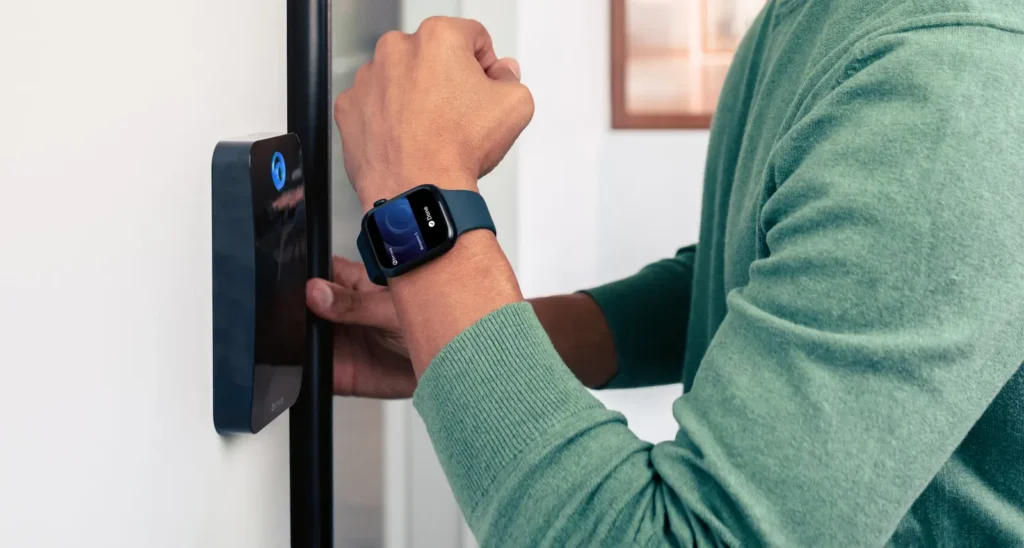
Person in a green sweater wears a blue smartwatch while unlocking a smart door lock on a white interior door.

1. Open Brivo Mobile Pass email invitation

2. Download the Brivo Mobile Pass app

3. Tap Add to Apple Wallet on your Badge

Requires additional purchase of Brivo Wallet Pass

Integrations

Integrate Access Control With Your Entire Security Ecosystem

Our access platform works with a wide range of cameras, controllers, locks, and readers. Use the hardware you have today, add wireless locks where needed, and connect to Brivo Video or your preferred video management software and building systems via documented APIs.
VideoDoor
Video ties to door events
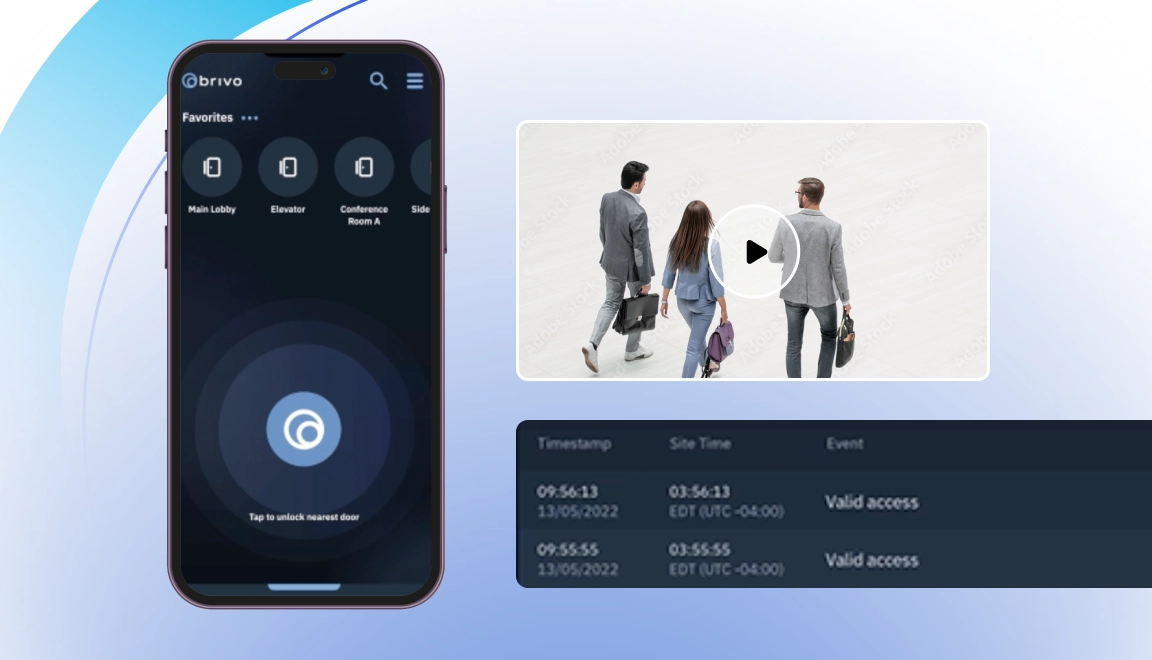
View clips alongside every entry for faster reviews and access advanced security features with integrated video.
VideoDoor
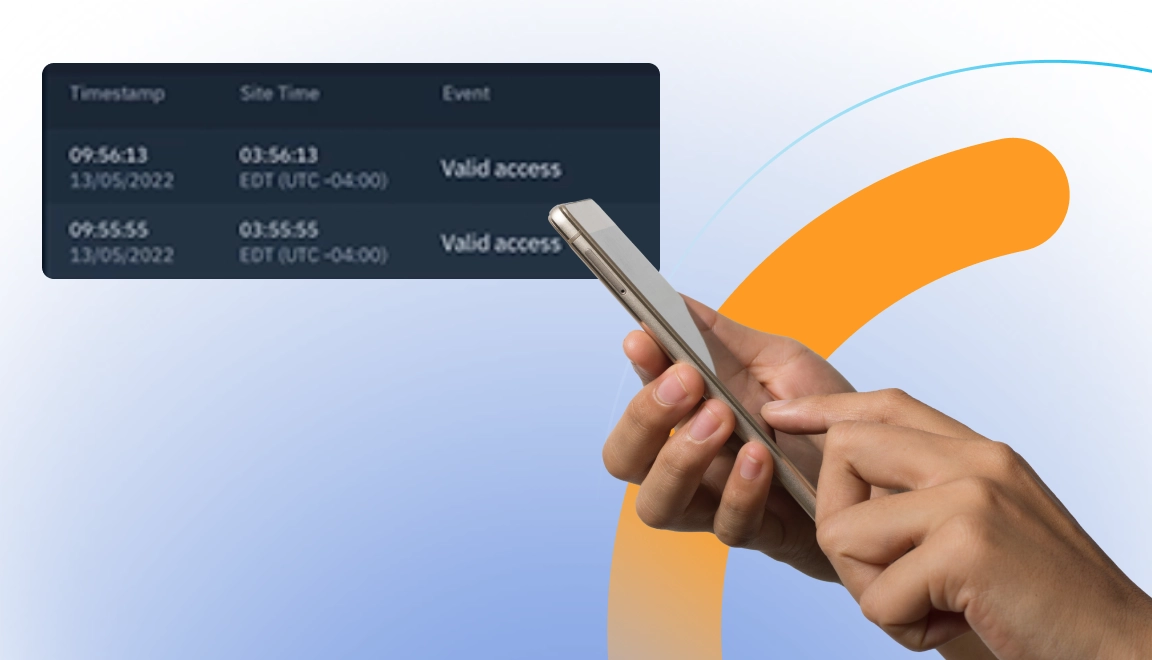
Access, video, and intrusion events in one view
deo. Access, video, and intrusion events in one view. Correlate alarms with door activity and video to verify false alarms.
alerts
Real-time alerts, plus one dashboard
Spot issues and respond without switching tools, all in one dashboard.
apis
Open APIs for IT/OT
Sync identities, building management system (BMS) signals, and visitor systems.

Deploy Brivo Mobile Pass Across Your Organization

Trust Brivo to ensure security and convenience with our mobile access solutions. We’re leading the market with over 4 million Brivo Mobile Pass credentials issued

With Brivo, now you can get employee badges in Apple Wallet, the generation of frictionless mobile access.

Requires eligible device and OS version.
Requires purchase of Brivo Wallet Pass.
For a complete list of global availability >click here.

Common Questions about Employee Badge in Apple Wallet with Brivo Mobile Pass

More questions?

How does an employee badge in Apple Wallet work if an iPhone battery dies?

With Apple’s Power Reserve feature, your digital employee badge continues to work for up to five hours after your iPhone needs to charge. You can still tap your device to the reader and securely enter the building without worrying about being locked out.

What happens to a mobile credential if an employee loses their iPhone or Apple Watch?

If a device is misplaced, the employee or administrator can use Apple’s Find My app to place the device in lost mode. This instantly suspends the digital employee badge and deactivates workplace access. Credentials can also be completely wiped remotely for compromised devices.

Can Brivo automate Apple Wallet credentialing through our existing identity providers?

Yes. Using the Brivo Identity Connector, you can fully automate the provisioning and revocation of Apple Wallet passes through major identity providers like Okta and Microsoft Entra ID. When an employee is onboarded or offboarded in your IT directory, their digital badge is automatically issued or revoked in real time.

What are the prerequisites to deploy Employee Badge in Apple Wallet with Brivo?

Administrators must enable Brivo Wallet Pass in their Brivo Access account and accept the Apple terms. Employees will need an NFC-compatible iPhone or Apple Watch with a passcode enabled, a signed-in Apple account, and the latest version of the Brivo Mobile Pass app to download their badge.