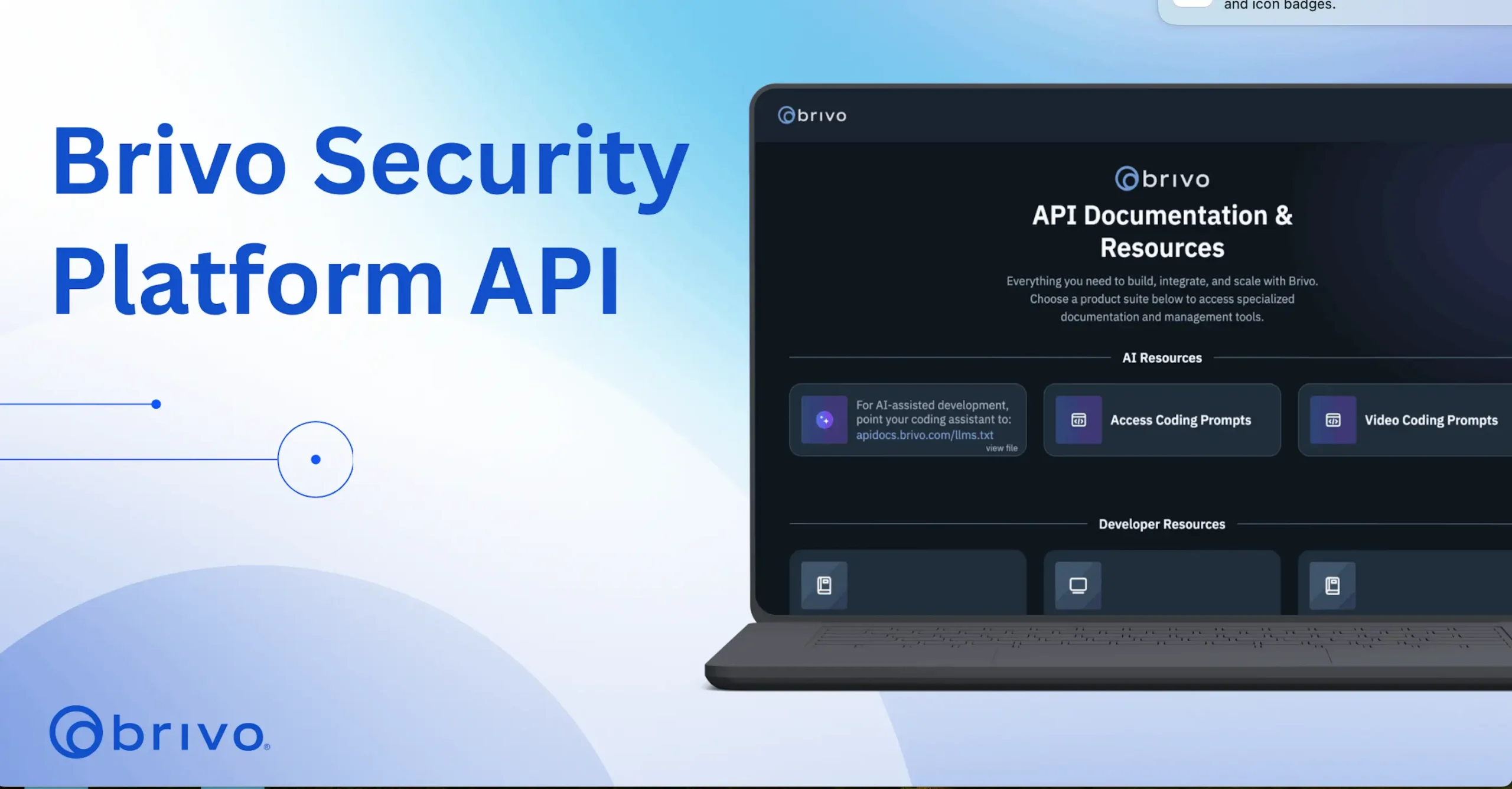
AUSTIN –May 14, 2026— Brivo, the AI innovator and global leader in cloud-native physical security solutions, today announced that the Brivo Security Platform API is now fully AI-friendly and capable, empowering developers and systems integrators to deploy business and security solutions faster than ever.
The Brivo Security Platform API significantly reduces development costs, making custom integration viable for a wide range of use cases and corporate workflows, including those previously deemed too costly or complex to pursue.
Enhancements to the Brivo Security Platform API include agent-friendly documentation, management tools, and resources for all AI agents to build, integrate, and scale with Brivo.
“Agentic AI is upending systems integration in the physical security industry, enabling anyone to build apps on our platform leveraging video, access control, alarms and third-party technologies within hours, not months, and at a fraction of the cost,” said Dean Drako, CEO of Brivo. “The Brivo Security Platform API makes this possible with AI-optimized documentation–machine-readable llms.txt and skill files–that provide AI agents everything they need to build diverse applications.”
Brivo API removes development barriers
Collin Trimble, CEO of Houston-based security integration firm Alarm Masters, used OpenClaw and the Brivo Security Platform API to integrate Brivo’s access control platform with a third-party intrusion detection product.
“We’re now at the age where your ability to develop an integration is only limited by your imagination. I described the outcome I wanted in natural language, and OpenClaw built it,” Trimble said. “The biggest benefit for security integrators is that they are no longer beholden to a manufacturer’s roadmap. Security integrators can build their own integrations without hiring a developer, waiting years, or spending tens of thousands of dollars.”
Trimble noted that not all APIs are AI-friendly, and hopes manufacturers will follow Brivo’s lead in developing “an open and robust AI-friendly API that has great documentation, helpful examples, and all of the endpoints you need.’
Benefits of the Brivo Security Platform API include:
-
- Accelerated Development: Enables AI agents to complete complex integration requests instantly instead of in months through AI-optimized documentation.
- Natural Language Integrations: Allows developers and integrators to build custom solutions using simple, natural language commands.
- LLM Agnostic: Supports leading AI models including Gemini, Claude, and OpenAI’s GPT, as well as agentic coding platforms like Codex and Cursor.
- Competitive Differentiation: Helps security systems integrators quickly deploy tailored solutions, expand service offerings, and create meaningful market advantages.
- Unifying Access and Video: Lets agents build a single application using access and video API endpoints.
New Brivo Security Platform API integrations include:
-
- A coworking space automated membership-based door access to eliminate manual key management for 24/7 locations.
- A gym franchise synced its member database with Brivo to instantly grant or revoke facility access based on payment status.
- A property rental group built self-guided property tours to text temporary digital keys to prospective renters.
- A variety of warehouses, office buildings and apartment building managers deployed license plate-based gate entry to keep delivery trucks moving without manual check-ins.
- A commercial office building integrated license plate recognition/parking gate opening with the tenant management system for added convenience and security.
- A daycare provider added secure video sharing to the daycare management app to give parents a real-time window into their child’s day.
Since its founding, Brivo has been committed to an open platform with a comprehensive RESTful API accessible by all, with extensive support for access control and video. Brivo merged with Eagle Eye Networks in December 2025. The Brivo Security Platform API combines the Eagle Eye Video API Platform and the Brivo API Platform.
To access the Brivo Security Platform API, visit apidocs.brivo.com
Martha Entwistle
mentwistle@brivo.com