Loss Prevention Teams

Retail Loss Prevention and Multi-Site Operations

Trusted By
nike
prada
chick fil a
hotworx
whole foods
google
dollar tree
levis
YSL
greystar
Loss Prevention Hero
Reduce Shrinkage

The Loss Prevention and Shrinkage Challenges of Today

Loss prevention and shrinkage are rarely one-off incidents. Organized crews, insider risk, and gaps between point-of-sale (POS), doors, and cameras can quietly erode margins across locations. Brivo Security Suite brings access control, video, and intrusion detection into a single view so teams can spot issues faster and investigate with more context. Plus, AI-assisted search via Brivo Genius can provide you with fast, context-aware support.

Access Management and Video Surveillance

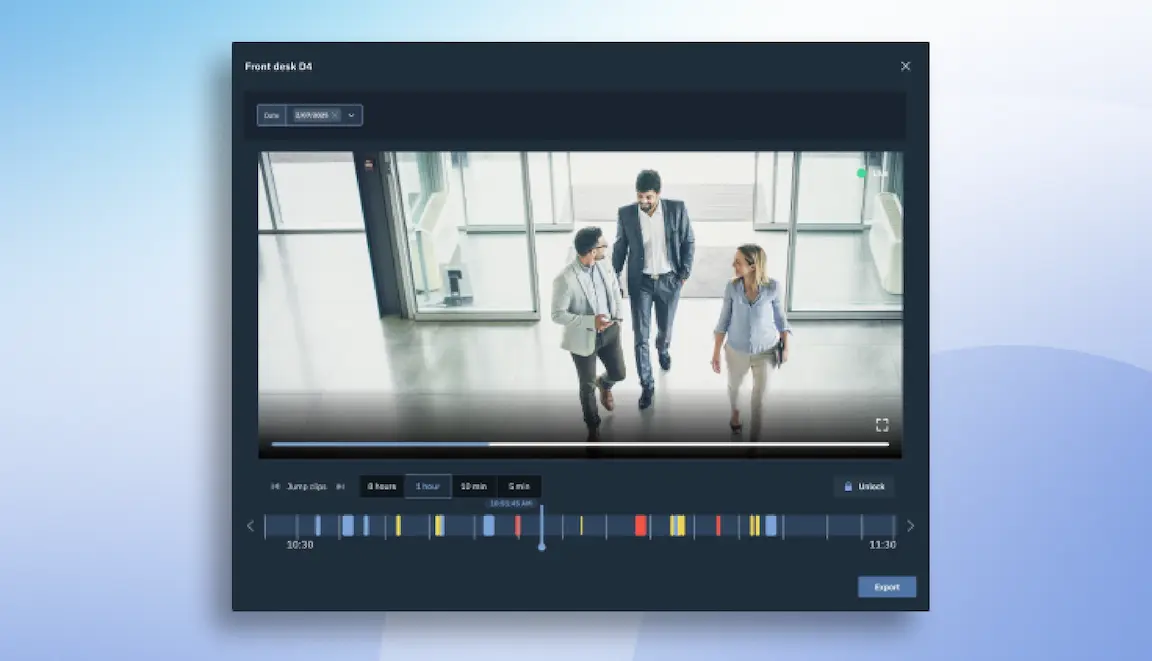
Connect the access and alarm event to the video clip, and the question shifts from “what happened?” to “what action should I take next?” Brivo links door activity and timestamps to video in a single view. This helps loss prevention teams quickly identify the cause of the incident and act from a single platform. Review time can drop from hours to minutes, with every decision logged for audit.

Where Loss Prevention Pays for Itself

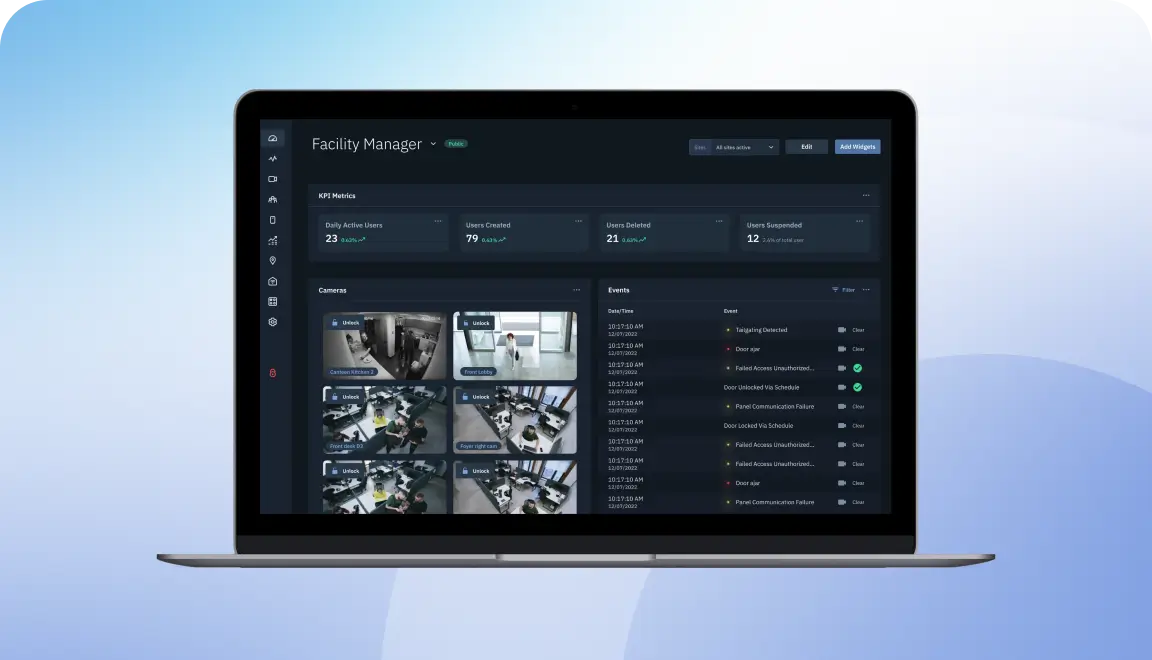
Brivo centralizes door events, video, and data in a single cloud dashboard, giving loss prevention teams instant visibility and significant context into suspicious activity, enabling them to verify incidents and respond quickly.
After-hours access control
Get alerts for off-hours access and overnight deliveries, grant auto-expiring credentials, lock doors remotely, and notify a manager if needed.
Video-POS integration, exceptions, and entry mismatch
Link cameras and POS to flag suspicious transactions, and restrict access if needed.
Forced-door alarms
See each alarm on video, separate false alerts from real incidents, and preserve evidence for HR, legal, or law enforcement.
inventory
Inventory and back-of-house
Issue temporary roles and monitor access activity at stockrooms and receiving areas to support your inventory processes
dock
Storeroom cages and shared keys/PINs
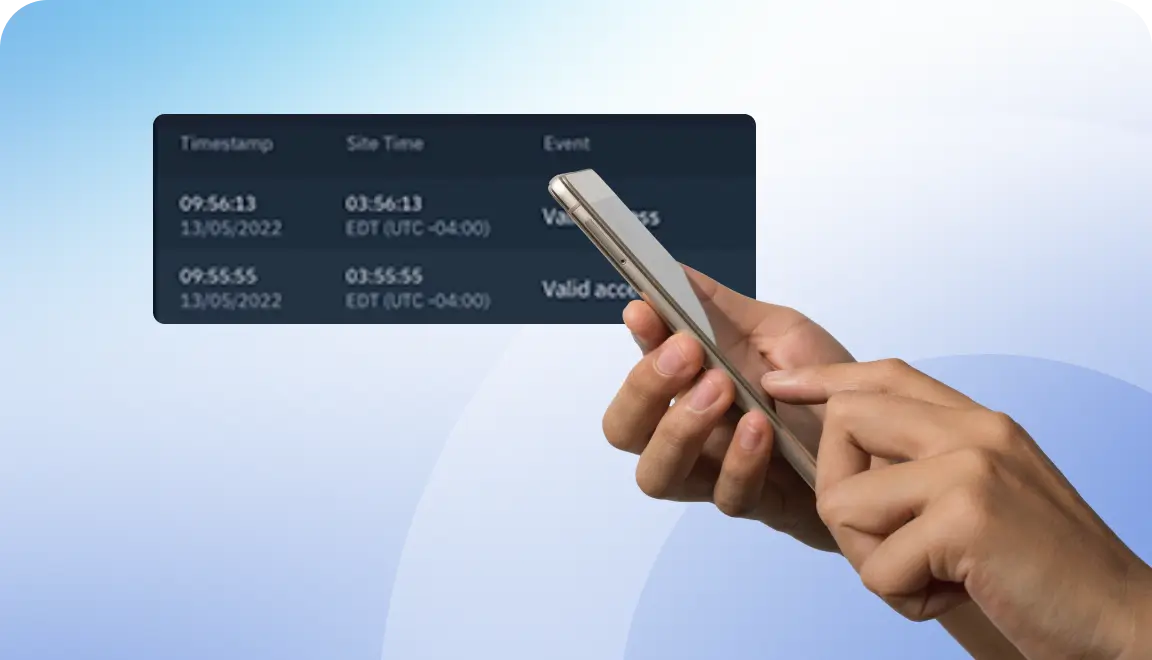
Timestamp PIN entries with video to see who actually accessed high-value items.
Back doors and loading docks
Monitor every door, verify vendors and deliveries with linked video and credentials, and get alerts if a door is propped open or accessed at outside operating hours.
Monitoring services for retailers
Brivo offers remote video monitoring for after-hours behavior and 24/7 oversight of access and intrusion events.
Warehouse security systems
Use license plate recognition (LPR) for trucks at warehouses and distribution centers to confirm vehicle details.
store
Capabilities

Brivo Empowers Loss Prevention Teams

One cloud platform — no patchwork. Give loss prevention and security teams a single console to view events with context and act quickly.
Real-time alerts and responses

Respond quickly to alerts, and share live camera feeds with 911 dispatchers.

Exception reporting

Document or capture unusual entries and POS mismatches across stores.

Video verification

Issue or revoke credentials in minutes from a single dashboard.

Remote door commands

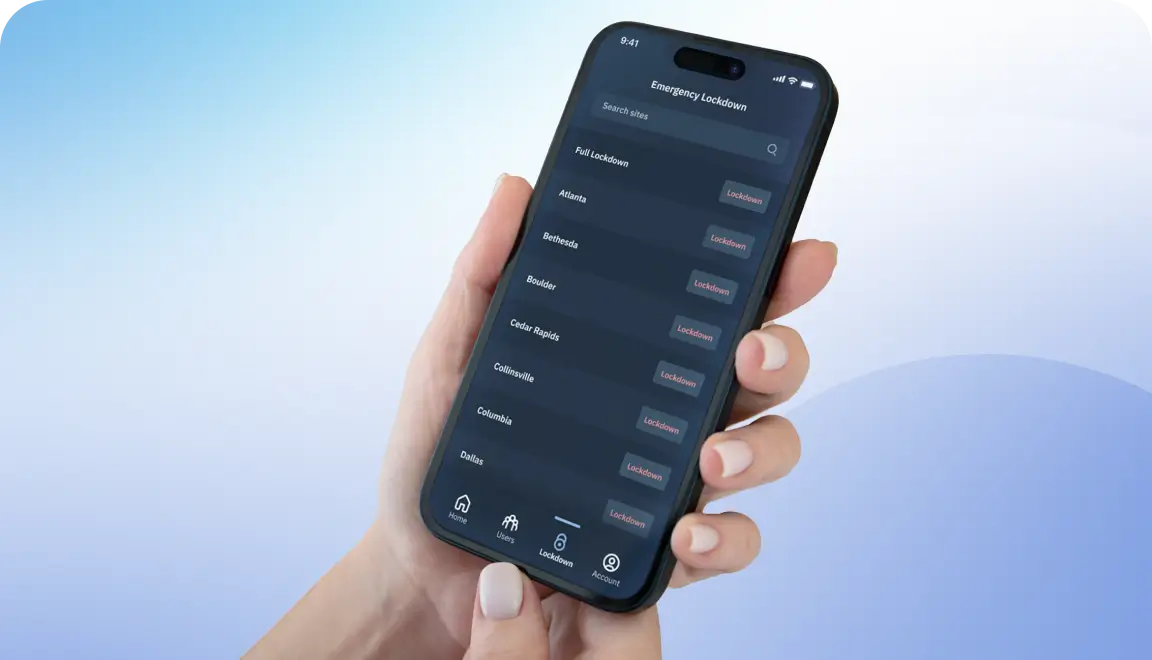
Lock, release, or reset your door from anywhere.

User behavior analytics

Spot patterns by role, site, or time, with advanced video analytics.

Chain-wide access enforcement

Set or update access rules once and apply them consistently across every facility.

After-hours deliveries

Verify the delivery person or vehicle's access to the warehouse.

AI-assisted (Brivo Genius)

Receive AI support to find context around events instantly.

Platform

Support for Multi-Site Operations and Workflows

Operate multiple branches or stores with consistent security and clear ownership.
Centralized dashboards
Track door activity, video feeds, and security alerts across all your sites from one unified dashboard.
Standardized procedures
Establish consistent access permissions and scheduling for opening, closing, and incident response.
Role-based admin
Define HQ versus store permissions, and benefit from single sign-on (SSO).
Incident policies and tracking
Link access and video events to admin comments so each incident adheres to your protocols.
Reporting at scale
Analyze response times and identify the primary causes of retail shrink across all locations

Brivo Integrates With Your Tech Stack

Brivo works with the tools you already use and helps you avoid vendor lock-in. We partner with the leading SaaS platforms featured in our Integration Marketplace.

You can tie POS activities to door events, review matching video segments, and also sync identities from systems such as Azure AD or Okta.

Guesty
google
envoy
hotworx
mindbody
parkable
okta
levis
Officernd
park-stash
ripple
RP
sharry
sentryai
swiftlane
torus
telaeris
Allegion
2n
LMPM
iotas
livly
Support

Quick and Effective Management of Remote Access

Remote access allows your reseller or Brivo Support to sign in to your Brivo Security Suite account to assist with configuration and troubleshooting. You can use it as needed to accelerate support for stores, warehouses, and distribution centers, then turn it off. You decide if and when it’s available, and authorized admins can toggle it on or off.

Loss Prevention With the Brivo Security Suite

Brivo provides loss prevention teams with a unified cloud console for managing alerts, gathering evidence, and implementing chain-wide security policies built to scale without servers.

You can cut review times and reduce loss with unified access control, video, and intrusion alarms across every store and distribution center.

See how this approach elevates retail loss prevention and operations.

Common Questions About Loss Prevention Security

More questions?

How can integrated access and video help reduce shrinkage?

When your access control, video, and intrusion events are integrated, loss prevention teams can reduce review time from hours to minutes. You see which credential was used, what the camera shows at that door, and whether an intrusion event was triggered, all from the same console. Video data linked to point-of-sale transactions can also make it easier to spot and investigate potential fraud.

The combined record improves response times, preserves evidence, and helps you spot patterns before they repeat. With Brivo's 24/7 remote monitoring services, high-priority intrusion and access events can also be reviewed. Potential incidents are investigated and escalated even when your team is off the clock.

Where does unified security deliver the highest impact in loss prevention?

High-impact scenarios:

  • After-hours door opens
  • Forced-open alarms
  • Receiving doors during deliveries
  • Match suspected fraudulent transactions to video
  • Back-of-house access during inventory
  • Gain insights into staff efficiency
  • Identify security issues in real time, i.e., gun detection
  • POS exceptions tied to entry logs
  • Understand customer behavior better — including where customers cluster, and what areas of your store they usually miss.
  • Reduce false alarms

Brivo uses roles and schedules to restrict access by time and location, allowing you to verify activity with paired video. Additionally, we offer incident management and 24/7 monitoring.


Can analytics tools integrate with Brivo to detect suspicious activity?

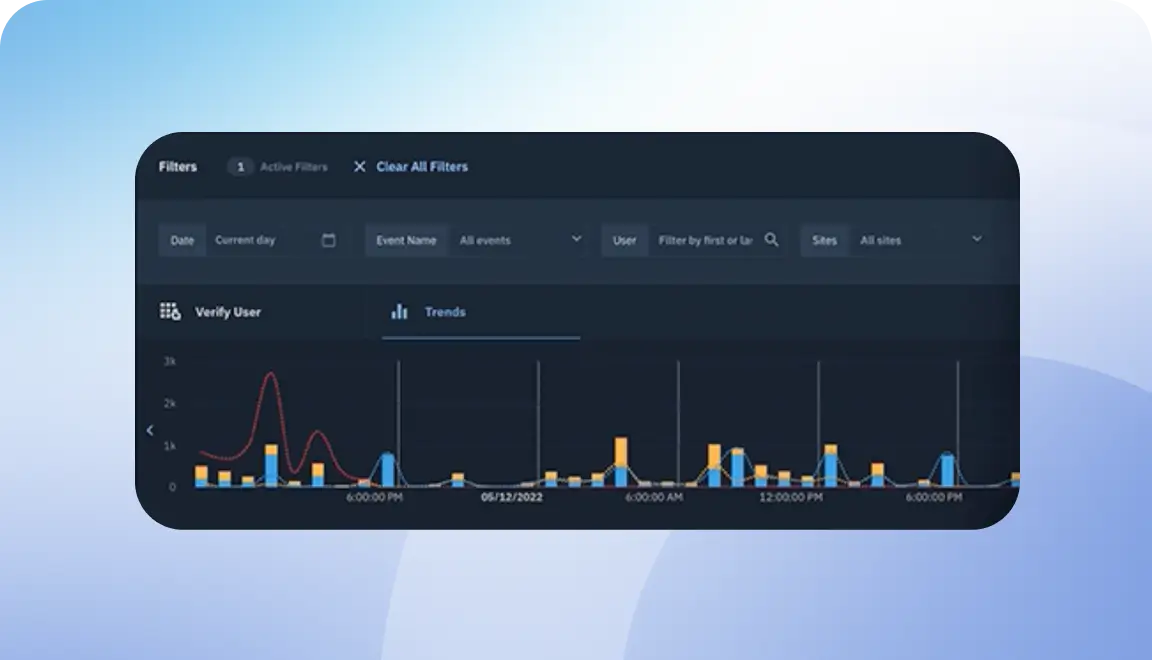
Yes. Brivo Security Suite can surface trends and support rules-based alerts from access and video activity, and you can also connect third-party analytics through open APIs and integrations for deeper pattern detection.

This can help flag repeat after-hours entries, tailgating at key doors, or POS activity that lines up with door events. Alerts can route to the right people and link back to door activity and video for quick review.

How should businesses roll out loss prevention systems across multiple locations?

Start with a pilot store, document standards for readers, cameras, and alerts. Then, roll out in waves using policies for doors, roles, and schedules.

Train loss-prevention and store teams, set clear owners, and use reports to measure response times and exceptions. By doing this, you can adjust policies as you add sites.

What reporting options exist for tracking incidents and resolution times?

Incidents combine the access event, video clip, timestamps, notes, and admin actions into a single record you can review or export. Roll-up dashboards show counts by site, response times, repeat exceptions, and closure rates.

Share reports with leadership and auditors to show progress and guide next steps.