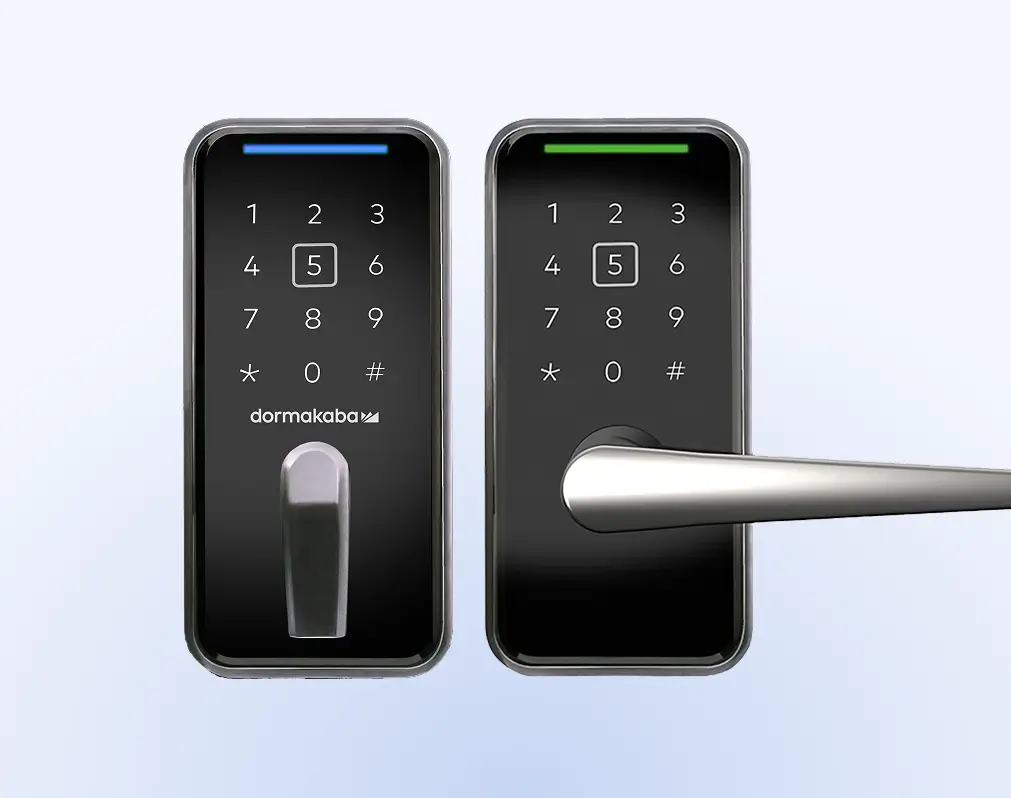
Commercial Door Locks

Locks
Secure Facilities

Cloud Access Control for Your Commercial Door Locks

Brivo Security Suite is a cloud-based security platform that connects to commercial door locks and readers from leading manufacturers. It acts as the brain and operational oversight behind your ecosystem, so you control who gets in, how, and when.

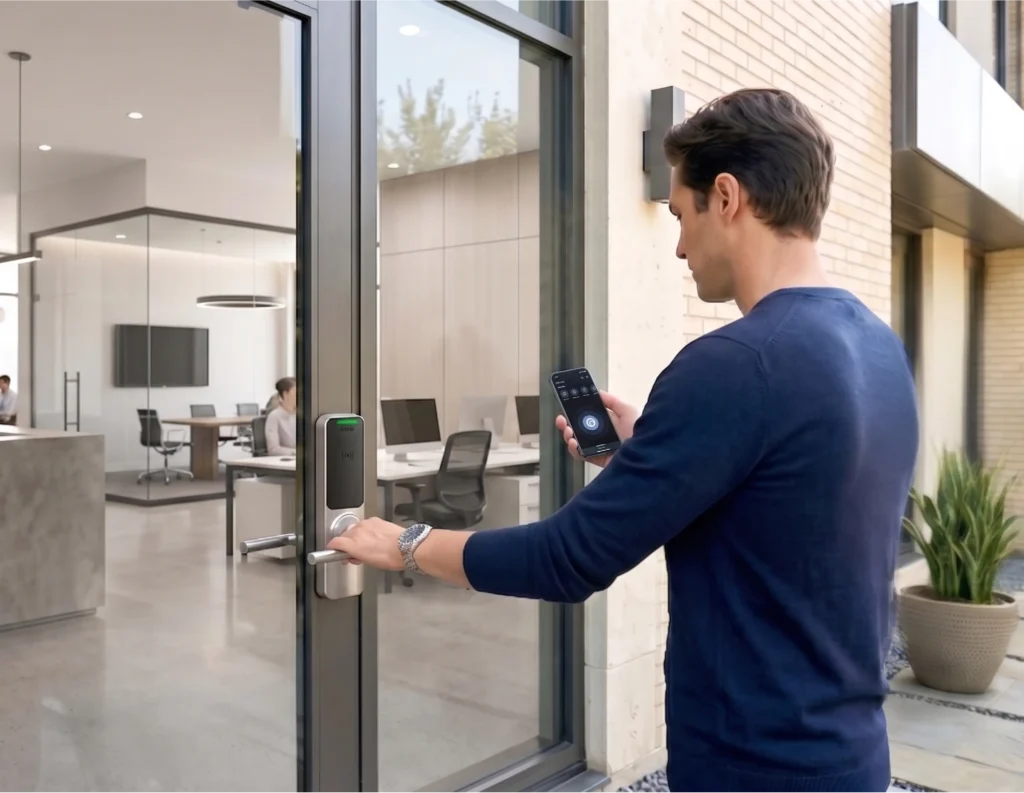
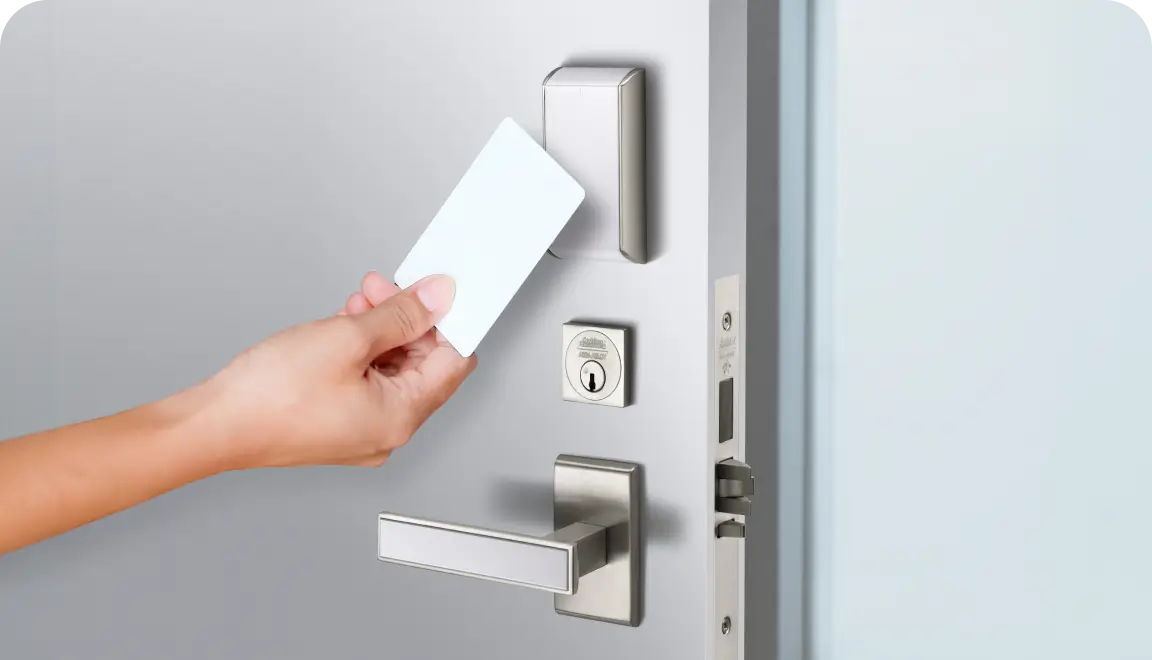
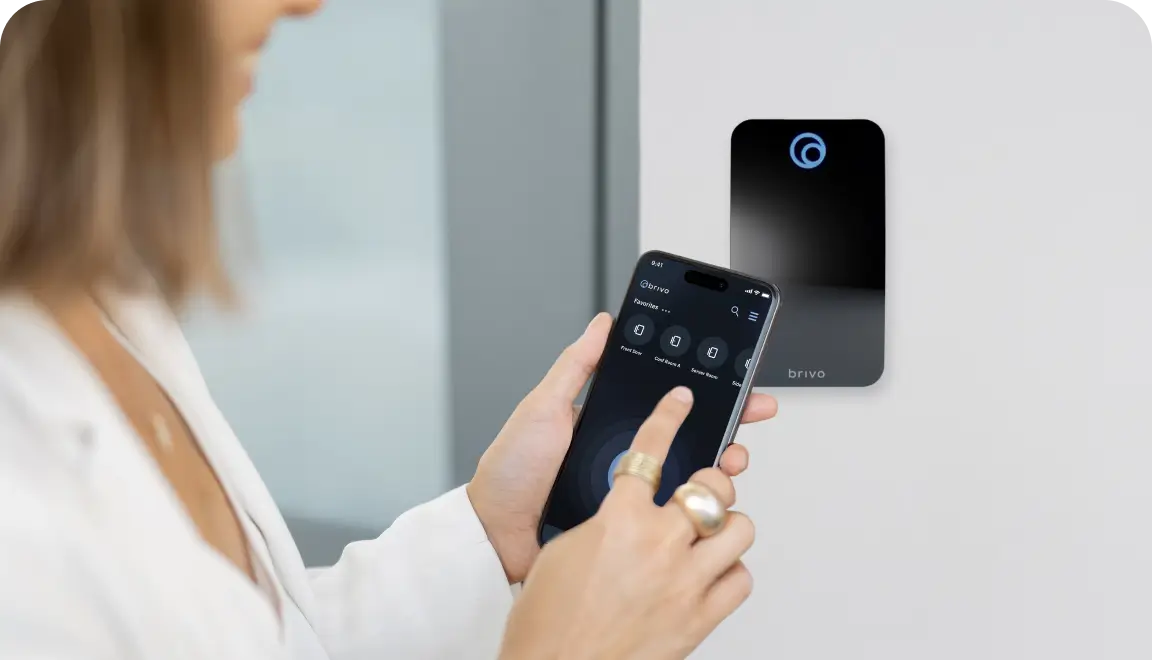
Provide users with different access options using mobile credentials, cards, or fobs. Backed by real-time door activity logs for better oversight and audits.

Cloud Access Control for Commercial Door Locks
Platform

Core Capabilities of the Brivo Security Suite

The Brivo Security Suite is a Software-as-a-Service (SaaS) management solution for door locks. It serves as the cloud-based control layer for your access control, video, visitor management, and intrusion detection system.

credential management
Fast, flexible credential management
Issue, revoke, and support mobile credentials, cards, and fobs via Identity Connector or PMS integration.
remote lock
Remote lock and unlock
Assist users at doors, manage after-hours access, and resolve issues without sending someone on-site.
Schedules and Roles
Schedules and roles
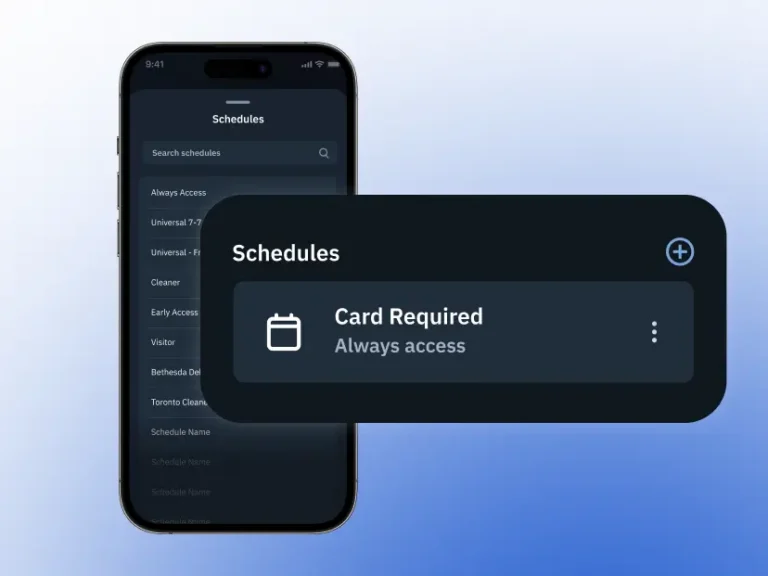
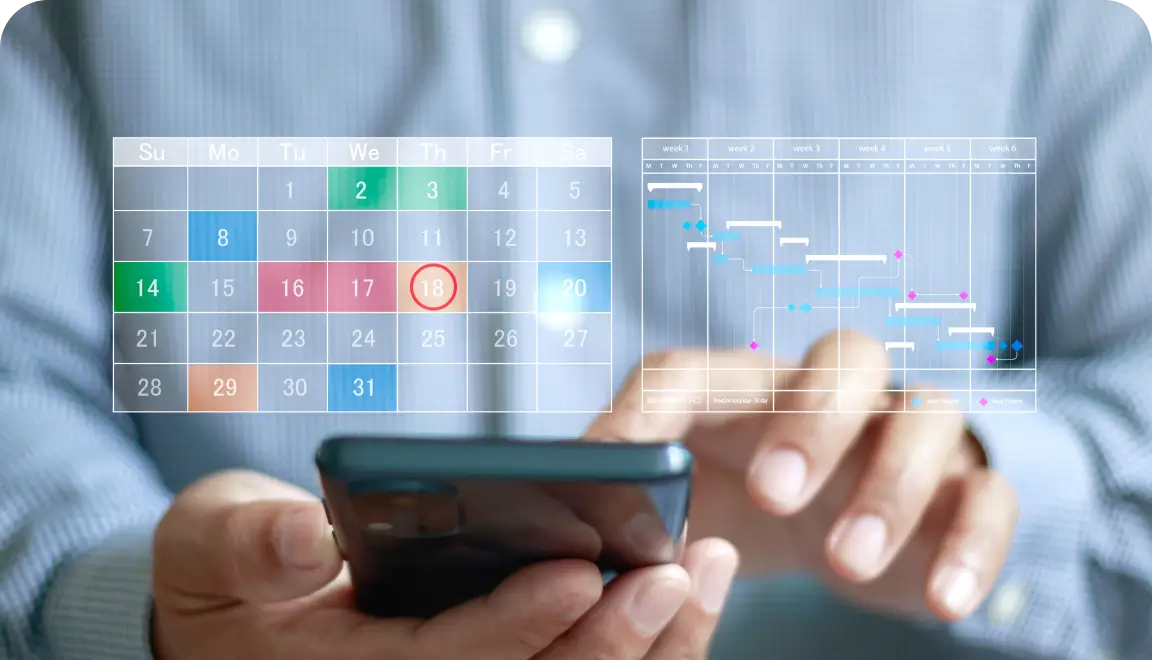
Apply access schedules and role-based permissions once, across locations to keep doors aligned with security policies.
Logs and Alerts
Real-time logs and alerts
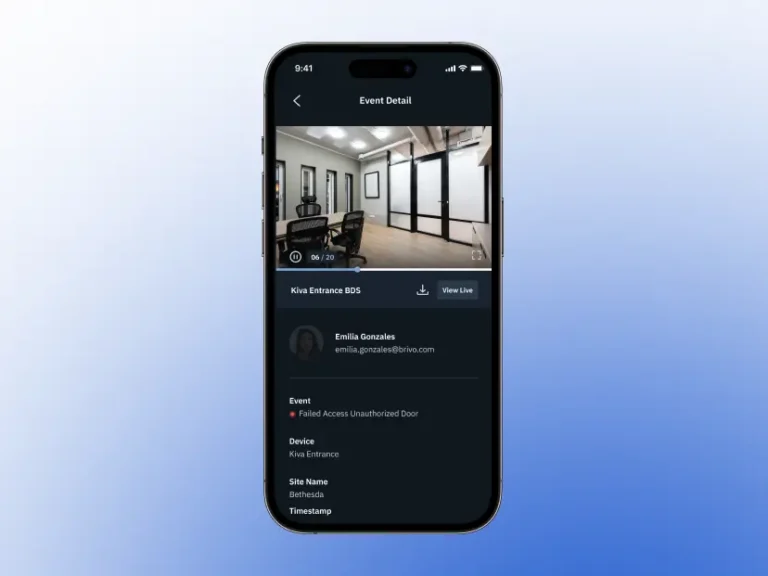
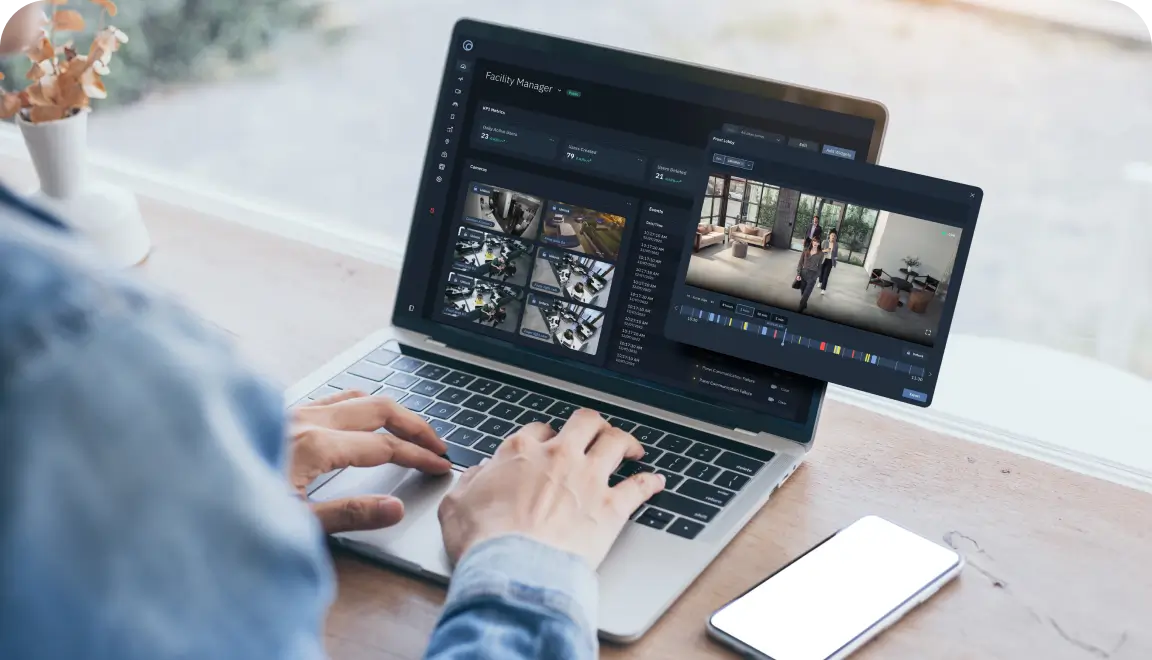
See door activity as it happens, investigate incidents quickly, and stay ready for audits.
Video Verification
Video verification
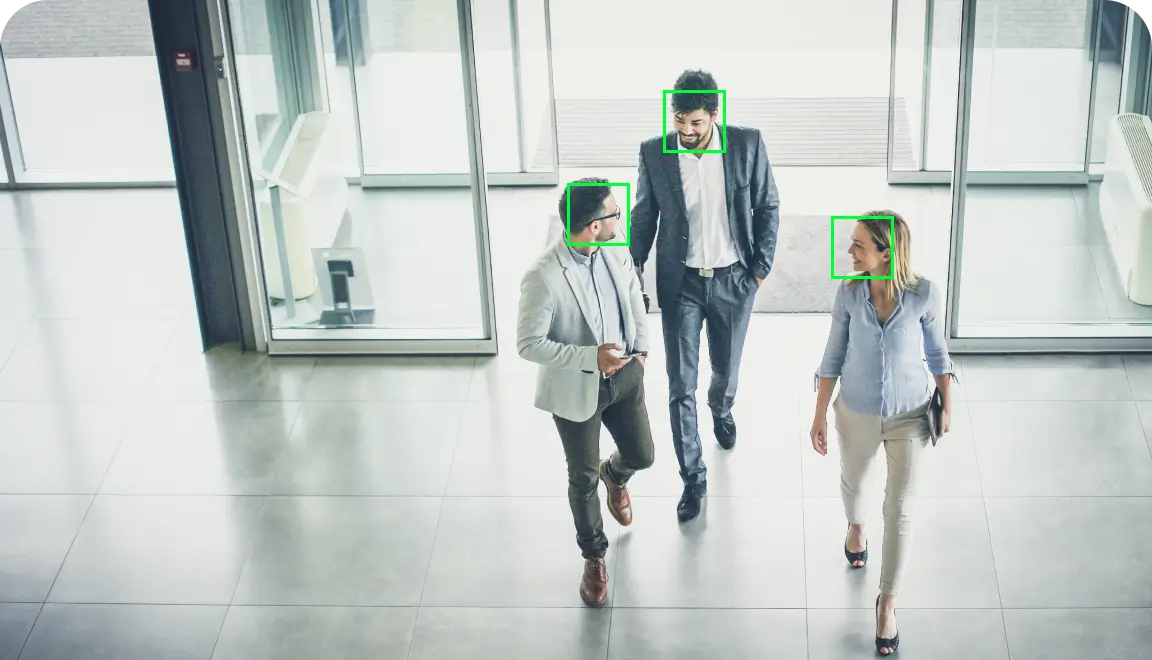
Pair access events with video footage to confirm who used the door and what happened around the event.
Emergency Scenarios
Emergency scenarios

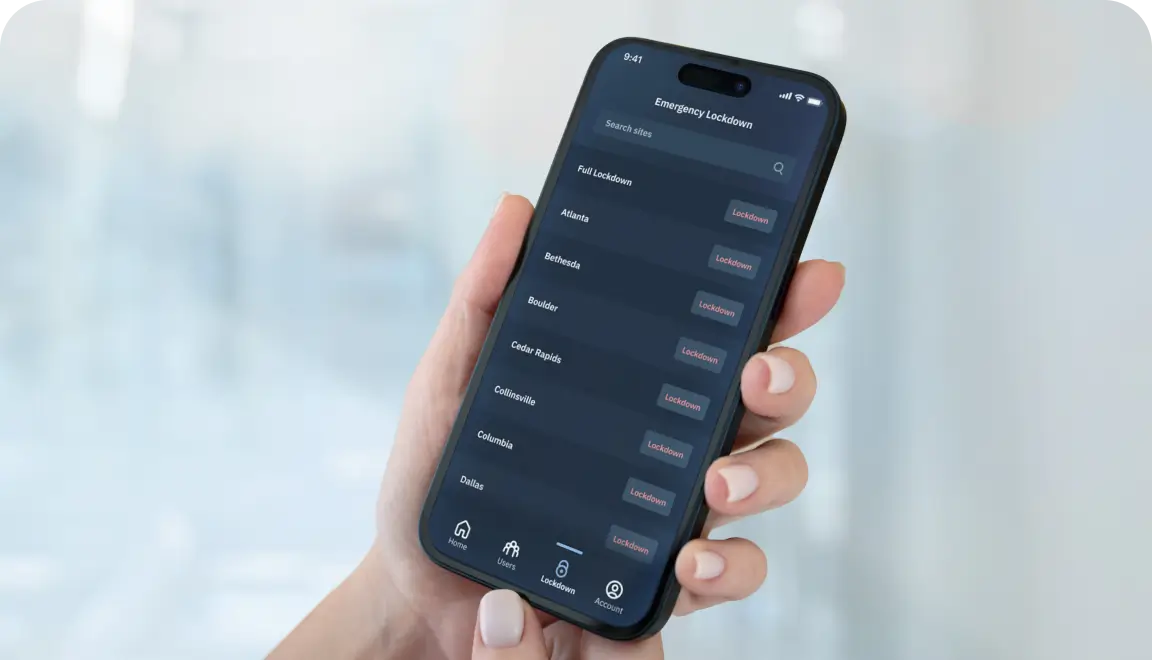
Use a one-touch tool to override schedules and enable emergency lockdown or egress via e-locks.

Flexible and Scalable

Access Control for Security Leaders

Flexible credential options

Support mobile access, cards, fobs, and video verification, so you can choose what works for each user and location.

Smarter credential spend

Shift to mobile credentials to reduce printing and replacement costs while still supporting existing cards and fobs.

Faster onboarding and offboarding

Issue or revoke credentials in minutes from a single dashboard.

Fewer truck rolls

Configure doors, adjust schedules, and remotely unlock or relock doors instead of sending someone on-site.

Centralized visibility

See door status, access events, and credential activity across every location at a glance.

Scales with your footprint

Manage anywhere from 10 doors in one building to thousands across a global portfolio in the same system.

Door Lock Hardware

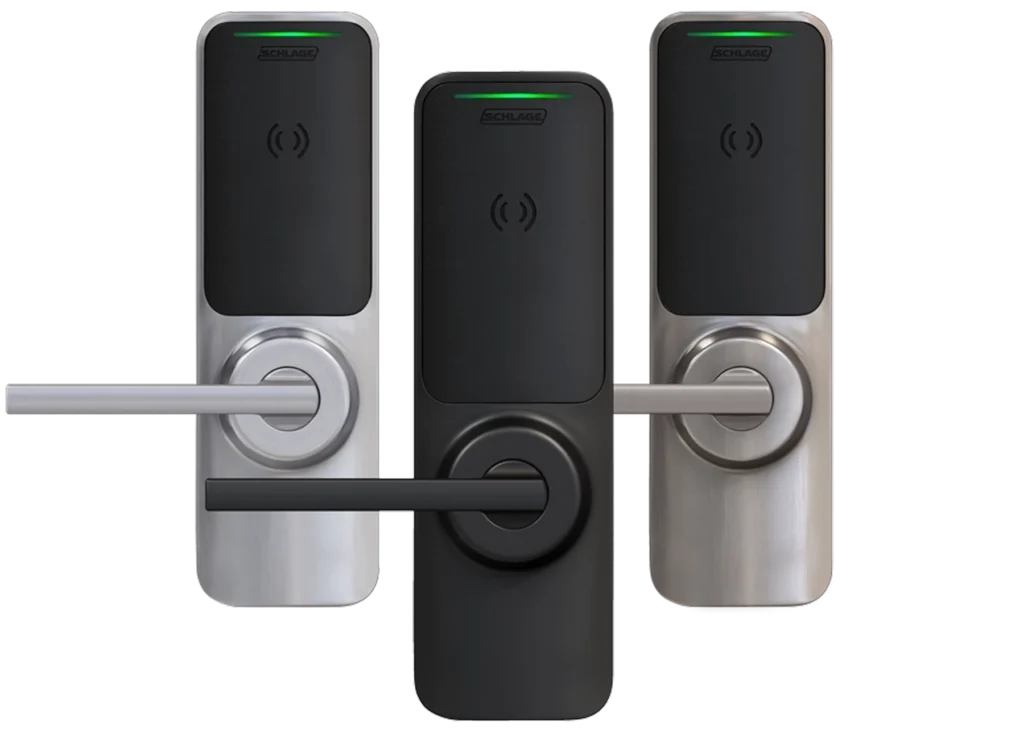
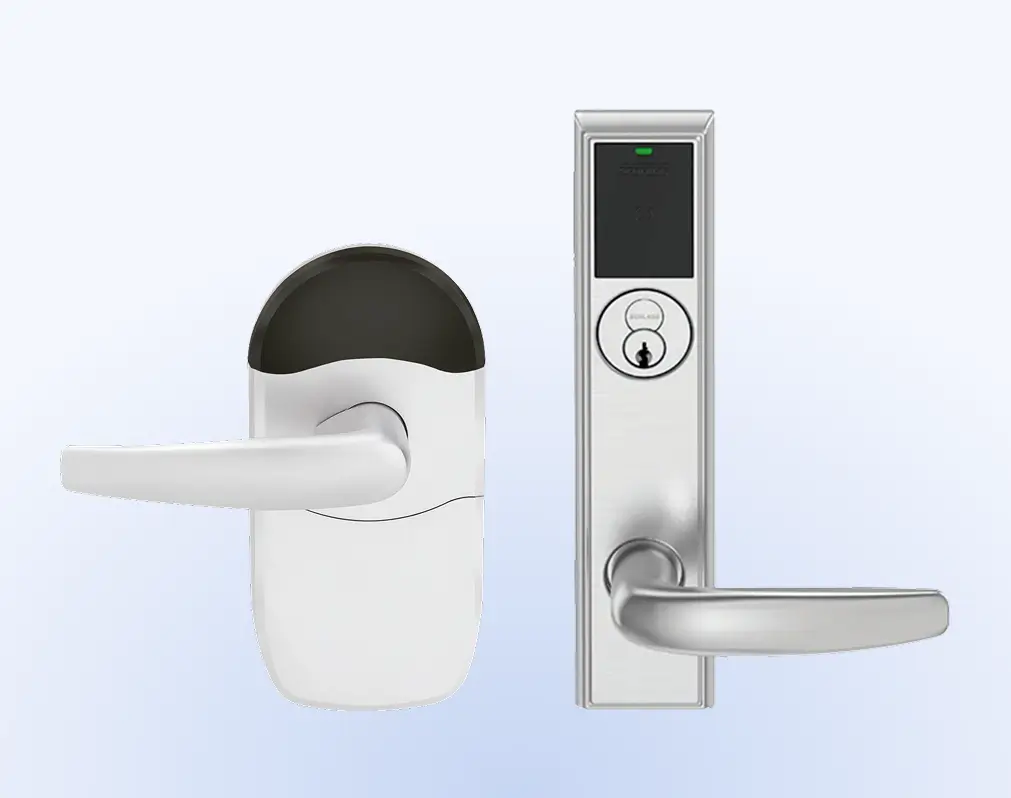
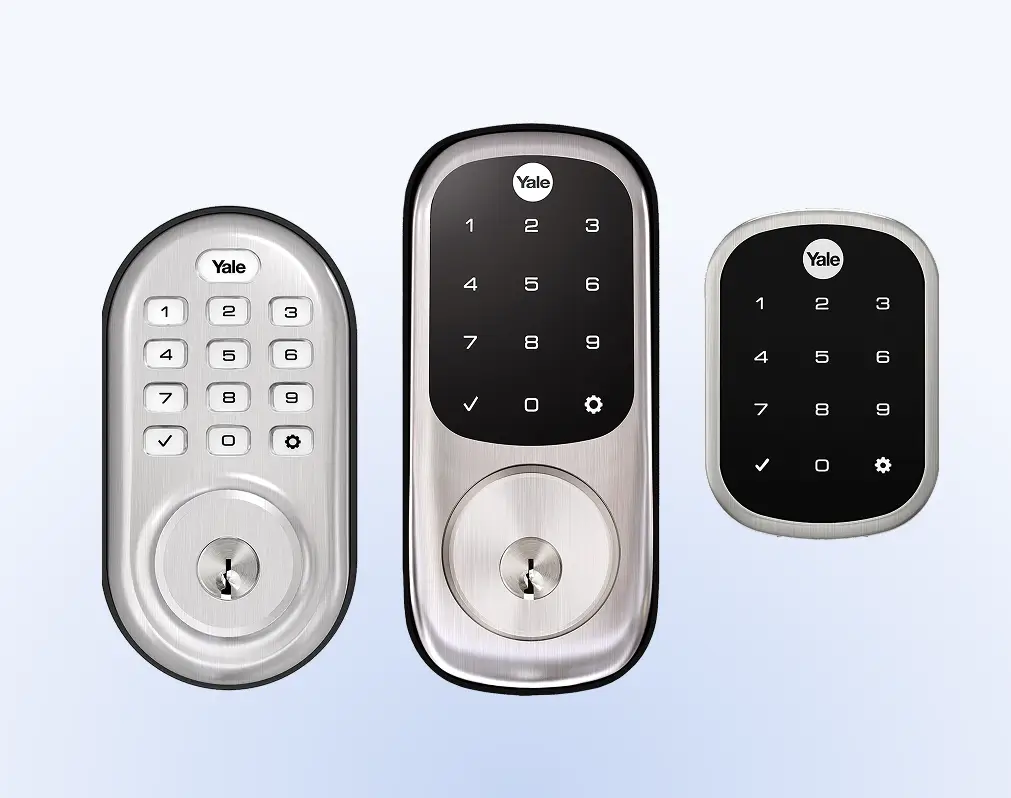
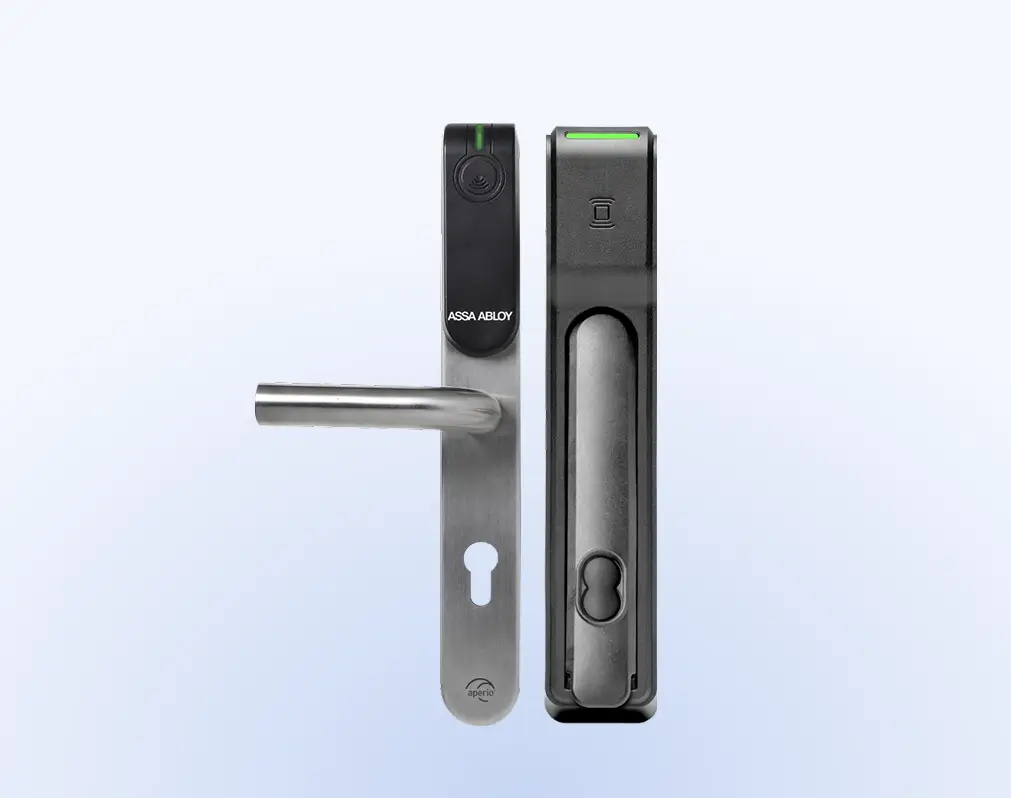
Explore Wireless Locks Compatible With Brivo

Brivo connects its cloud platform to supported commercial door locks and readers from other manufacturers, so you can manage who gets in without worrying about the hardware.

Brivo Security Suite

The Benefits of Being on The Cloud

Brivo Security Suite is the cloud-based control and unified oversight layer for every door lock and reader in your system. With cloud-based access control, you configure and monitor doors across locations, enforce policies, and respond to incidents without touching on-site servers or lock hardware.
Cloud architecture

Manage locations from anywhere with no servers to maintain, so your team spends less time on patches and more time on door security.

Encryption

Use TLS in transit and AES-256 at rest to keep credentials, video links, and door logs protected from interception and misuse.

Security program

Rely on a platform that is independently audited to SOC 2 Type II and ISO/IEC 27001, so it supports your own security and compliance requirements

Role-based administration

Limit each admin to the locations, doors, and actions they need, which reduces insider risk and configuration errors.

Single sign-on (SSO)

Connect to Azure AD, Okta, and other IdPs so users sign in with their existing identities, and enforce MFA and lifecycle policies from a single place.

Central control and credential administration

Revoke access, pull real-time logs, and bulk suspend or reinstate users to keep the right people in the right spaces.

Industries

Cloud-Based Control of Commercial Door Lock Systems

You control doors, credentials, and remote unlocking in Brivo Security Suite, while the locks perform the physical work at each location.

Enterprise
Scale global door security with cloud control, single sign-on, and unified policy enforcement across locations, backed by real-time, audit-ready door logs.
Multifamily
Provide residents with mobile, card, or fob entry and manage units, common areas, and amenities from a single console.
Commercial
Keep day-to-day operations moving with cloud-based control of tenant and vendor access, plus monitoring and alerts across buildings.
Whether you manage stores, clinics, campuses, or offices, commercial door locks let you handle off-hours, temporary, or vendor access without a site visit. Set rules once, see logs in real time, and keep people moving.
Retail chains

After-hours deliveries, vendor access, and instant lockouts.

Healthcare

Medication and lab security, temporary staff access, and full audit trails.

Education

Classrooms and events, or quick replacements for lost badges.

Commercial real estate

Tenant move-ins, amenity doors, and contractor passes.

Manufacturing and logistics

Dock doors and cages or remote unlock for scheduled drops.

Brivo Access Mobile

How Remote Unlock Works — Simple Steps

When someone needs help opening a locked door, an authorized administrator can unlock it remotely via Brivo Security Suite. They don’t have to be in the same city as the reader.
Step 1
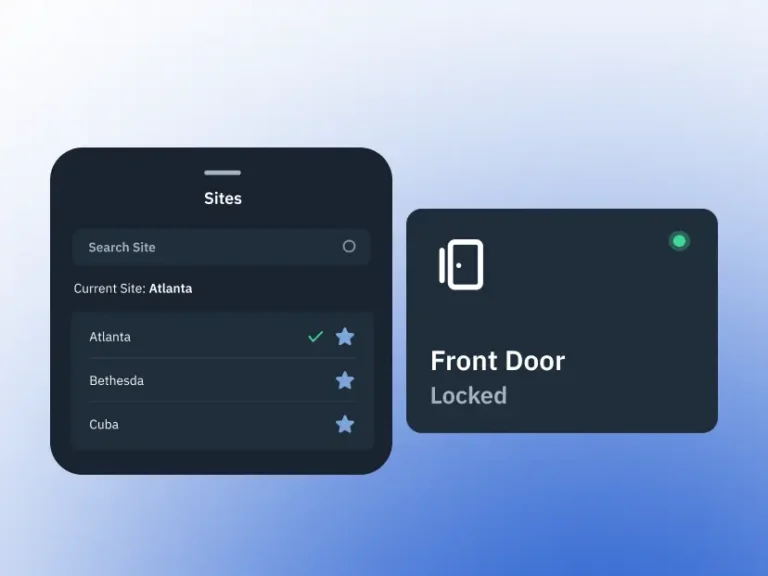
Log in to Brivo Security Suite on your mobile device using your credentials or single sign-on to access your sites.
Image description
Step 2
Select your site location from the list, then choose the specific door you want to open, unlock, or monitor remotely.
Image description
Step 3
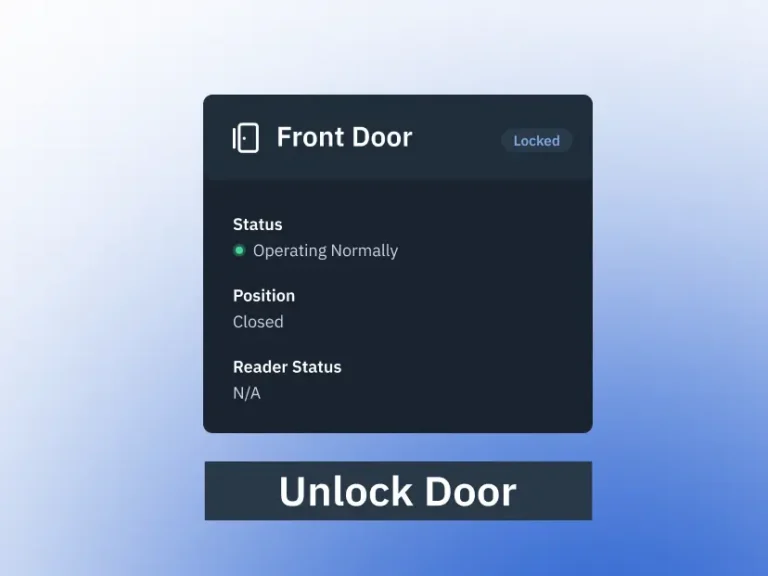
Review the current door status, then tap Unlock Door to send a one-time remote unlock command directly from your device.
Image description
Step 4
The control panel receives the signal, unlocks the door for the configured pass-through period, and relocks on schedule.
Image description
Step 5
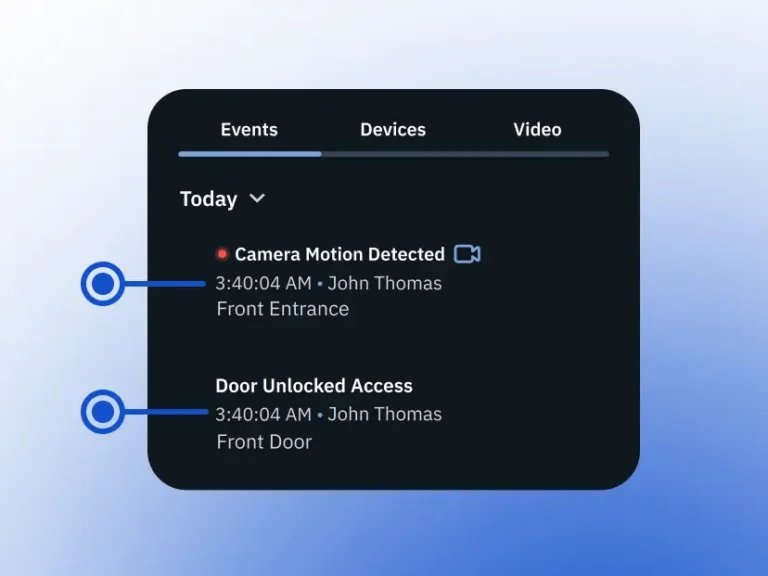
The unlock event is time-stamped and stored in your activity log, and when video is integrated, you can review the corresponding footage alongside the event.
Image description
Step 6
Administrators can review these events later, adjust roles and schedules, and reduce ad hoc "can you let me in" calls.
Image description
Editions

Brivo Security Suite Customized for You

Choose the Brivo Security Suite edition that fits your needs today, with room to add more capabilities as your security program and portfolio grow.

Common Questions for Commercial Door Locks

Can I upgrade existing commercial doors to smart/keyless locks without replacing all the hardware?

In many cases, yes. Brivo Security Suite works with compatible wireless and credentialed locks from brands like Assa Abloy Aperio, Schlage, and others, so you can upgrade to cloud-managed, keyless access while reusing existing doors and often existing lock prep.

Brivo Unified Credential lets you issue a single secure credential that works across supported locks and readers, helping you modernize access without a full hardware rip-and-replace. A Brivo dealer can confirm exactly which locks and components at your site can be reused.

What’s the difference between a standalone “smart lock” and a commercial door lock connected to Brivo Security Suite?

A standalone smart lock typically manages users, PINs, and app access on the lock itself, which works for a single door or small setup but offers limited central management and reporting. A commercial door lock that integrates with Brivo Security Suite is part of a cloud access control system: credentials, schedules, and roles live in the cloud, and door events and status roll up into one dashboard with reporting and, when enabled, video. That gives you centralized control across multiple doors and locations, along with consistent audit trails and policies.

How do Brivo commercial door locks support compliance needs like audit trails and access reports by door?

The Brivo Security Suite captures events with details such as time, door, and user, and displays live activity and door status in its dashboards. These events feed into reports that you can filter by device, site, group, or user, and then schedule or export for audits and internal reviews.

Reports are explicitly designed for auditing and compliance use cases, helping you demonstrate who had access to which doors and when. When video is integrated, you can also pair door events with corresponding footage for stronger incident documentation.