






Enterprise Physical Security

Get a More Efficient Visitor Management System

Welcome guests without slowing down your front desk. Brivo Visitor Management, powered by Envoy, makes welcoming guests easier and more secure.

Capture accurate visitor records, enforce policies automatically, and provide security teams with real-time visibility across all locations. Brivo does all of this from the same AI-integrated cloud platform for access control and video.

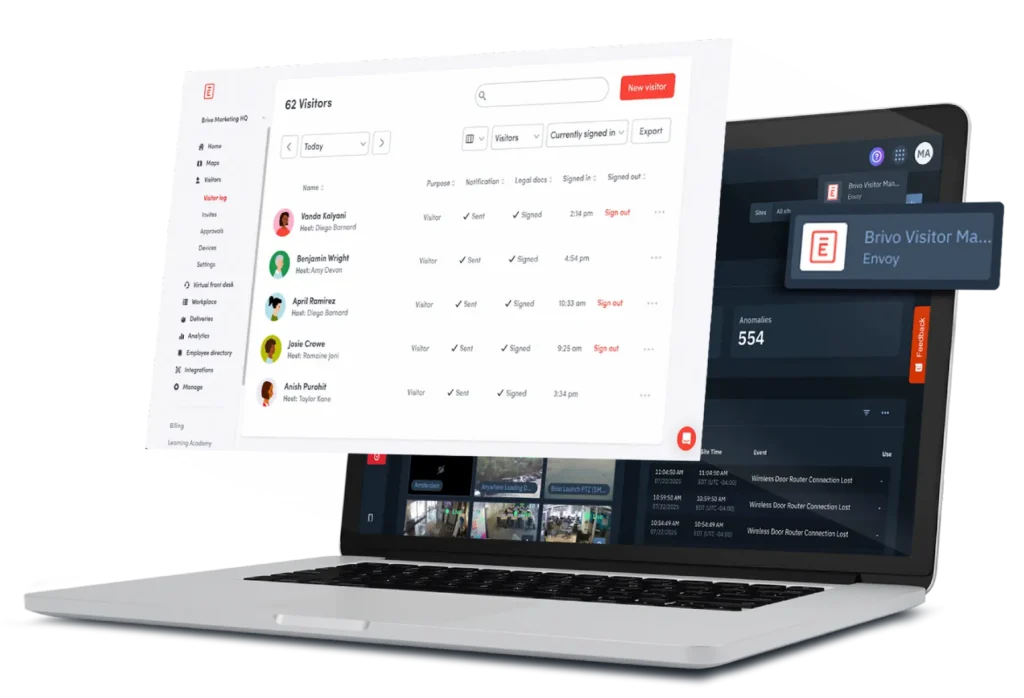
Laptop displaying a white admin dashboard with the '62 Visitors' list and visitor rows
Track & Provision Credentials

Improve Lobby Security With Automated Visitor Management

A busy lobby shouldn’t compromise your security procedures. Brivo Visitor Management, powered by Envoy, ensures every guest follows a consistent, guided check-in process, while offering a pleasant visitor experience. 

You get a more automated visitor management system with visual verification to protect people and keep lines moving. This way, you know who they are, why they are there, and when they leave.

Preregistration with email invites

Hosts can preregister visitors, set visit times, and share directions to ensure arrivals move quickly and eliminate manual record-keeping.

Self-service check-in

A lobby kiosk walks guests through sign-in and screening questions, with contactless check-in or QR code reducing front desk load.

Host notifications

Hosts are automatically notified when visitors arrive, so no one is left waiting at the lobby desk.

Automatic badges and temporary credentials

Badges, PINs, and mobile access all expire on schedule, keeping control tight without extra work.

blue Curve

Recognized for Excellence

campus Safety
SIA award
SSlmvp
esx
Capabilities

Visitor Management System Capabilities That Improve Security

A digital visitor management system makes every visit searchable, auditable, and easier to manage. Brivo Visitor Management, powered by Envoy, facilitates guest check-in by automating registration, issuing printed or digital badges, managing temporary access permissions, and providing real-time visibility and reporting.

Brivo reduces risk and boosts efficiency. Get the full benefits of a unified visitor management system directly within the Brivo Security Suite.

Watchlist screening and video verification

Screen visitors against internal lists, and link check-ins to video for faster verification and follow-up.

NDAs and e-sign agreements

Present policies or non-disclosure agreements (NDAs) on the kiosk, and capture acknowledgments during check-in.

Workplace integrations

Tie visitor flows into workplace systems such as notifications, IT tickets, or guest services, so arrivals trigger the right follow-up.

Emergency evacuation roll-call

Use real-time mustering lists to verify who remains in the building during drills or incidents.

Occupancy insight

Track who is on site to support safety rules, space planning, and compliance reviews. Control what data is collected, how long it is retained, and who can see it.

Host notifications

Notify hosts when visitors arrive by email, SMS, or in-app alerts, so guests can be greeted promptly.

Single Source of Truth

Connect Visitor Management to Security, Facilities, and Its Workflows

Visitor management should not be managed in a silo. With Brivo, visitor information is part of the Brivo Security Suite, which includes access control, video, and intrusion, so teams share a single source of truth.

Man in a gray shirt with a brown messenger bag walks into a bright, modern lobby where a receptionist sits at a wooden desk.

Check-ins can grant time-limited access through Brivo Security Suite, link to camera views at specific doors, and integrate with intercoms.

Visitor events or workforce turnover appear alongside door activity and video context. This means security, facilities, and reception see the same story without jumping between tools.

Platform

Compliant Visitor Management With Enterprise-Grade Security

Every visitor record is part of your security posture. Brivo stores visitor data in the same encrypted environment as access data and is backed by certifications such as SOC 2 Type II and ISO/IEC 27001. Role-based permissions limit who can see or edit visitor logs, and activity is tracked for review.

You can configure sign-in questions, document agreements, and retention policies to match your legal or regulatory needs, then export records when auditors or internal teams need proof.

Laptop showing a dark analytics dashboard with a floating 'Download Report' modal containing File Name, Start Date, End Date fields and a blue Download button.
Export detailed activity logs

to provide instant proof of compliance to your internal teams or external auditors

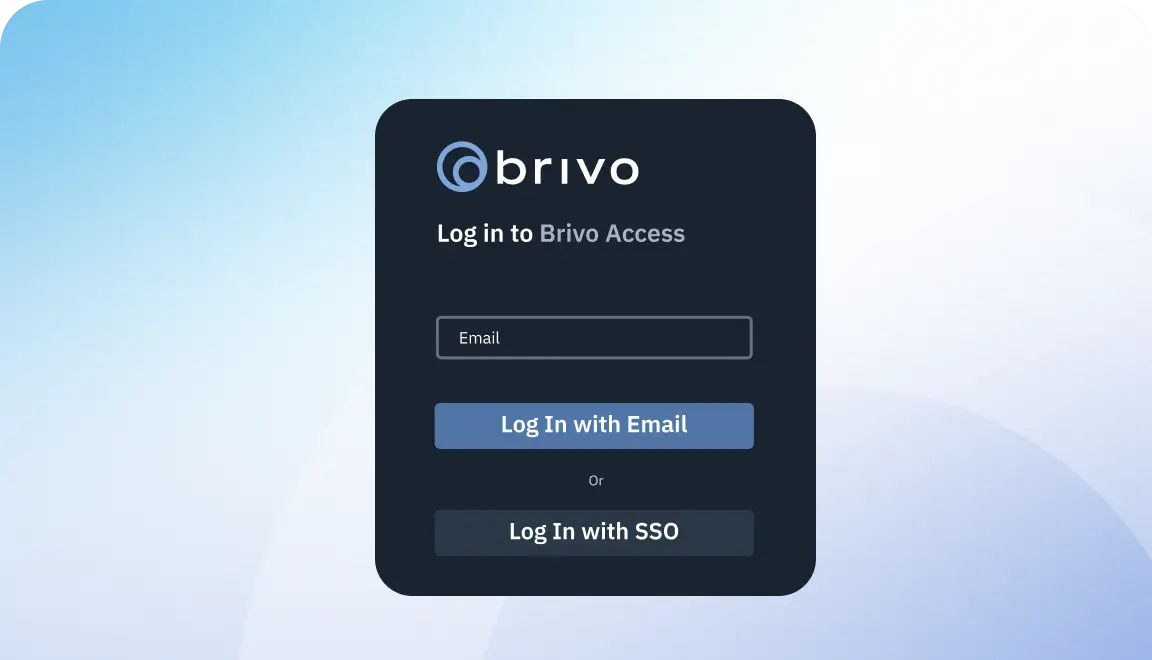
Dark rounded login card for Brivo Access with Email field and two buttons: Log In with Email and Log In with SSO on a blue gradient background
Secure user access

across the enterprise using industry-standard SAML single sign-on

Dark profile card showing John Thomas's name and avatar with a green checkmark indicating selection/validation.
Automate background screenings

by instantly checking guests against internal block lists and third-party restricted registries

Open APIs for IT/OT
Sync identities, building management system (BMS) signals, and visitor systems.
Businessperson in a dark blazer stands at a reception desk with a tablet on a stand in front of them.
Scan and verify identification

at the front desk to log accurate credential checks in real time

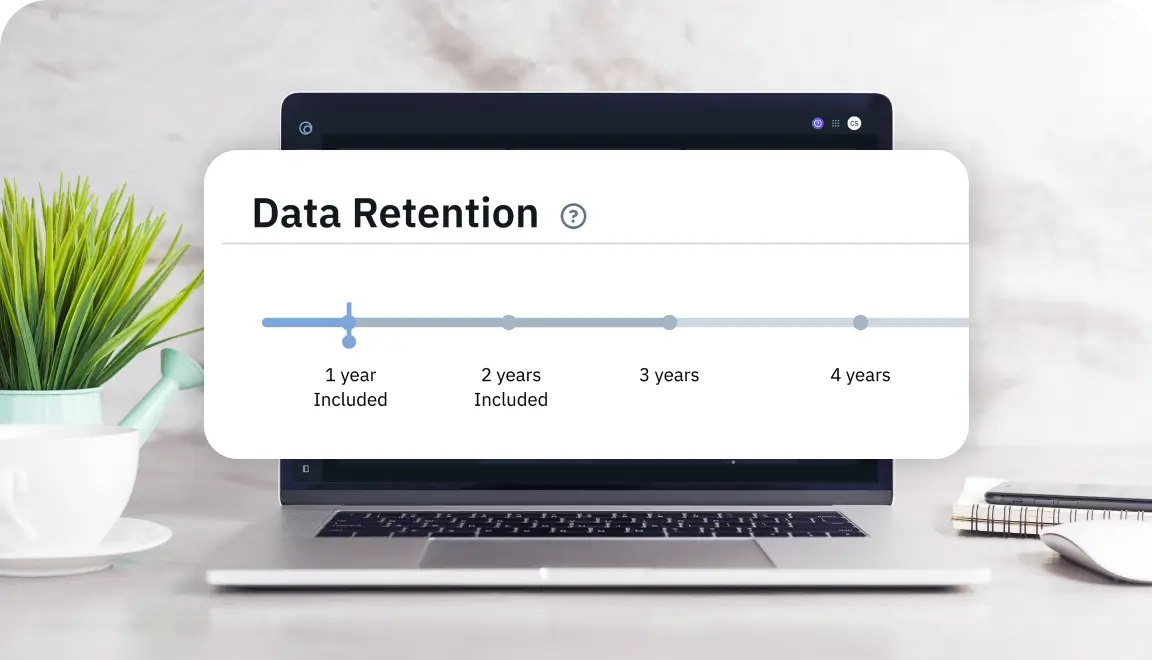
Banner: Data Retention timeline over a laptop screen showing 1–4 year preservation points, with a highlighted 1 year mark.
Control data retention

 by choosing exactly how long your system saves employee and visitor survey responses

Hand holding a smartphone showing an 'Invite Visitor' screen with a 'Create Key' button for door access.
Streamline pre-registration

by requiring administrators to approve invitations before they are sent

Open APIs for IT/OT
Sync identities, building management system (BMS) signals, and visitor systems.

Request a Demo of Brivo Visitor Management, Powered by Envoy

Brivo Visitor Management, powered by Envoy, is available as part of the broader Brivo Security Suite. Pricing depends on the number of locations you manage, visitor volume, or integration needs.

Common Questions About Visitor Management Systems

More questions?

How does Brivo’s visitor management system streamline check-ins?

Brivo Visitor Management, powered by Envoy, uses a lobby kiosk and guided workflows to replace paper sign-in sheets.

Visitors enter their details, complete screening questions, and acknowledge policies in a single flow. Hosts receive automatic notifications, and badges or temporary credentials (physical and digital) can be issued on the spot, shortening lines and improving accuracy compared to manual logs.

Can visitors preregister before arriving on-site?

Yes. Hosts can preregister guests, set visit dates and times, and send confirmation emails with instructions. When visitors arrive, their details are already in the system.

As a result, they move through the kiosk check-in faster, and you maintain a clear record of who was expected and who actually arrived.

Does the platform integrate with access control and ID badge printers?

Brivo Visitor Management is part of the Brivo Security Suite and integrates with Brivo Access to support time-bound PINs or mobile credentials. The product also supports badge printing within the kiosk workflow. This means visitors receive visible identification without requiring additional steps from the front desk.

How are visitor records stored and protected for compliance?

Visitor records are stored in Brivo’s cloud platform, which uses encryption in transit and at rest, role-based access control, and detailed activity logging.

You can configure which questions are asked, which documents must be accepted, and how long records are retained. You can then export data to support audits, safety reviews, or internal reporting.

Can multiple office locations share a single visitor management system?

Yes. Because Brivo runs in the cloud, multisite organizations can manage visitor flows across multiple locations from a single console.

You can standardize policies and sign-in questions across sites while still tailoring options such as languages and instructions for specific offices. Central reporting shows visitor activity by building, region, or the entire portfolio.