Physical Security Sensors and Audio Devices

Sensor & Audio Device Hero
Proactive Response

Sensors and Audio Devices for Intrusion or Hazard Detection

Physical sensors and audio devices transform passive monitoring into a proactive response system. By integrating these tools into the Brivo Security Suite and Brivo Eagle Eye Video, facilities can detect unauthorized movement, environmental hazards, and sound anomalies the moment they occur — not after the damage is done.

sensors
Use Cases

Powerful Security and Response Capabilities

Sensors and audio devices help teams move from detection to verification more quickly, providing clearer evidence for follow-up.

exception detection
Door and access exception detection

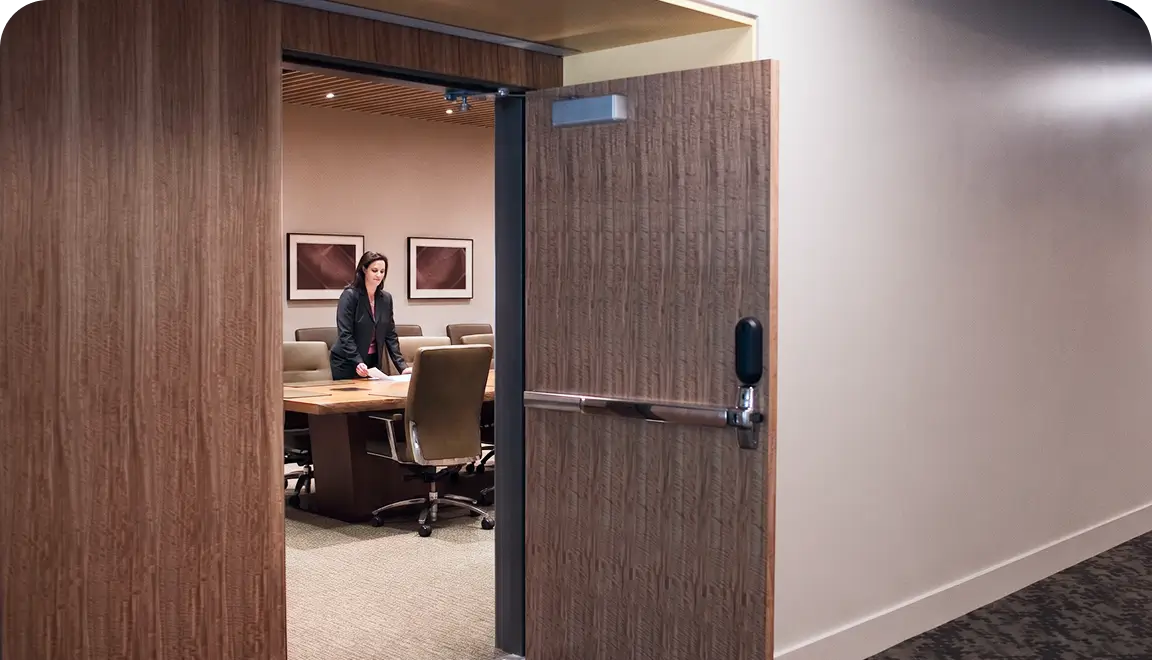
Capture door-open, forced-open, and held-open events, as well as access-granted or denied activity, then route alerts to the appropriate operators.

intrusion sensing
After-hours intrusion sensing

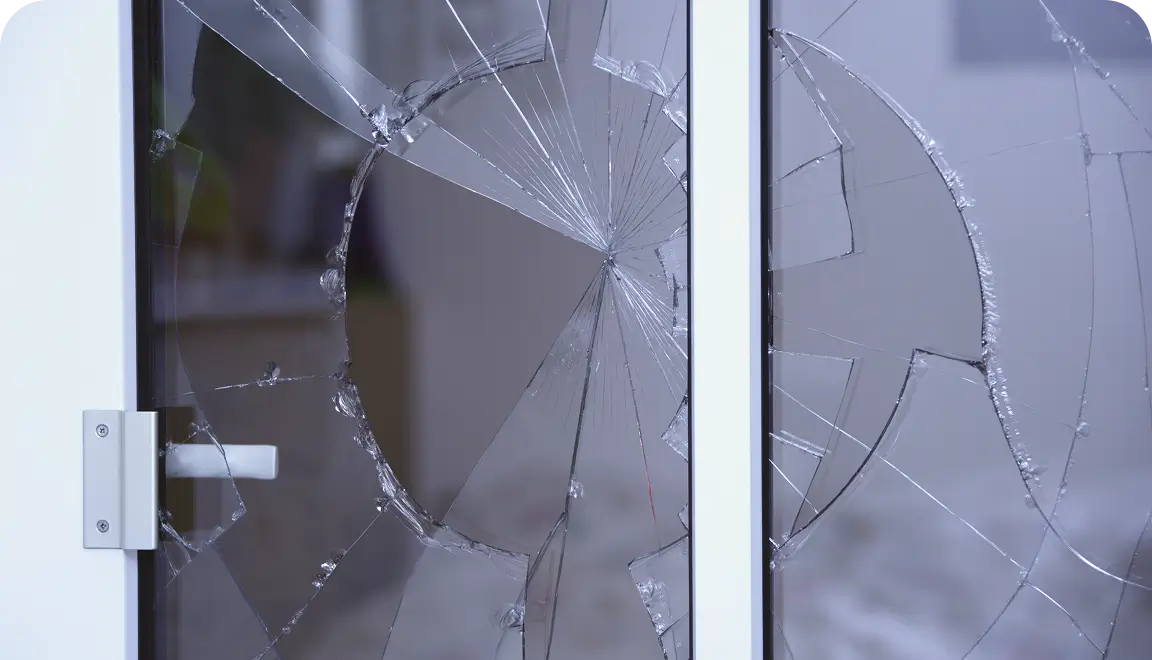
Use motion (PIR) detection and glass break sensing to flag unexpected activity, ensuring your commercial alarm monitoring system receives immediate, actionable data when spaces should be closed or unoccupied.

alerts
Environmental and vape alerts

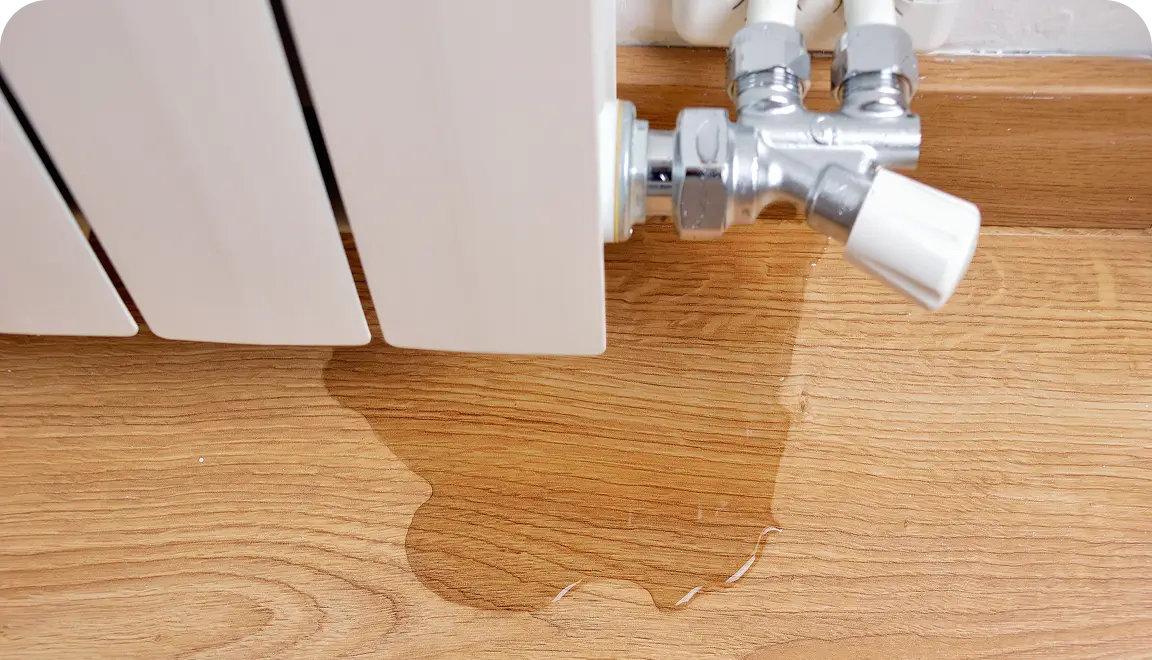
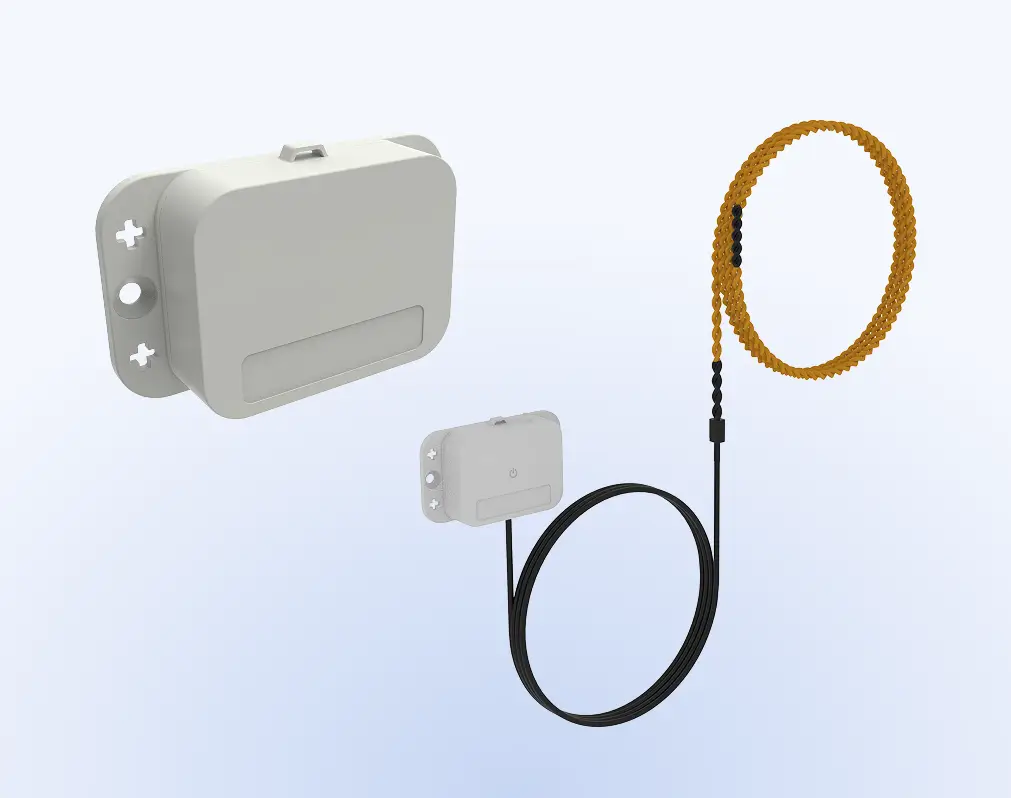
Detect water leaks, temperature and humidity shifts, and air quality issues like vaping to reduce damage and support a safety response.

verification
Video verification and timelines

Sensor and access events are aligned with video to reduce false alarms and expedite reviews. A vape sensor in a restroom can flag video from a hallway camera to identify individuals exiting the area.

intervention
Remote audio intervention

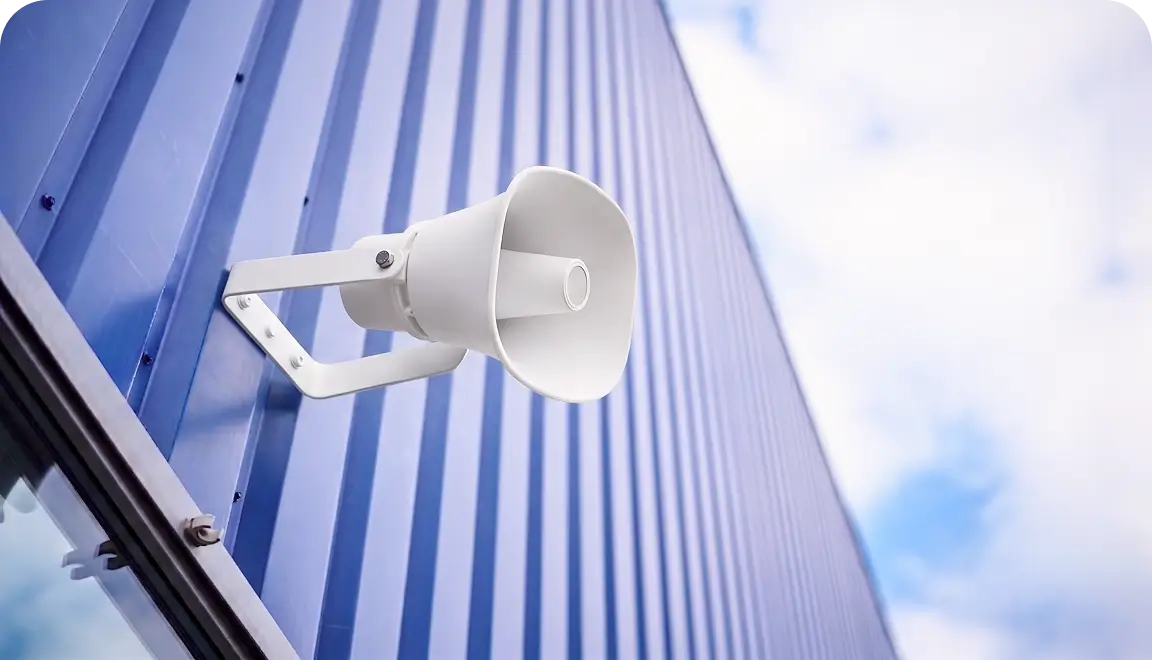
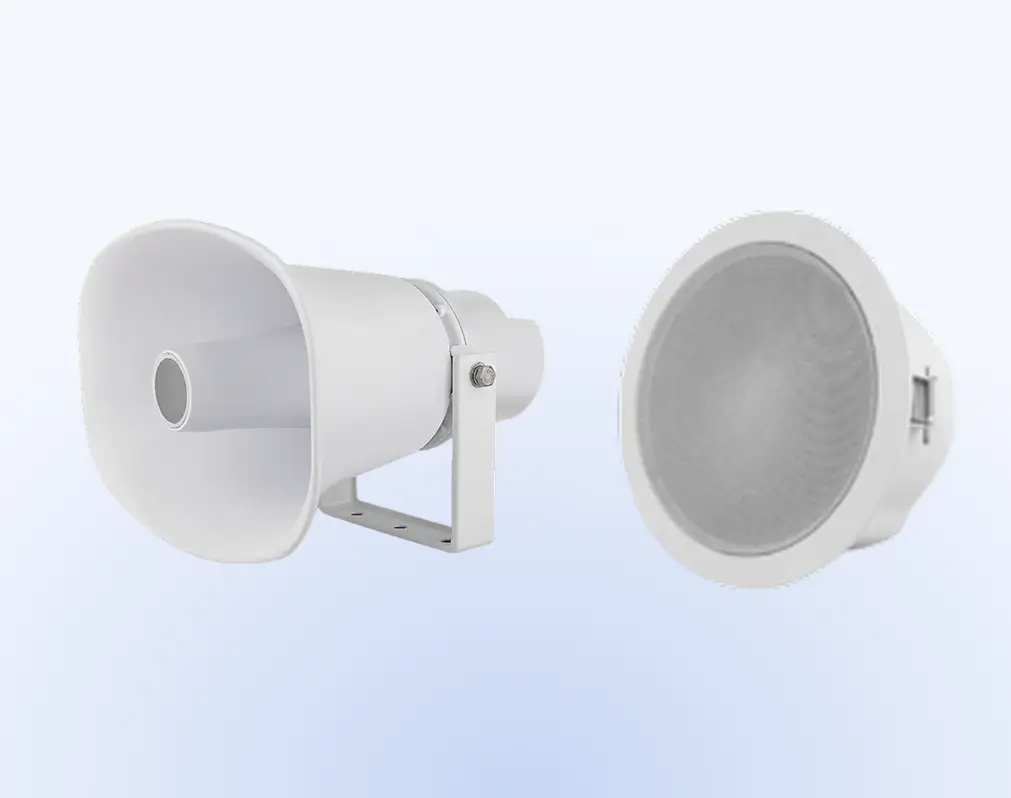
Execute remote verbal intervention via IP speakers; use “talk-down” capabilities to deter unauthorized visitors or provide emergency instructions without waiting for on-site personnel to arrive.

emergency
Emergency scenarios

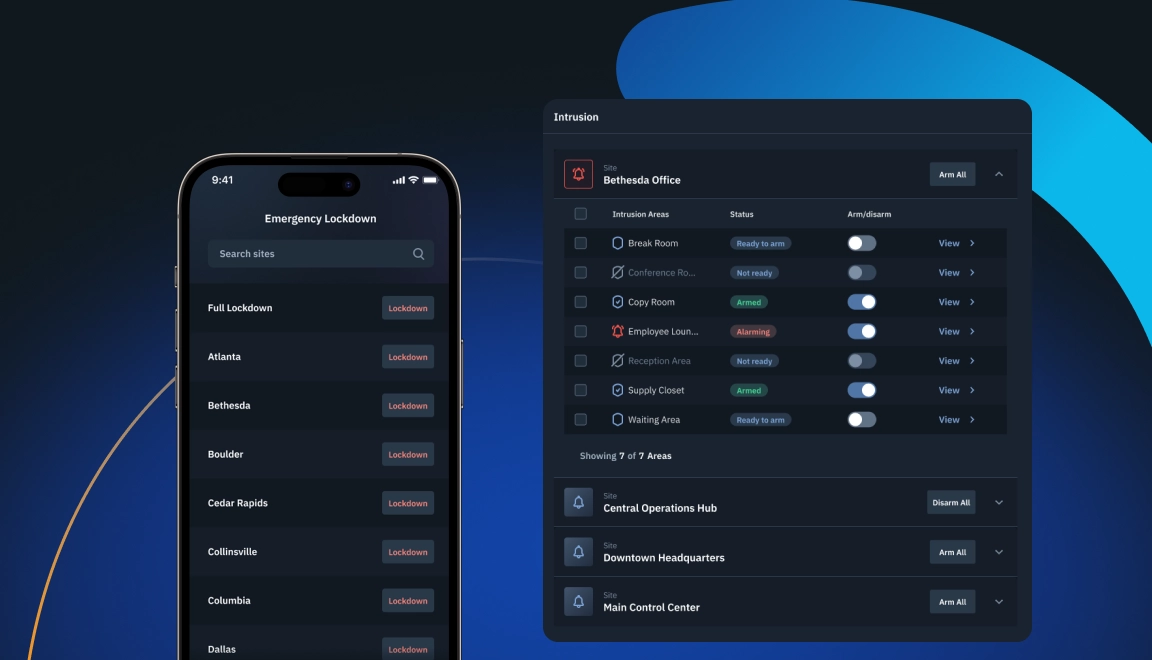
Use a one-touch tool to override schedules and emergency lockdown or egress via e-locks.

Event to Investigation

Physical Security Sensors from Detection to Response

Designate the trigger

A door opens unexpectedly at the perimeter, motion is detected after hours, a restricted area is accessed, or a water sensor flags a leak risk.

Generate the alert

Route the event to the right on-call staff with the door, zone, and time context needed to assess priority.

Verify with video

Use Brivo Eagle Eye Video to jump from the event to the related camera view to confirm whether it’s normal activity or a true exception.

Respond with the right action

Lock down a door if the policy allows, dispatch facilities for environmental hazards such as water leaks, or escalate to security when intrusion is suspected.

Intervene remotely when appropriate

Use IP speakers or two-way audio to issue instructions, deter unwanted behavior, or guide someone to safety without waiting for an on-site arrival.

Package evidence for follow-up

Export an incident report including the event timeline, access history, and video bookmarks. This documentation helps with risk assessments and proving compliance during an investigation.

Hardware

Brivo Sensors and Audio Devices

Brivo connects its cloud platform to supported commercial door locks and readers from other manufacturers, so you can manage who gets in without worrying about the hardware.

Note: U.S. audio recording laws vary by state. Organizations should align audio settings, notices, and signage with internal policy and legal guidance.

Platform

Sensors and Audio Devices in Brivo Security Suite

Brivo Security Suite is the cloud-based control and unified oversight layer for every door lock and reader in your system. With cloud-based access control, you configure and monitor doors across locations, enforce policies, and respond to incidents without touching on-site servers or lock hardware.
Environmental sensing with video context

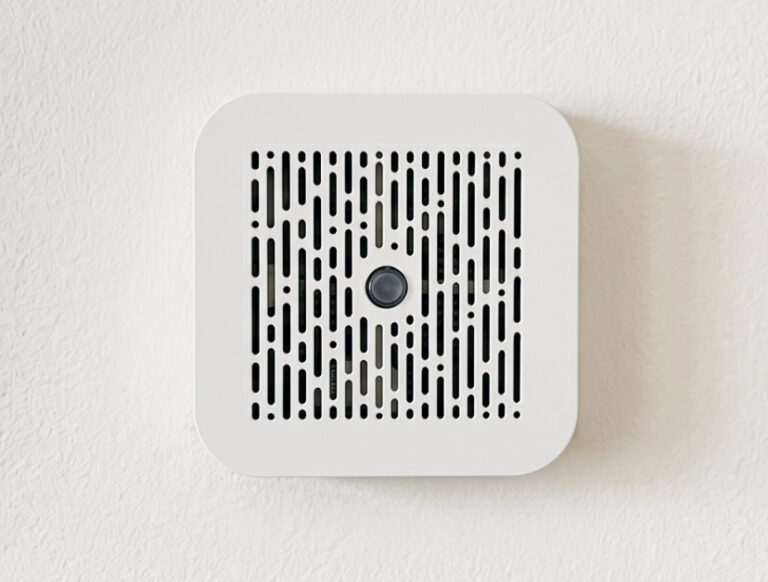
Brivo Sensors feed Brivo Eagle Eye Video, including alerts for Indoor Air Quality (vape detection), Water Presence, Ambient Temperature & Humidity, and Magnetic Door Sensor.

Door state and access governance

Contact sensing adds door-open context to credential activity and schedules. Eeva can create custom video alerts while Gun Detection helps you spot potential threats sooner.

Intrusion detection inputs

Brivo Sensors can support intrusion workflows, including request-to-exit (REX), motion (PIR), glass break, door/window contacts, alarm zones, and occupancy triggers.

Event-to-video verification

Bring door and credential events into Brivo Eagle Eye Video to search video by activity and bookmark key moments for audits and investigations.

Remote audio intervention

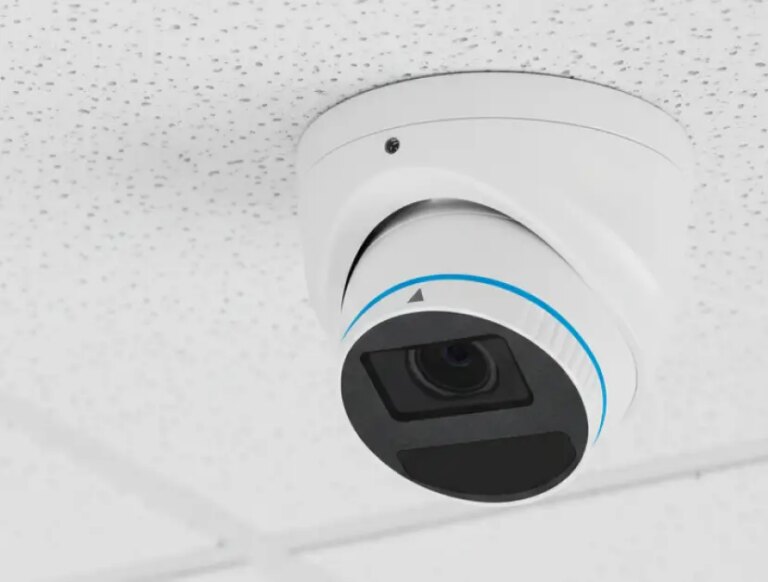
Use Brivo Eagle Eye speakers with horns, microphones for two-way audio communication, and I/O modules to connect to analog speakers, so you can manage events in real time from anywhere.

Unified event history for review

Access a record of every sensor alert and door event with a video clip to reduce the time required for post-incident investigations and compliance audits.

Industries

Cloud-Based Control of Commercial Door Lock Systems

You control doors, credentials, and remote unlocking in Brivo Security Suite, while the locks perform the physical work at each location.
Enterprise
Scale global door security with cloud control, single sign-on, and unified policy enforcement across locations, backed by real-time, audit-ready door logs.
Multifamily
Provide residents with mobile, card, or fob entry and manage units, common areas, and amenities from a single console.
Commercial Business
Keep day-to-day operations moving with cloud-based control of tenant and vendor access, plus monitoring and alerts across buildings.
Whether you manage stores, clinics, campuses, or offices, commercial door locks let you handle off-hours, temporary, or vendor access without a site visit. Set rules once, see logs in real time, and keep people moving.
Retail chains

After-hours deliveries, vendor access, and instant lockouts.

Healthcare

Medication and lab security, temporary staff access, and full audit trails.

Education

Classrooms and events, or quick replacements for lost badges.

Commercial real estate

Tenant move-ins, amenity doors, and contractor passes.

Manufacturing and logistics

Dock doors and cages or remote unlock for scheduled drops.

Comprehensive Security

How to Effectively Deploy Sensors and Audio Devices

When someone needs help opening a locked door, an authorized administrator can unlock it remotely via Brivo Security Suite. They don’t have to be in the same city as the reader.
Step 1: Design and risk mapping
Identify the doors, zones, and hazards that need coverage (perimeter openings, after-hours interiors, restricted areas, leak-prone spaces). A good output is a site-by-site map that defines critical detection zones, alert logic, and baseline ‘normal’ activity for both physical and environmental sensors.
Image description
Step 2: Device selection and placement
Choose sensor types and audio devices based on the scenario and the camera's field of view. A good output is a placement plan that avoids blind spots and supports verification.
Image description
Step 3: Integration and alert routing
Connect sensors and audio/video workflows so events route to the right team with enough context to act on them. A good output is clear routing rules with escalation paths by location and time.
Image description
Step 4: Pilot and tuning
Run a limited pilot to calibrate sensor thresholds and schedules, ensuring notifications are triggered only for true exceptions. A successful output is a significant reduction in “nuisance alerts” and a streamlined workflow for instant event-to-video verification.
Image description
Step 5: Rollout and ongoing maintenance
Expand in phases and standardize settings across sites, then review performance regularly. A good output is a consistent response and documentation across your portfolio.
Image description
Editions

Brivo Security Suite Customized for You

Choose the Brivo Security Suite edition that fits your needs today, with room to add more capabilities as your security program and portfolio grow.

Common Questions About Physical Security Sensors and Audio

What are the most important physical security sensors for a commercial building?

Start with door/contact sensors to detect door-open, forced-open, and held-open conditions at perimeter and restricted doors. 

Add motion sensors (PIR) for after-hours movement and areas where tailgating or unauthorized entry is a concern, plus glass-break for intrusion risk. 

Then layer in environmental sensors, such as water leak detection (rope/area or point/puck), temperature and humidity, and air quality (including vape), where safety or asset protection is a concern. 

Most sites also pair sensing with visual verification (cameras and analytics) and higher-assurance credentials such as biometric authentication or MFA, where configured.

What is the importance of door sensors and access control?

Door sensors tell you what the door did (opened, forced, or held), while access control tells you who was authorized (or denied) at that time. Together, they create a clearer timeline for investigations and make it easier to distinguish normal use from true exceptions.

How can a security camera with audio benefit the work environment?

Audio can help teams deter unwanted behavior, provide directions, and support safety messaging without being on site. Because consent and recording requirements vary, align audio use with internal policy, signage, and guidance from legal counsel.

What is two-way audio, and when should security teams use it?

Two-way audio lets operators speak and listen via a camera or an IP speaker when deployed. It’s useful for talk-down at entrances, guiding visitors or vendors, and supporting remote response during after-hours activity or safety concerns.

How do you reduce false alarms with motion and door sensors?

Good placement and calibration matter, especially near HVAC vents, rattling doors, or high-traffic areas. Use schedules and thresholds so alerts match operating hours, verify events with video before escalation, and tune settings during a pilot to reduce nuisance alerts over time.