
Brivo Eagle Eye Video Editions: AI Video Surveillance Solutions
Brivo offers three options to align Brivo Eagle Eye Video with your organization’s size and surveillance needs. Advanced features complement the powerful core functions of Brivo Eagle Eye Video, better suited to large and enterprise operations.
Standard
Core features designed to meet the needs of most businesses
Get all the core functionality, including Smart Video Search and some AI analytics, to improve security and business operations.
Professional
Designed for mid-sized (10-25 locations) and rapidly growing businesses
Get core capabilities plus features to better manage large numbers of locations, users, and cameras.
Enterprise
Ideal for large, distributed, and multi-national businesses
Get support for an unlimited number of users as well as access management and advanced reporting to meet audit and regulatory requirements.
Compare Brivo Eagle Eye Video Editions and Features
- Included
- Available as an add-on or upgrade
- Limited / Partial
**Additional Eagle Eye Networks subscriptions required.
Add-Ons
Customize With Expanded Features For Enterprise Businesses
Larger organizations need additional management tools to streamline their security system. We’ve developed additional features to benefit operations with multiple locations, many cameras, a large number of users, regulatory requirements, and complex needs.

Site / Floor Plans feature
Manage groups of cameras by location or view them on a floor plan.
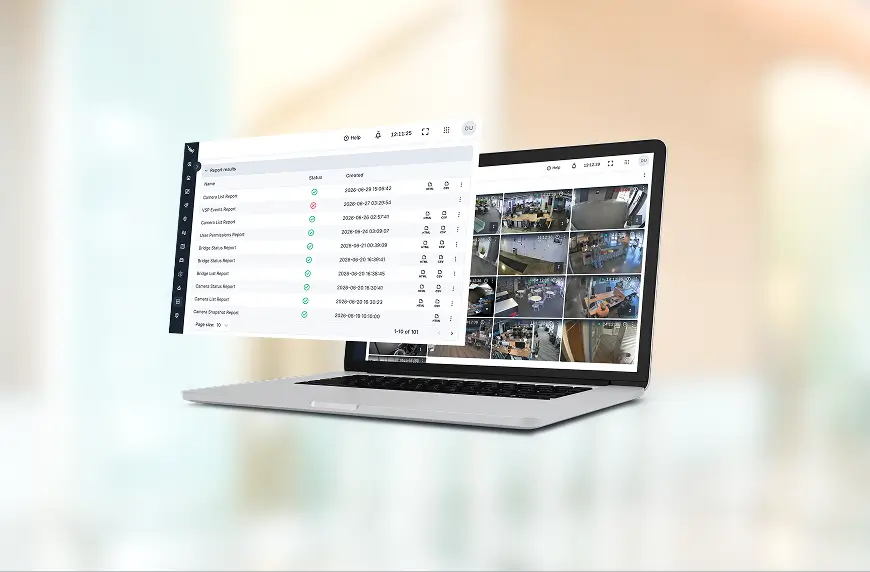
Audit log
Review and track user activity. Ensure compliance and proper system use. Proactively prevent unwanted changes with Audit Log Notifications.
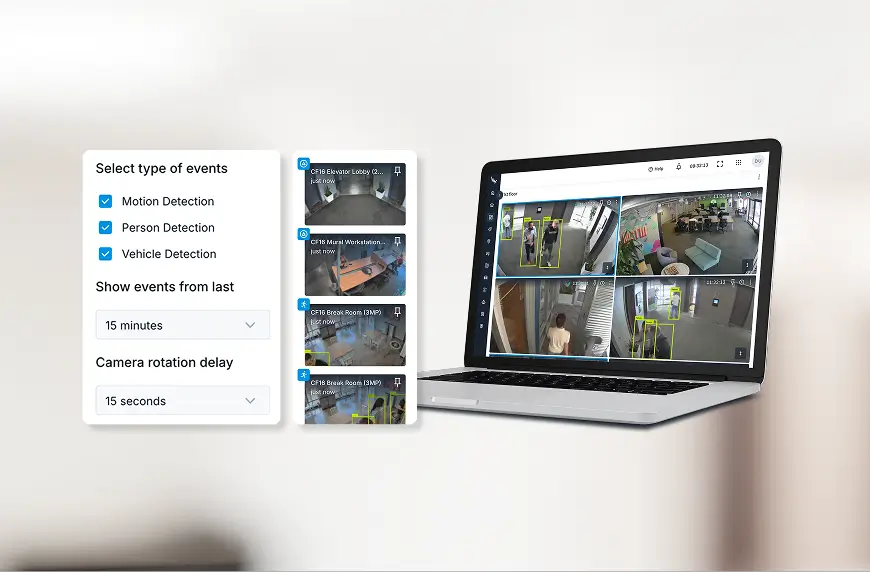
Smart Layouts feature
AI prioritizes cameras with detected motion to the top of the dashboard layout so that live activity is immediately viewable.
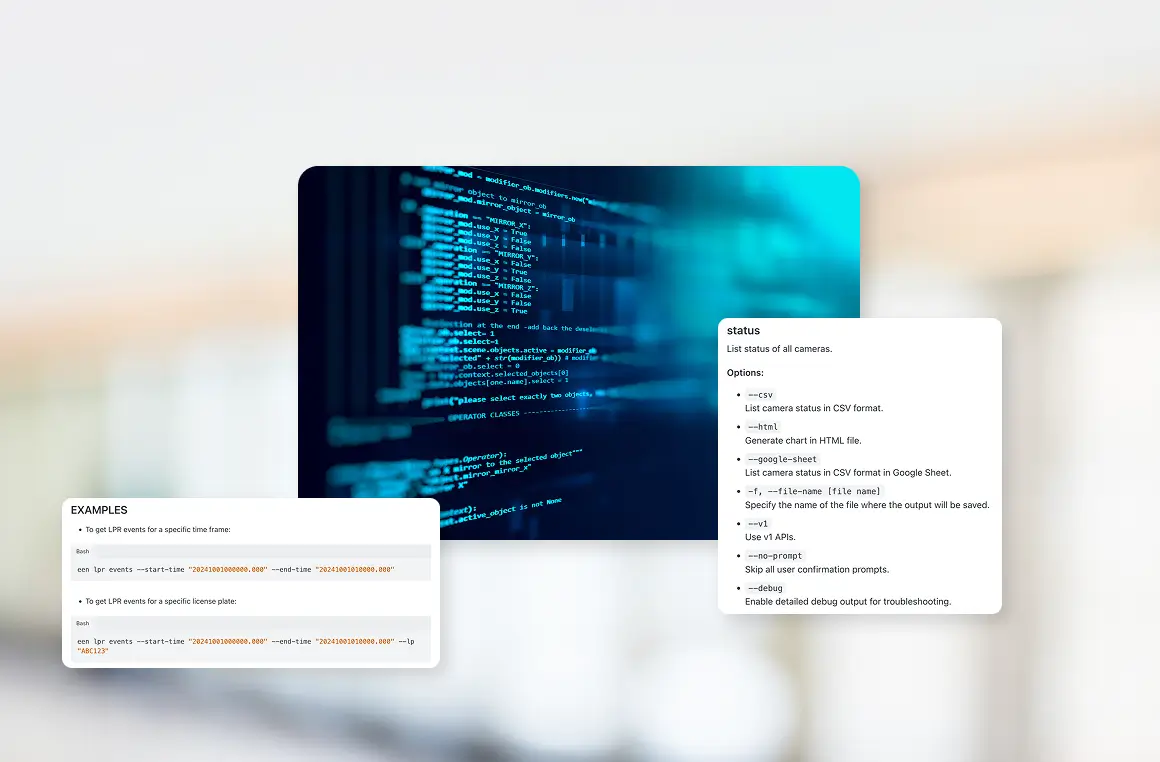
Command Line Interface (CLI)
Easily create scripted commands to automate scaled or system-wide functions, including system edits, downloads, and troubleshooting.

Gun Detection
Proactively protect your business with real-time alerts when a brandished gun is detected, so your security team can respond before a situation escalates (U.S. only).
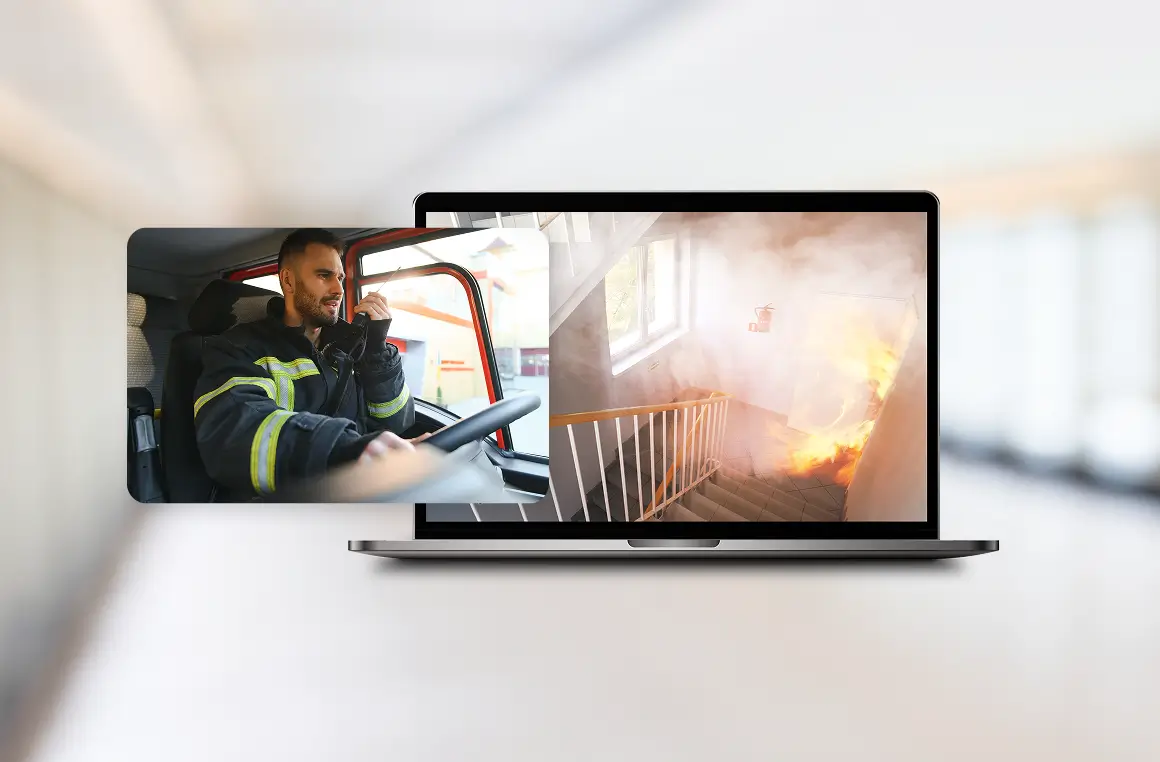
911 Camera Sharing
Share pre-selected security cameras so emergency telecommunicators can relay vital information to first responders (U.S. only).

Recognized for Excellence


Scale Your Organization With Brivo Eagle Eye Video
Future-proof your security with a cloud video solution built to adapt. Brivo Eagle Eye Video Editions offer the seamless scalability, deep camera compatibility, and smart analytics needed to protect your organization at any size. Ready to elevate your situational awareness? Schedule a demo today.
Common Questions About Brivo Eagle Eye Video Editions
Which edition is right for my business needs?
- Editions help large and enterprise businesses manage their surveillance system. The Professional Edition provides features like Sites and Floor Plans and Audit Log that help large and growing businesses better manage a large number of sites, cameras, and users.
- The Enterprise Edition provides expanded management tools and advanced reporting tools that help meet audit and regulatory compliance requirements.
- Both the Professional and Enterprise Editions offer Single sign-on (SSO).
What new features come with each edition?
New features are in constant development to continue to streamline and improve how businesses use Brivo Eagle Eye Video. When a new feature is released, it will be added to the diagram on this page as they are developed, and information about those features will be shared with our certified resellers.
How much do Brivo Eagle Eye Video editions cost?
The Standard Edition is the base tier that comes with all Brivo Eagle Eye Video accounts. The Professional and Enterprise Editions include additional features geared towards the needs of larger businesses. Contact our sales team to learn more about pricing and features of the Professional and Enterprise Editions.
Is Smart Video Search part of editions?
Smart Video Search is available to all Brivo Eagle Eye users, with up to 7 days of search history on Standard, while Professional and Enterprise provide search history equal to the camera retention period.
Are AI Video Analytics available for any edition?
All editions of Brivo Eagle Eye Video include everyday analytics, such as line crossing and loitering, on all cloud-connected cameras. Advanced analytics are available as additional features across all editions, including LPR, 911 Camera Sharing, and Eeva.
Can I change which editions my business uses?
Brivo Eagle Eye Video is flexible, allowing users to make changes as their business needs evolve or their business grows.