





Mobile Access Solutions
Corporate Badge in Google Wallet™ for Easy Access Control
Benefits
Simplified Access Control via Android Phones
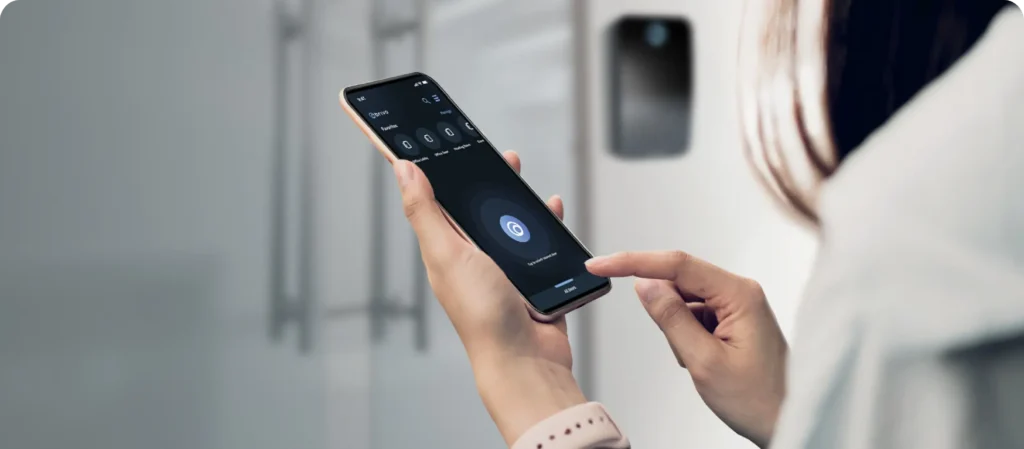
Offer an even simpler way to get around the office without having to unlock a phone or open an app by adding access credentials to Google Wallet. Provide employees with a simple, easy workplace experience with just a tap from an Android phone.
Enterprise-grade privacy and security
Google Wallet’s advanced security and privacy controls keep information safe. Mobile credentials can’t be stolen, duplicated, or removed except by the authorized user or the admin.
Reduce IT burden
No need to spend time collecting badges, copying keys, or programming fobs. It can all be managed easily in the Brivo Security Suite.
Issue credentials quickly
Add and remove users easily all from one interface. Sync with identity and access management (IAM) systems for even more security and convenience.
Manage from anywhere
Access the Brivo Security Suite from anywhere, so there’s no need to run to the office to set up new employees or disable existing staff.
Recognized for Excellence
Scalability
Enterprise-Grade Privacy and Security Built For Scale
The employee badge in Apple Wallet takes full advantage of the advanced security and privacy features already built into iPhone and Apple Watch, ensuring your workplace remains protected and compliant.
On-device storage
Employee badges are securely stored directly on the user’s device rather than on centralized servers.
Data privacy by design
Apple does not track or see the specific locations your employees access, keeping employee movement data private and confidential.
Instant remote lock
If a device is misplaced, users or administrators can use the Find My app to instantly lock the device and automatically suspend its access keys.
Remote wipe
For compromised or lost devices, security teams or users can remotely erase the device and its digital keys to prevent unauthorized workplace entry.
Setup and Activation
Simplified Deployment and Credential Management
Lost keys or fobs are no longer an issue. It’s as easy to use as pulling out their phone or mobile device. Easily activate, suspend, or permanently deactivate mobile credentials with Brivo Access or with the Okta and Azure integrations.
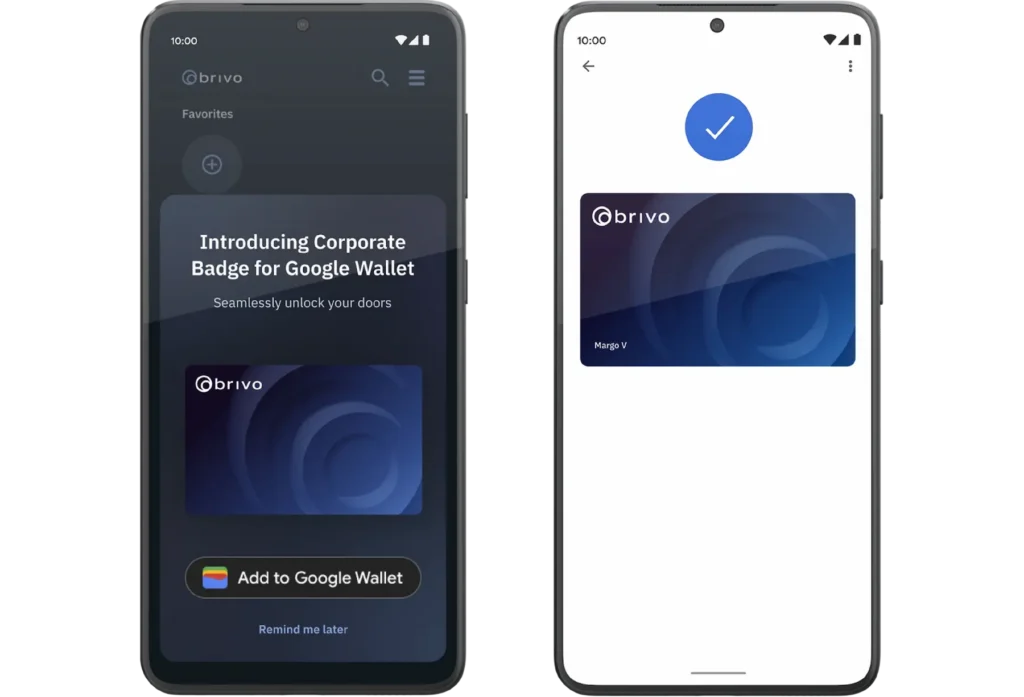
1. Download the Brivo Mobile Pass app to your Android phone (must be on OS 8 or later).
2. Tap “Add to Google Wallet” within the app.
3. Tap Add to Apple Wallet on your Badge
For a complete list of global availability, click here.
“Our residents appreciate the mobile-first solution and our employees find the self-service solution allows them to spend more time focusing on delivering great resident experiences.”

“The Brivo system makes my job easier and frees me up for other things. With Brivo, it’s easy to find out what we need; the system doesn’t lie. It’s very easy to manage and we can focus our time on providing quality care to our patients.”

“All of our call centers and distribution centers use Brivo today. We've been able to run a highly efficient operation by having the security team able to focus on their core responsibilities instead of managing a database.”

“Out of all of the security proposals we saw, Brivo’s cloud-based access control solution was a no-brainer. It’s intuitive to use and gets the job done well.”
Integrations
Integrate Access Control With Your Entire Security Ecosystem
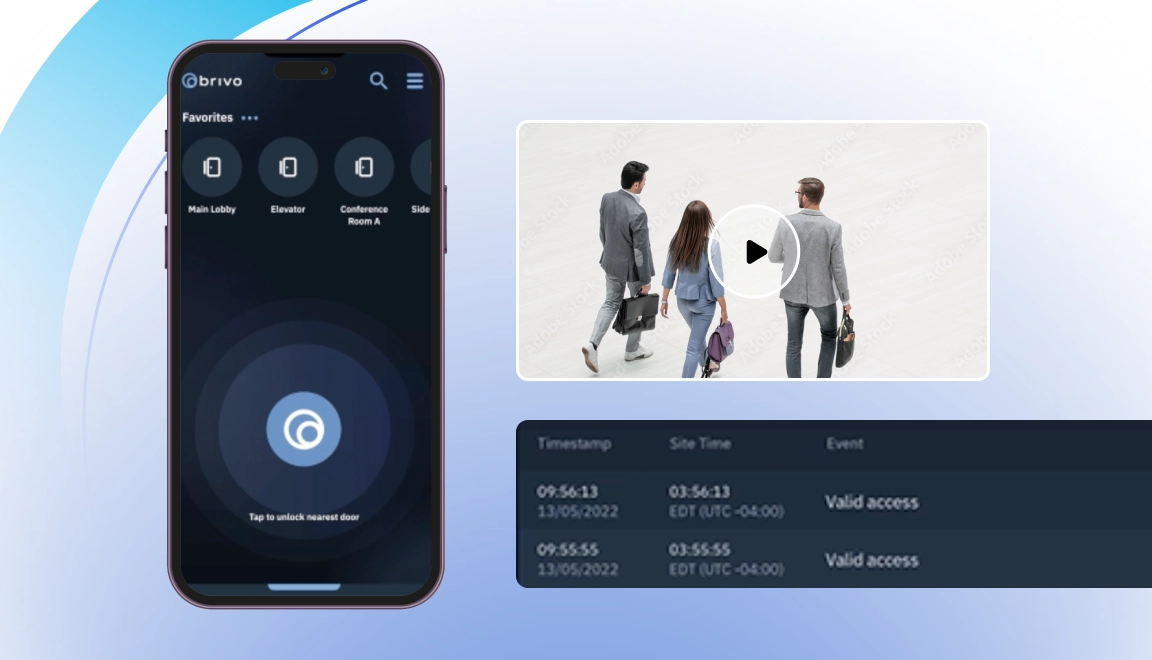
Video ties to door events
Access, video, and intrusion events in one view
Real-time alerts, plus one dashboard
Open APIs for IT/OT
Deploy Brivo Mobile Pass Across Your Organization
Trust Brivo to ensure security and convenience with our mobile access solutions. We’re leading the market with over 4 million Brivo Mobile Pass credentials issued.
How do employees add and activate a corporate badge in Google Wallet?
To add a corporate badge, employees need to open their Brivo Mobile Pass email invitation on an NFC-enabled Android device, download the Brivo Mobile Pass app, and follow the prompts to activate their credential. From there, they can tap the Add to Google Wallet button directly within the app and accept the Google terms to finalize the setup.
Are corporate badges in Google Wallet secure enough for enterprise environments?
Yes. Backed by Google’s advanced encryption and privacy controls, these digital badges are highly secure and cannot be cloned, stolen or shared. Administrators maintain complete, real-time control over credential provisioning and can even enforce biometric verification for high-security zones.
What are the prerequisites to deploy Corporate Badge in Google Wallet™ with Brivo?
Deployments require your facility to use compatible NFC-enabled Brivo readers and have Brivo Wallet Passes provisioned via Brivo Access. Employees will need an Android phone running Android 8 or later with NFC toggled on, alongside the Google Wallet and Brivo Mobile Pass apps.