
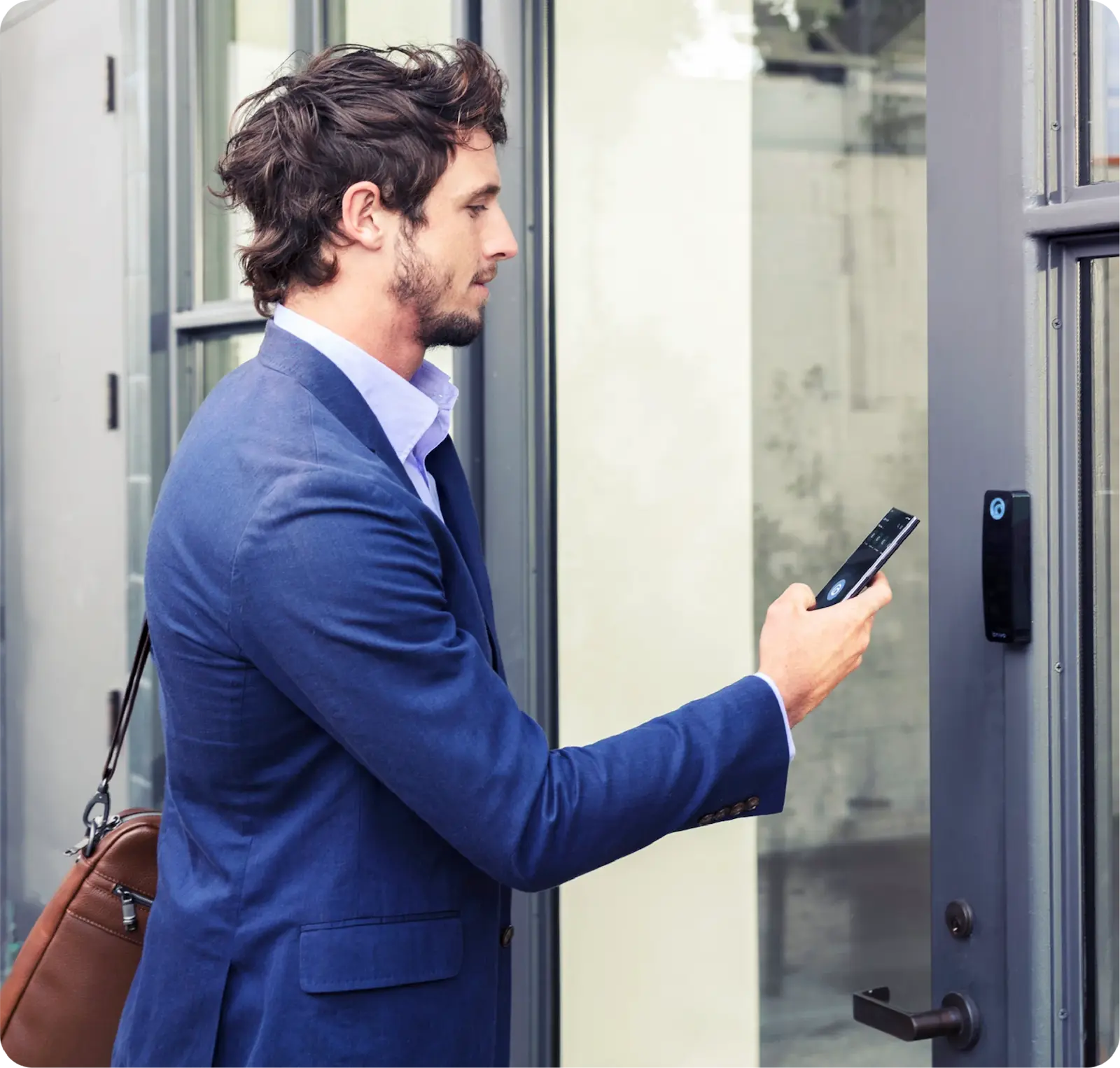
Capabilities
How Can Access Control Help You?
Access control management is foundational to physical security because it controls who can enter and monitors activity at every door. Brivo Security Suite operationalizes access policies to entries, people, identities, and day-to-day operations.
Brivo’s pioneering cloud-based access control gives teams a reliable way to manage entry, permissions, and activity across locations without relying on on-site servers.
When access is connected with video, intrusion, and visitor workflows in the Brivo Security Suite, teams gain stronger identification, authentication, authorization, and accountability.
Least Privilege Access, Zoning, and Role-Based Access Control
Access governance becomes manageable when you base it on a few repeatable principles. In physical environments, «least privilege» often manifests as zoning: define areas by high-value assets, then grant only what a role requires.
Least privilege and "need to access"
Start with the smallest set of doors a role needs, then add only when there’s a clear reason.
Role-based access control (RBAC)
Use groups for employees, contractors, and visitors so you don’t have to manage permissions on a person-by-person basis.
Time-bound and context-aware permissions
Automate the restriction of access to shifts, scheduled work windows, and approved timeframes for projects or events.
Segmentation and zoning
Separate public, semi-public, restricted, and high-security zones, then map roles via Brivo’s cloud.
Continuous monitoring, reporting, and auditing
Review exceptions, investigate anomalies, and validate that policies still reflect how people use the space.
Benefits
Brivo Supports Access Management at Every Stage of the Lifecycle
Access management can succeed or fail in the lifecycle: when people join, move, and leave. Brivo helps teams automate the access lifecycle without creating an IT bottleneck.
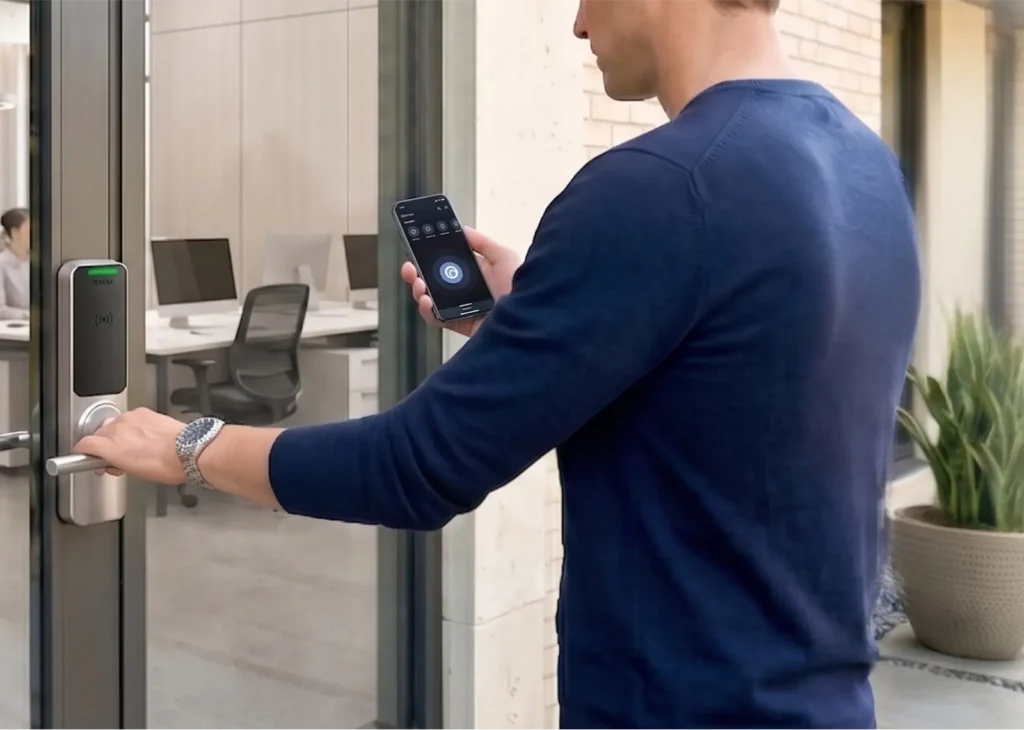
Onboarding and provisioning: Define roles and groups first, then issue credentials via consistent workflows: cards, fobs, PINs, biometrics, and mobile management.
Changes and temporary access: Handle role changes, site moves, vendors, and short-term projects with time-bound permissions that reduce permission creep.
Offboarding and revocation: Manage Instant, universal revocation when someone leaves or a contract ends, reducing the risk of lingering active credentials and keys.
Monitoring and investigations: Search door and video activity using event history, reporting, and Brivo Genius for audits, incident reviews, and oversight.
Incident preparedness: Classify events by risk — critical, warning, or info — and set up emergency scenarios, such as locking down all doors.
Platform
Operationalizing Access Control Management
Brivo pioneered cloud-based access, turning static policies into dynamic, site-wide operations. With Brivo, access control, video, intrusion, and visitor workflows come together in one cloud platform, so you can manage security consistently across locations without adding complexity.
- Enforce global policies by role and zone, then apply them consistently across locations.
- Support mobile credentials, cards, fobs, biometrics, and PINs while keeping a single policy model.
- Make real-time changes and revocations from anywhere, including fast offboarding.
- Maintain audit trails and pair every access event with real-time video context to verify identities and accelerate incident response.
- Connect to IT and identity systems through integrations to reduce duplicate data entry and keep access aligned with enterprise workflows.
Partner With Brivo for Trusted Automated Access Management
Brivo Security Suite is built with security controls and compliance practices designed to protect customer data and support audit readiness.
Common Questions About Access Control Management, Policy, Zero Trust, and More
What's the difference between access control and access control management?
Access control is a system that grants or denies entry to doors and other entry points, such as gates and elevators, and records events.
Access control management is the governance layer that ensures permissions, schedules, and audit-ready reports are consistent across locations without the overhead of manual updates.
When access management is integrated with video, intrusion, and visitor workflows, teams gain better decision context, faster incident review, and more efficient day-to-day operations.
How does access control management relate to zero trust?
Zero trust applies the principle of “verify, then grant only what’s needed.” In physical spaces, that usually means zoning by risk, enforcing least privilege through role-based groups, using time-bound access, and reviewing exceptions, often tied to your identity provider (IdP) such as Okta, Google Workspace, or Microsoft Entra ID.
Access control management also supports zero-trust principles by tying physical access updates to identity changes. This way, onboarding and offboarding don’t rely on manual catch-up.
Do I need to replace my existing door hardware to improve access control management?
Not always. Many organizations improve the management layer first — policies, credential workflows, and reporting — then phase in hardware updates as needed.
A compatibility assessment can confirm what to keep in place and what to upgrade over time. This can even include control panels and readers.
How can I centralize access control across multiple locations?
Centralization starts with a single policy model and a single administrative view. A cloud approach helps you standardize roles and zones across locations, then roll up reporting by door, location, and user group. Cloud architecture is flexible to easily scale across many locations.
Integrations can also keep access aligned with identity and HR-driven changes, so permissions stay current without duplicate updates.